

CMake Cookbook by Eric
I. Basics
关键字:CMake中的构建指令
指令的书写是大小写无关的;
II. Project:指定项目名称和语言类型
命令格式:project(
Note
项目名称不需要与项目根目录名称相同。
Project示例
project(custom_dummy_plugin):指定了工程名字;
project(custom_dummy_plugin CUDA CXX C):指定了工程名字,并且支持语言是C和C++;
III. Set:定义变量(值和列表)
set(CMAKE_CXX_STANDARD 17):定义变量 CMAKE_CXX_STANDARD的值为17
Set定义列表示例
set(SRC_LIST main.cpp t1.cpp t2.cpp)
VI. ${V_NAME}:引用变量值
link_directories("${DALI_LIB_DIR}"):链接DALI_LIB_DIR源代码目录。
V. Message:向终端输出用户自定义的信息
主要包含三种信息:
- SEND_ERROR:产⽣错误,⽣成过程被跳过。
- SATUS:输出前缀为
—的信息。 - FATAL_ERROR:⽴即终⽌所有CMake过程。
5.4 在launch.json中配置cmake
CMake Tools插件教程:《VSCode-cmake-tools/debug-launch.md | Debug using a launch.json file》
// Resolved by CMake Tools:
"program": "${command:cmake.launchTargetPath}",
5.5 在CMake中寻找python解释器
关于使用CMake命令寻找python解释器,请参考博文《C++ clion使用python》
Troubleshooting
(1)出现:The CUDA compiler identification is unknown…
有一次在编译时,出现这样的错误:
[Bash]: The CUDA compiler identification is unknown…
[CMakeError.log]:
Checking whether the CUDA compiler is NVIDIA using “” did not match “nvcc: NVIDIA (R) Cuda compiler driver”:
Checking whether the CUDA compiler is Clang using “” did not match “(clang version)”:
Compiling the CUDA compiler identification source file “CMakeCUDACompilerId.cu” failed.
Compiler: CMAKE_CUDA_COMPILER-NOTFOUND
Build flags:
Id flags: -v
The output was:
No such file or directory
Compiling the CUDA compiler identification source file “CMakeCUDACompilerId.cu” failed.
Compiler: CMAKE_CUDA_COMPILER-NOTFOUND
Build flags:
Id flags: -vThe output was:
No such file or directory
Checking whether the CUDA compiler is NVIDIA using “” did not match “nvcc: NVIDIA (R) Cuda compiler driver”:
Checking whether the CUDA compiler is Clang using “” did not match “(clang version)”:
Compiling the CUDA compiler identification source file “CMakeCUDACompilerId.cu” failed.
Compiler: CMAKE_CUDA_COMPILER-NOTFOUND
Build flags:
Id flags: -vThe output was:
No such file or directory
…
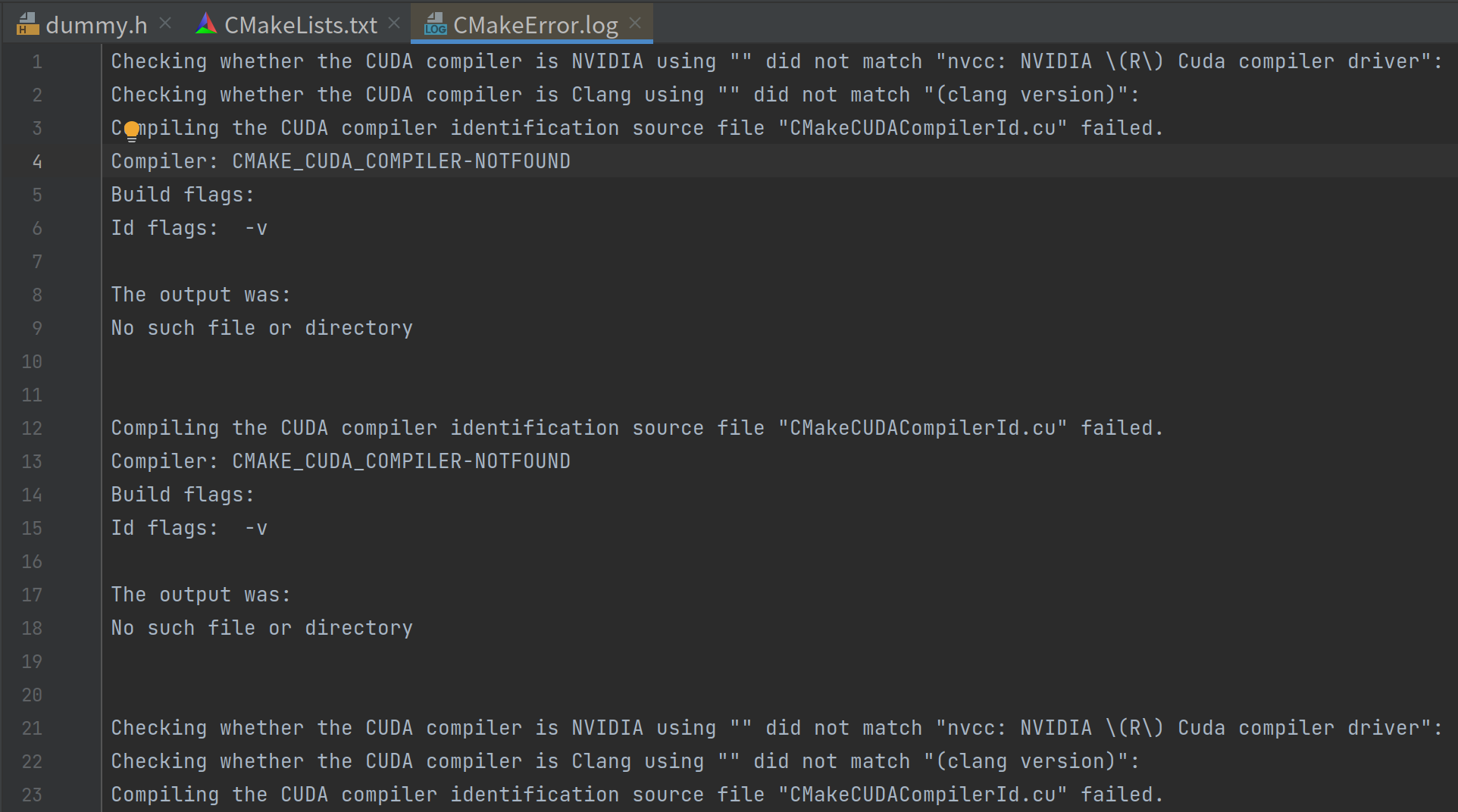
从网上的资料来看,似乎是CMake未能找到CUDA编译器,我们尝试过手动指定CUDA的编译器,有时会修复这个问题:
set(CMAKE_CUDA_COMPILER "/usr/local/cuda/bin/nvcc")
VI. Include_directories:添加源代码目录
官方文档:include_directories()
include_directories(SYSTEM "${CMAKE_CUDA_TOOLKIT_INCLUDE_DIRECTORIES}"):添加CUDA目录
VII. Link_directories:引入工具库目录
link_directories("${DALI_LIB_DIR}"):引入DALI库目录文件夹;
VIII. Target_link_libraries:引入链接库(target)
在使用link_directories引入工具库目录后,就可以用target_link_libraries引入链接库了,链接库可以用库名引入,库名的命名规则是:链接库文件名lib和.so中间的字段,例如:cublas库名则引用的是 libcublas.so。
VI. 常见命令
cmake ..:在build目录中编译工程
使用cmake ..时,一般是当前光标位于build文件夹中,而此时CMakeList.txt位于上一级主目录中,所以加上..来声明CMakeList.txt所在的目录位置。
上一篇:玄幻小说的台词
下一篇:关于表达兄弟情谊的名言警句有哪些