

httpclient
1.什么是httpclient
HttpClient 是Apache Jakarta Common 下的子项目,可以用来提供高效的、最新的、功能丰富的支持 HTTP 协议的客户端编程工具包,并且它支持 HTTP 协议最新的版本和建议。
2.http请求(结合spring的注解)
2-1GET请求
添加添加@PathVariable 带占位符的 URL
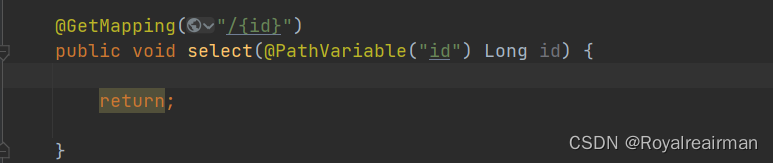
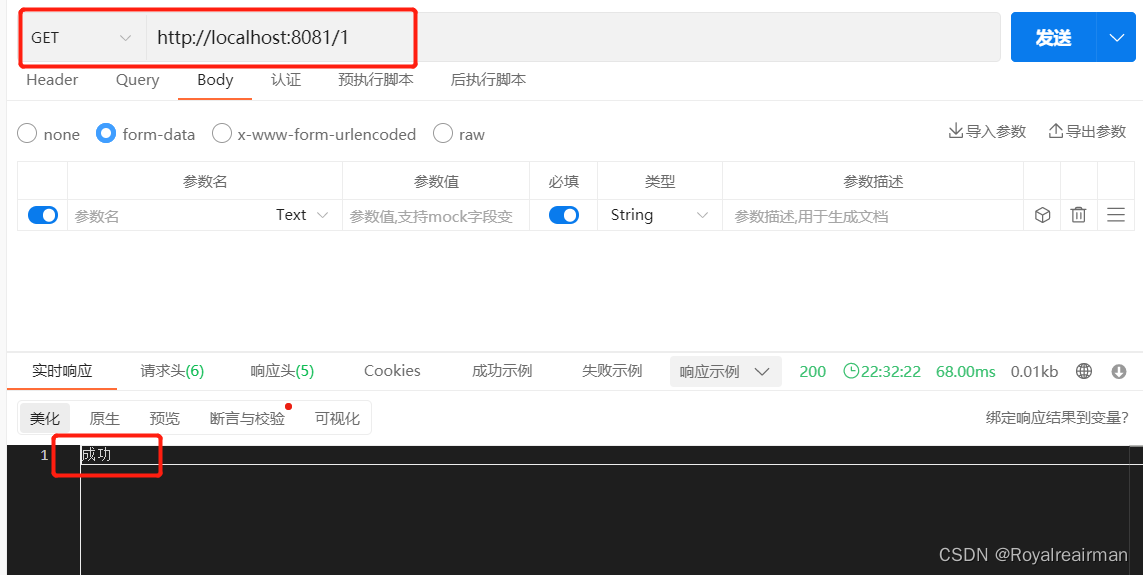
添加@RequestParam 将请求参数区域的数据(url中参数)映射到控制层方法的参数上
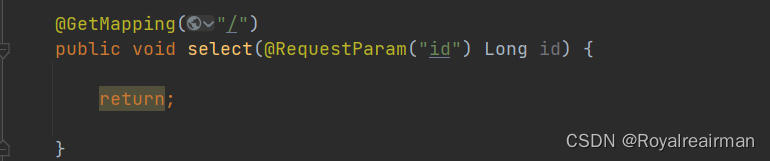
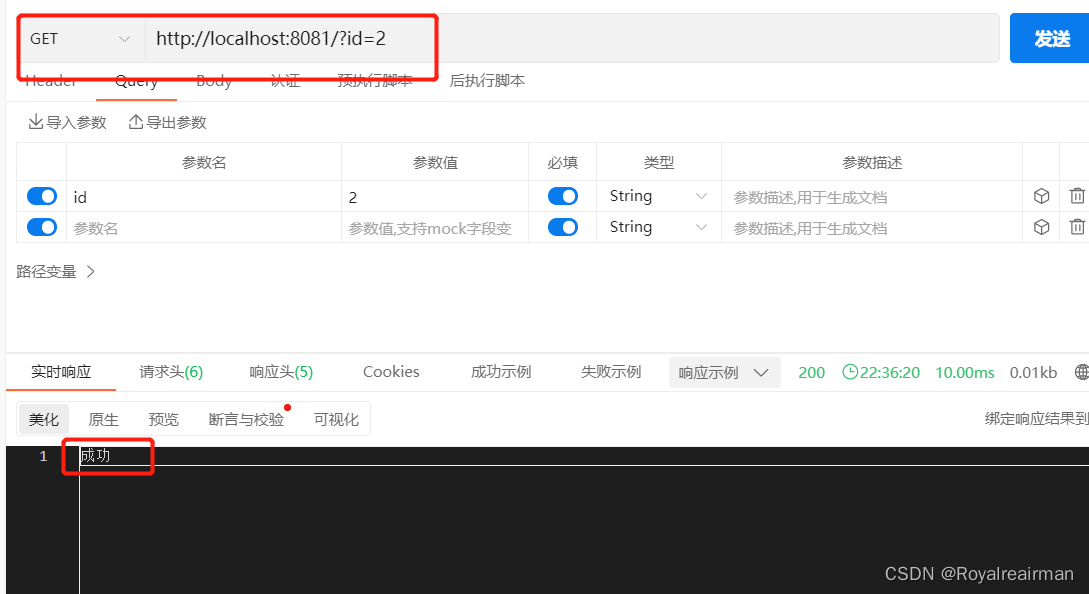
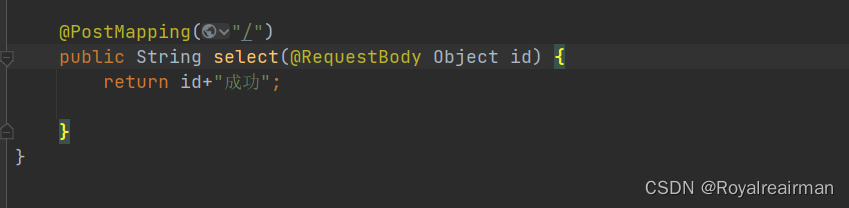
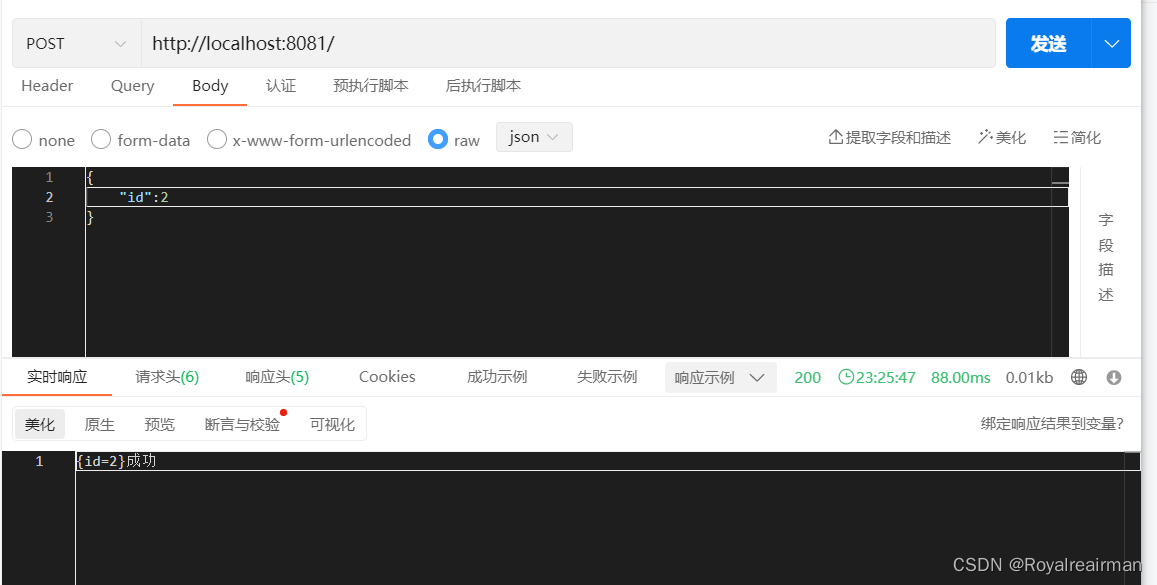
2-2 POST请求
添加@RequestBody JSON传参
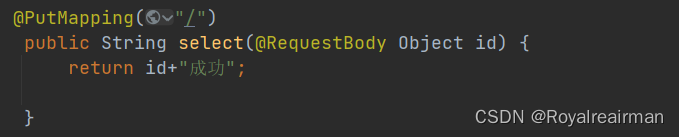
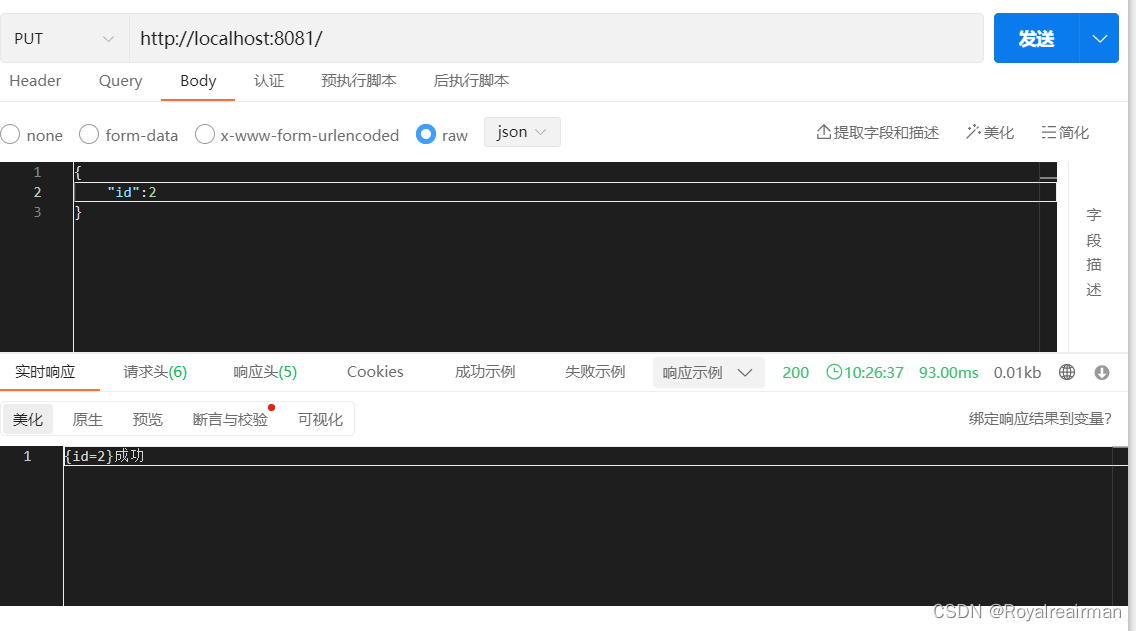
 2-3.PUT请求
添加@RequestBody JSON传参
 2-4DELETE
添加@RequestBody JSON传参
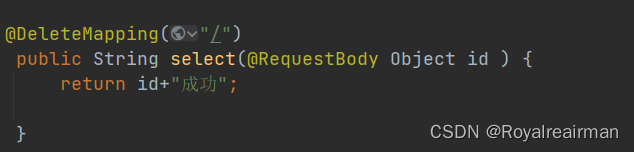
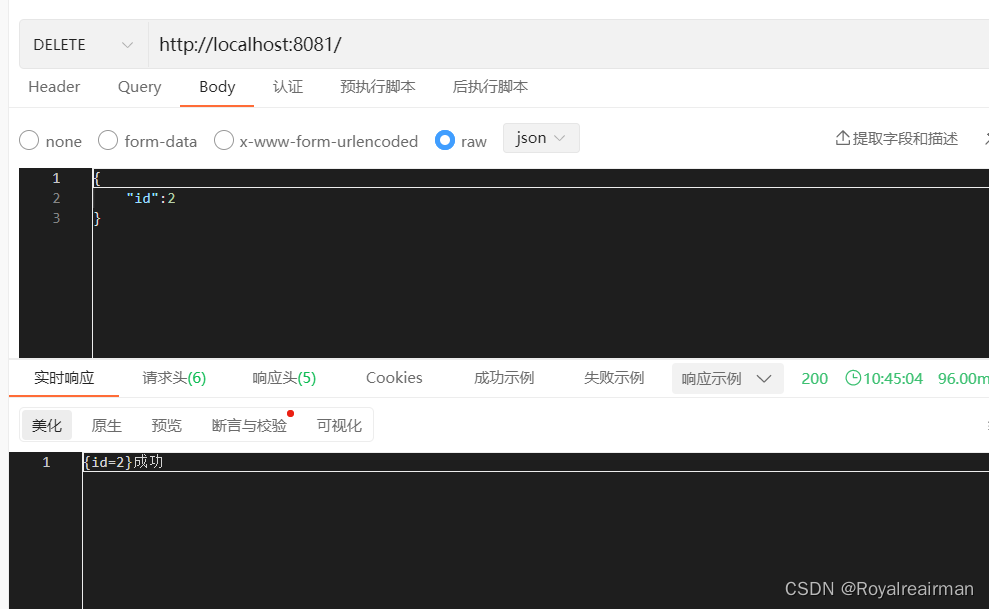
3.导入相关依赖
lombok 和fastjson方便对数据进行处理
org.apache.httpcomponents httpclient 4.5.13 com.alibaba fastjson 1.2.46 org.projectlombok lombok true 4.准备工作
在使用这个框架之前你需要明白 请求的组成部分
1.请求报文(请求行/请求头/请求数据/空行)
请求行
求方法字段、URL字段和HTTP协议版本
例如:GET /index.html HTTP/1.1
get方法将数据拼接在url后面,传递参数受限
请求方法:
GET、POST、HEAD、PUT、DELETE、OPTIONS、TRACE、CONNECT
请求头(key value形式)
User-Agent:产生请求的浏览器类型。
Accept:客户端可识别的内容类型列表。
Host:主机地址
请求数据
post方法中,会把数据以key value形式发送请求
空行
发送回车符和换行符,通知服务器以下不再有请求头
2.响应报文(状态行、消息报头、响应正文)
状态行
消息报头
响应正文
请求头一般我们需要设置User-Agent,content-type 以及cookie ,我们要的数据都存放在响应体内
5.创建HttpClients实例
创建HttpClients实例你可以理解为打开一个浏览器,发送请求 点开这个类
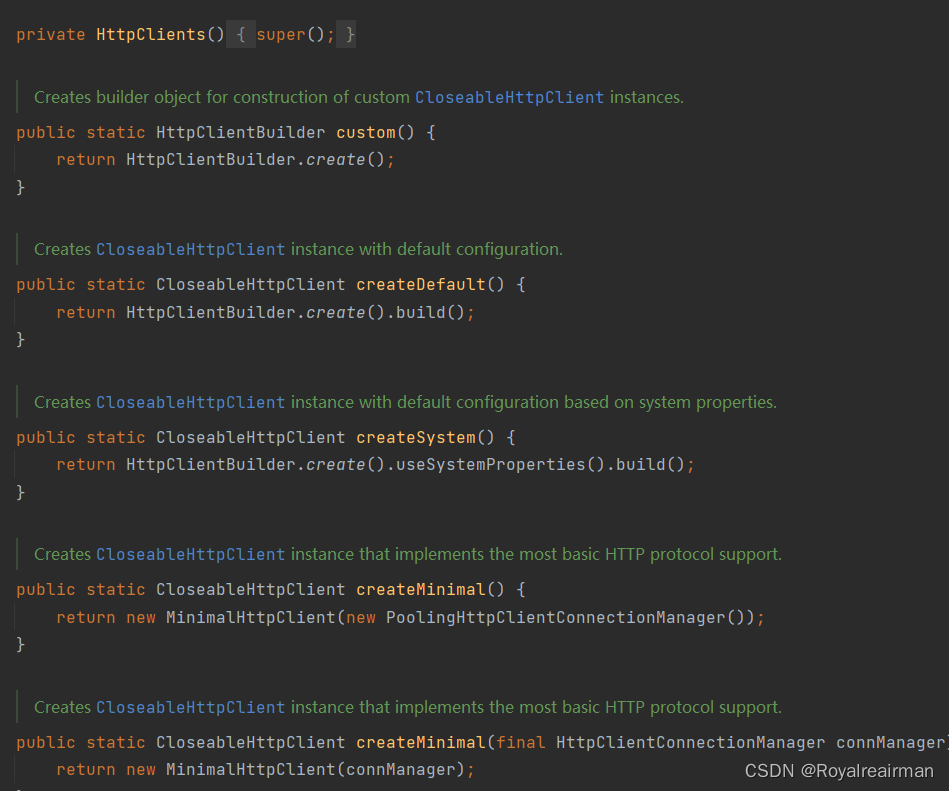
5-1custom
为构造自定义CloseableHttpClient实例创建构建器对象。
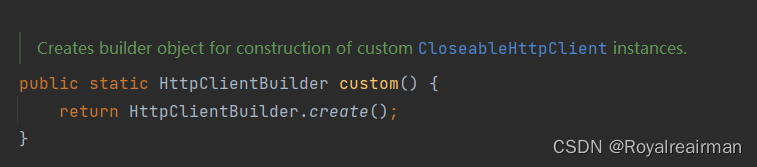
public class Test01 {public static void main(String[] args) {CloseableHttpClient httpClient = HttpClients.custom().setConnectionManager(httpUtils()).build();}//设置连接池public static PoolingHttpClientConnectionManager httpUtils() {PoolingHttpClientConnectionManager cm = new PoolingHttpClientConnectionManager();cm.setMaxTotal(200); //最大连接数cm.setDefaultMaxPerRoute(20); //设置每个主机的并发数return cm;}}
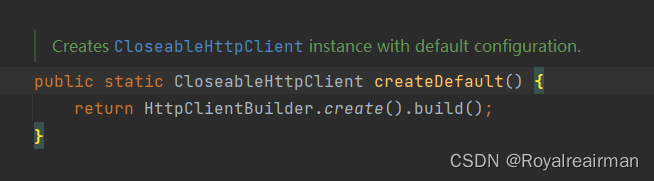
5-2createDefault
使用默认配置的实例。默认的无法设置连接池
6.设置请求
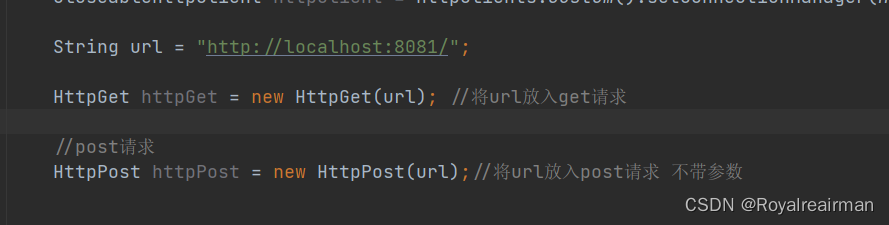
6-1不带参数
 6-2带参数
假设路径为 http://localhost:8081/?id=2 , 这里的id就是字段名,2就是字段的值,我们直接
发送请求只会有http://localhost:8081/,现在我就是有吧参数带进去
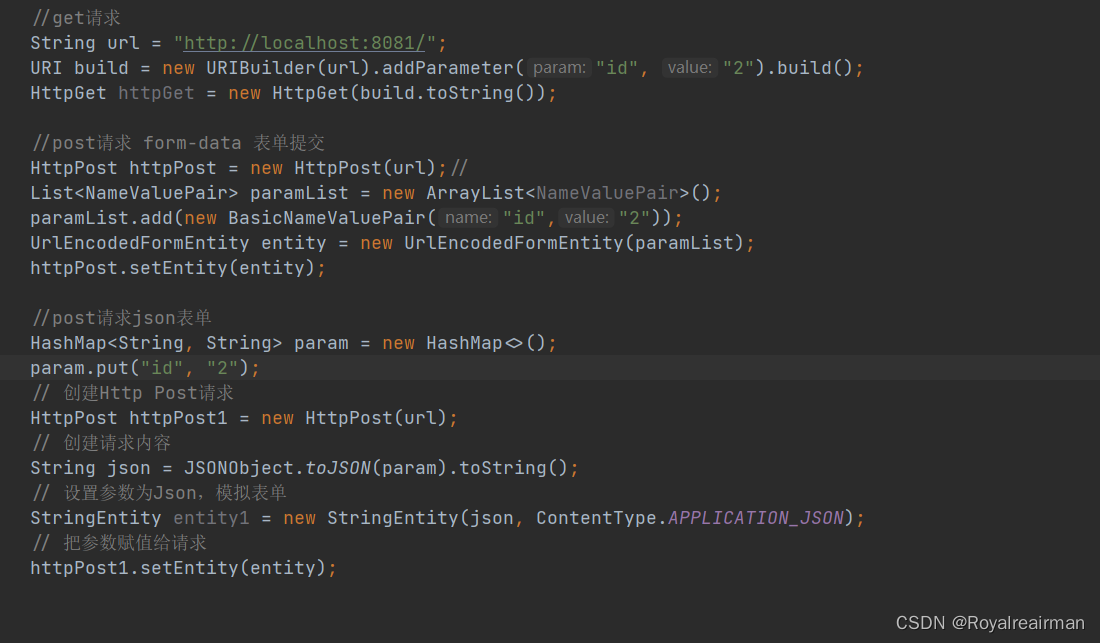
//get请求String url = "http://localhost:8081/";URI build = new URIBuilder(url).addParameter("id", "2").build();HttpGet httpGet = new HttpGet(build.toString());//post请求 form-data 表单提交HttpPost httpPost = new HttpPost(url);//List paramList = new ArrayList();paramList.add(new BasicNameValuePair("id","2"));UrlEncodedFormEntity entity = new UrlEncodedFormEntity(paramList);httpPost.setEntity(entity);//post请求json表单HashMap param = new HashMap<>();param.put("id", "2");// 创建Http Post请求HttpPost httpPost1 = new HttpPost(url);// 创建请求内容String json = JSONObject.toJSON(param).toString();// 设置参数为Json,模拟表单StringEntity entity1 = new StringEntity(json, ContentType.APPLICATION_JSON);// 把参数赋值给请求httpPost1.setEntity(entity); 7.设置请求头
token也是在请求头中 ,可以直接设置 以get请求为列

String url = "http://localhost:8081/";URI build = new URIBuilder(url).addParameter("id", "2").build();HttpGet httpGet = new HttpGet(build.toString());httpGet.setHeader("User-Agent", "Mozilla/5.0 (Windows NT 10.0; Win64; x64) AppleWebKit/537.36 (KHTML, like Gecko) "+ "Chrome/104.0.0.0 Safari/537.36");httpGet.setHeader("content-type", "application/json");//假设tokeen:xsxsxshttpGet.setHeader("X-Access-Token", "xsxsxs");8.请求设置
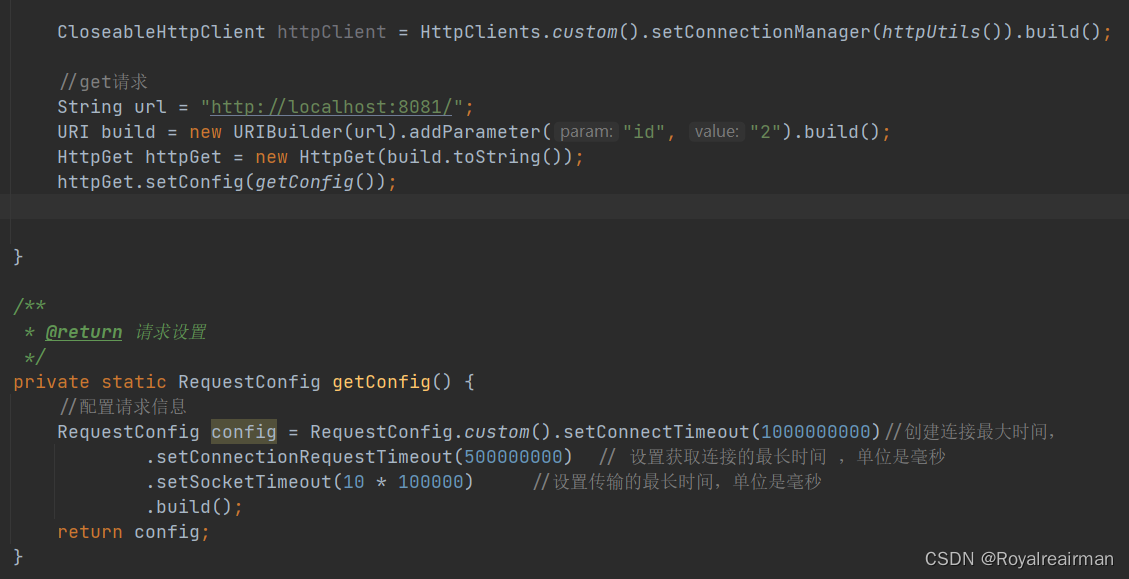
httpGet.setConfig(getConfig());}/*** @return 请求设置*/private static RequestConfig getConfig() {//配置请求信息RequestConfig config = RequestConfig.custom().setConnectTimeout(1000000000)//创建连接最大时间,.setConnectionRequestTimeout(500000000) // 设置获取连接的最长时间 ,单位是毫秒.setSocketTimeout(10 * 100000) //设置传输的最长时间,单位是毫秒.build();return config;}9.设置代理
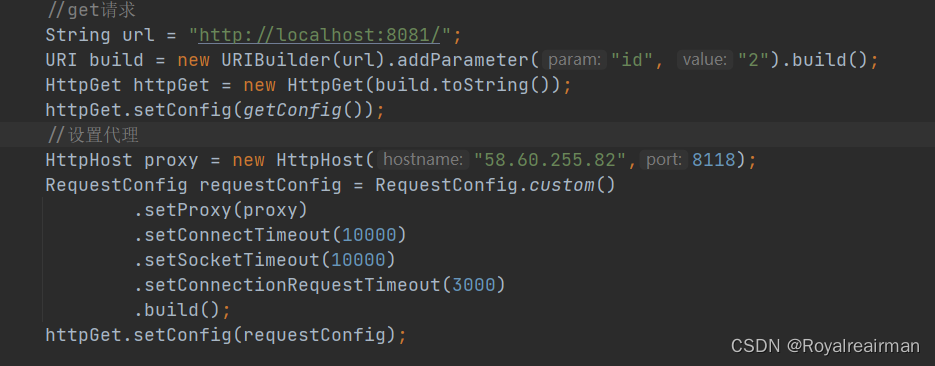
//设置代理HttpHost proxy = new HttpHost("58.60.255.82",8118);RequestConfig requestConfig = RequestConfig.custom().setProxy(proxy).setConnectTimeout(10000).setSocketTimeout(10000).setConnectionRequestTimeout(3000).build();httpGet.setConfig(requestConfig);10.工具类
我这里没有设置请求头,也没有设置请求,代码也没有设置,主要展示带参数的
package com.example.list.list;import com.alibaba.fastjson.JSONObject;
import org.apache.http.HttpHost;
import org.apache.http.NameValuePair;
import org.apache.http.client.config.RequestConfig;
import org.apache.http.client.entity.UrlEncodedFormEntity;
import org.apache.http.client.methods.CloseableHttpResponse;
import org.apache.http.client.methods.HttpGet;
import org.apache.http.client.methods.HttpPost;
import org.apache.http.client.utils.URIBuilder;
import org.apache.http.entity.ContentType;
import org.apache.http.entity.StringEntity;
import org.apache.http.impl.client.CloseableHttpClient;
import org.apache.http.impl.client.HttpClients;
import org.apache.http.impl.conn.PoolingHttpClientConnectionManager;
import org.apache.http.message.BasicNameValuePair;
import org.apache.http.util.EntityUtils;
import org.springframework.stereotype.Component;
import java.io.IOException;
import java.util.ArrayList;
import java.util.List;
import java.util.Map;
@Component
public class HttpClientUtils {/*** @return 请求设置*/private  RequestConfig getConfig(HttpHost proxy) {//配置请求信息RequestConfig config = RequestConfig.custom().setConnectTimeout(1000000000)//创建连接最大时间,.setConnectionRequestTimeout(500000000)  // 设置获取连接的最长时间 ,单位是毫秒.setSocketTimeout(10 * 100000)     //设置传输的最长时间,单位是毫秒.setProxy(proxy).build();return config;}/*** get 请求带参数** @param url* @param param* @return*/public Object doGet(String url, Map param) {//创建HttpClient对象CloseableHttpClient httpclient = HttpClients.createDefault();//返回的字符串String resultString = "";JSONObject jsonObject = new JSONObject();CloseableHttpResponse response = null;try {//创建urlURIBuilder builder = new URIBuilder(url);if (param != null) {for (String key : param.keySet()) {builder.addParameter(key, param.get(key));}}//创建get请求HttpGet httpGet = new HttpGet(builder.toString());// 执行请求response = httpclient.execute(httpGet);//判断返回值是否为200if (response.getStatusLine().getStatusCode() == 200) {resultString = EntityUtils.toString(response.getEntity(), "UTF-8");}//将字符串转JSONObject(可以获取里面得某个元素),也可以直接返回字符串jsonObject = JSONObject.parseObject(resultString);} catch (Exception e) {e.printStackTrace();}return jsonObject;}//设置连接池public  PoolingHttpClientConnectionManager httpUtils() {PoolingHttpClientConnectionManager cm = new PoolingHttpClientConnectionManager();cm.setMaxTotal(200);  //最大连接数cm.setDefaultMaxPerRoute(20);    //设置每个主机的并发数return cm;}/*** form表单 post请求** @param url* @param param* @return*/public  String doPost(String url, Map param) {// 创建Httpclient对象CloseableHttpClient httpClient = HttpClients.createDefault();CloseableHttpResponse response = null;String resultString = "";try {// 创建Http Post请求HttpPost httpPost = new HttpPost(url);// 创建参数列表if (param != null) {List paramList = new ArrayList();for (String key : param.keySet()) {paramList.add(new BasicNameValuePair(key, param.get(key)));}// 模拟表单UrlEncodedFormEntity entity = new UrlEncodedFormEntity(paramList);httpPost.setEntity(entity);}// 执行http请求response = httpClient.execute(httpPost);resultString = EntityUtils.toString(response.getEntity(), "utf-8");} catch (Exception e) {e.printStackTrace();} finally {try {response.close();} catch (IOException e) {e.printStackTrace();}}return resultString;}/*** post设置参数json** @param url* @param param* @return*/public  String doPostJson(String url, Map param) {// 创建Httpclient对象CloseableHttpClient httpClient = HttpClients.createDefault();CloseableHttpResponse response = null;String resultString = "";try {// 创建Http Post请求HttpPost httpPost = new HttpPost(url);// 创建请求内容String json = JSONObject.toJSON(param).toString();// 设置参数为Json,模拟表单StringEntity entity = new StringEntity(json, ContentType.APPLICATION_JSON);// 把参数赋值给请求httpPost.setEntity(entity);// 执行http请求response = httpClient.execute(httpPost);if (response.getStatusLine().getStatusCode() == 200) {resultString = EntityUtils.toString(response.getEntity(), "utf-8");}} catch (Exception e) {e.printStackTrace();} finally {try {response.close();} catch (IOException e) {e.printStackTrace();}}return resultString;}}
上一篇:2022安洵杯babybf