

2203 CSDN课程-python入门课
Python入门课,较为基础。
1 简介
1.1 前言
事实上,Python已经走过很多年的发展历程了,笔者最一开始学习的时候还是2.x版本,现在早就3.xx版本了。在当提笔,不是青春年少。确实是这样,我记得是2018年开始接触Python,当时是学过C++的,都说Python简单,我学了N遍不知所以然。原因无外乎有以下几点:
- 学而不用:非计算机专业,常常听说Python如何如何,实际上自己使用很少。
- 坚持不下来:听课即使不是半途而废,也是太过追逐目的。比如很长一段时间,我有代码需求,就是搬运,目标就是能够运行就行。然而这样是无法学会的。
- 舍得不精力:谁说编程容易学呀?确实没有那么复杂,但是难的是记不住。相比于知识,更是一门技术。
言归正传:Python的官网先奉上,最为开源的面向对象的语言,少不了在论坛打交道,在官网摸爬滚打。
Welcome to Python.org
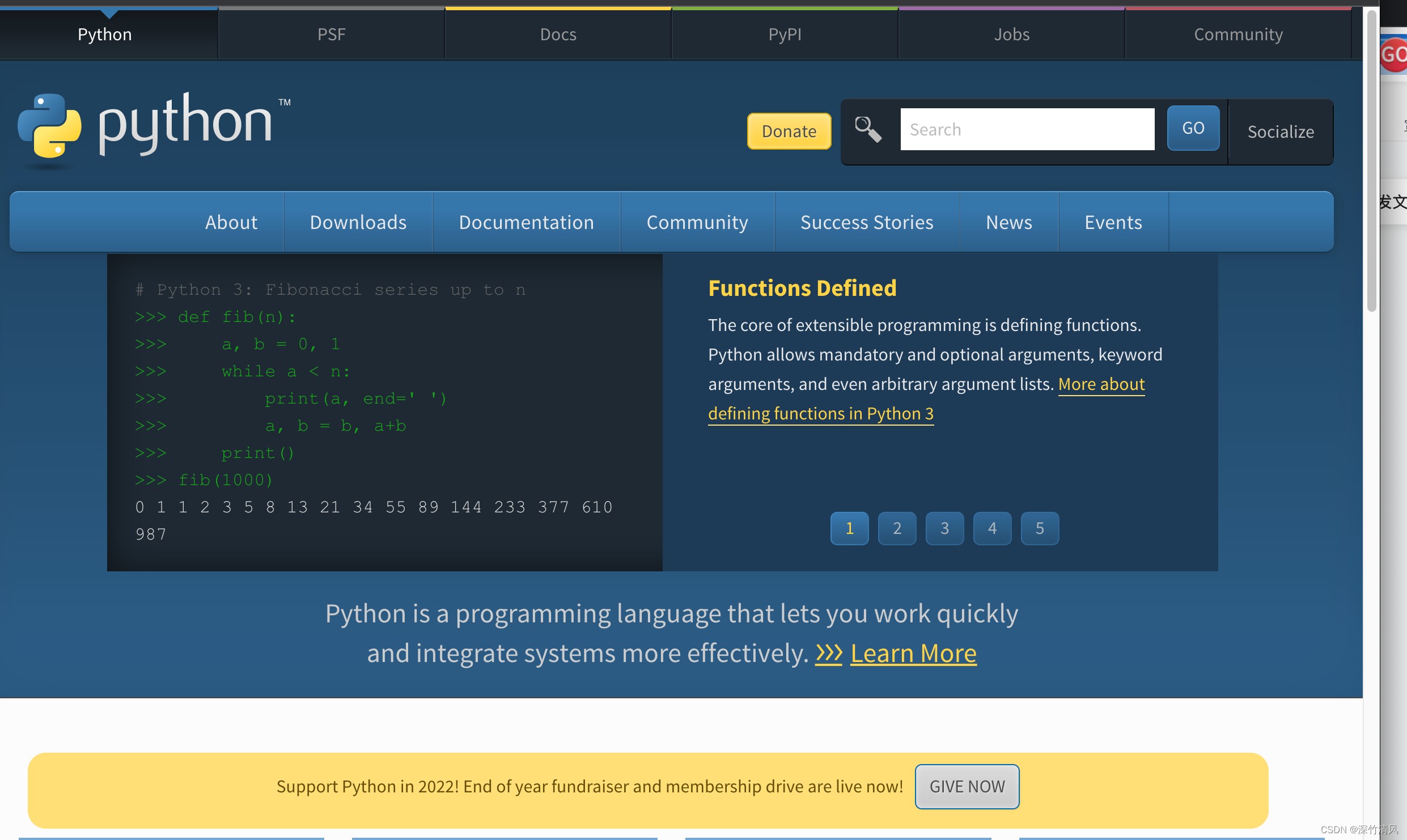
现在Python已经更新到3.11了,未来还会有怎样的发展不得而知。
1.2 Python之我见
为什么学Python?
无论是刷抖音还是什么,只要能引流的地方就会有卖课的,都说什么Python自动化啊、Python爬虫啊什么的。因为卖课,所以会说它特别有用。实际上确实有用,但是不代表广大老百姓(包括广大大学生们!)能用得上啊。
在我看来,学习Python原因很简单,如果你想学学计算机,方便生活,那么选择Python,因为它是开源的。就是有很多人在为它开发更方便的程序包。在别的语言你要写很久的时候,对于Python真的几行代码就可以了——因为有人给你写好并且打包了,你使用时候加载就行了。
1.3 Python的编程平台
我个人觉得方便的就两个,一个是anaconda,另一个是pycharm。对于Python新手,不建议直接去pycharm,因为“编译环境”就够你思考许久了。
关于anaconda,课程有介绍,CSDN有很多的介绍的,总而言之,就是很方便的一个写代码的平台,而且能够在网页写。

直接使用Jupyter的notebook来编写就行,会直接打开浏览器。
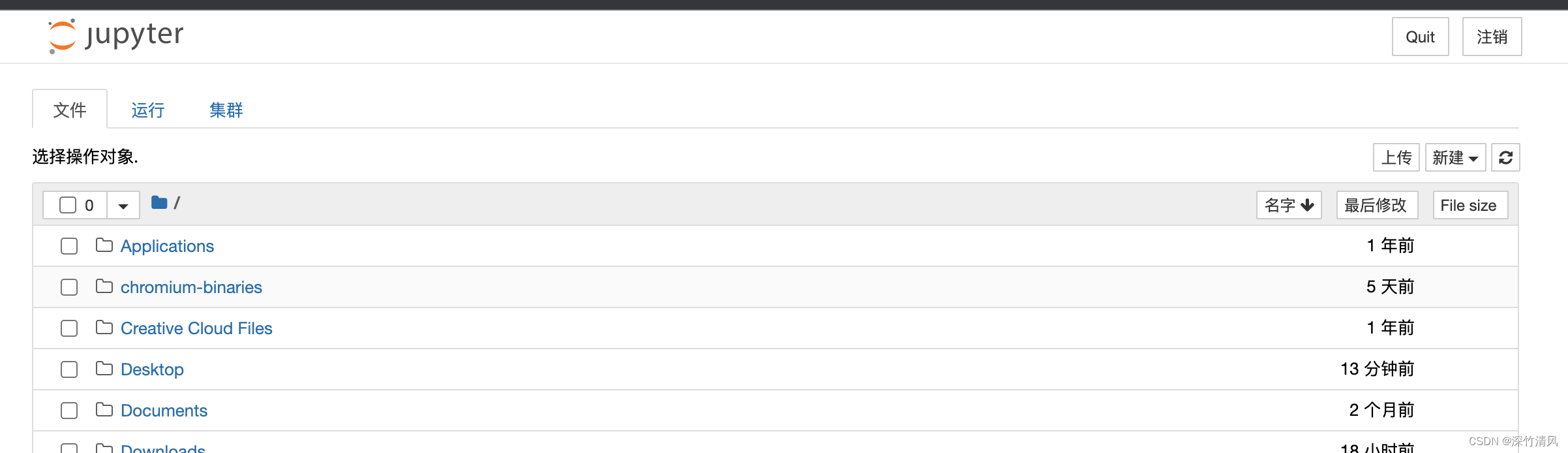
在右上角新建Python文件即可编写。关于notebook不做过多演示。
1.4 Hello Word!
print("Hello World")print函数记得文本串加上引号。
2 运算符和变量
运算符号:
+ 加
- 减
* 乘
/ 除
% 取余
// 取整
#进行基本运算并输出结果
pa = 222 + 666
print(pa)#字符串相加
string1 = "hello"
string2 = "world"
string3 = string1 + string2
print(string3)
3 while循环和for循环
while循环即 当变量符合条件时候 执行命令,直至不符合。
而for循环即 当变量符合条件时 不断执行,直至不符合。
好吧 两者打出来发现一样,两者区别不大,但是形式是不一样的。
condition = 1
while condition < 5:print(condition)condition += 1  for i in range(2,10):print(i)
4 列表
列表是Python的一大特色,类似数组。
a_list = [1,2,30,30,30,4,2]#列表
print(a_list)
另外列表还涉及索引、排序等概念。
索引即把列表内容找出来。
print(a_list[1])#打印列表中第1个元素
print(a_list[-3]) #打印列表中倒数第3个元素
print(a_list[1:6]) #打印第1到第6个元素
print(a_list.count(30))
排序a_list.sort(reverse=True)
print(a_list)
5 列表操作、多维列表
- 对列表进行修改、添加、插入等的操作:
- 直接赋值即修改;
- append在末尾添加元素;
- insert在列表插入元素;
- del 删除列表元素。
- 多维列表的索引使用两个[][]。
a_list = [1,2,30,30,30,4,2]
print(a_list)
a_list[0] = 100 #修改列表中第0个元素
a_list.append(200) #在列表末尾添加一个元素
a_list.insert(2,300) #在列表中插入一个元素
del a_list[2] #删除列表第2个元素
a_list.remove(30) #删除列表中的一个‘30’
a = a_list.pop()#二维表格的索引
b_list = [[1,2,3],[4,5,6],[7,8,9]]
print(b_list[1])
print(b_list[2][1])
6 元组
元组即数组。
a_tuple = (1,2,30,30,4,5)
print(a_tuple[1])
大致操作和列表相似。
7 if条件
> 大于
>= 大于等于
< 小于
<= 小于等于
== 等于
!= 不等于
a = 1
b = 2
c = 3
d = 1
if a>=d:print("right")
if a!=b:print("right")
if 1 > 100:print("right")
else:print("wrong")
复杂一点if 条件(添加and \ or)
colors = ['red','blue','black','green']for color in colors:if color == 'black':print('black')else:print('not black')8 字典
字典是元组、列表等的混合,可以说是类似Excel的表格。
字典另一作用就是更好理解json文件。
d = {'pen':7,'apple':3,'applepen':10} #Key:Value,键:值for key,value in d.items():#遍历整个字典的键值对print('key:',key,'\t','value:',value)9 函数
函数即定义一个函数,和C语言等逻辑上没有区别。
def function2(a,b): #定义一个带参数的函数,a,b为形参(局部变量),只有在函数的内部发生作用c = a + bprint('a=',a)print('b=',b)print('c=',c)print('a+b=',c)
function2(10,20)
10 模块
import 语句导入函数包或者自己定义的函数导入文件和函数。
from max import func_max #从max模块导入func_max函数11 类的创建与继承
类在其他语言也有这个概念,一般使用的话确实频率不高。
class human:  #类#类的属性name = 'someone' age = 100#类的方法def my_name(self):print('my name is',self.name)def my_age(self):print('my age is',self.age)def eat(self):print('eat')def think(self,a,b):print(a+b)person1 = human() #创建一个person1的对象
person1.name = 'zhangsan'
print(person1.name)class student(human):#子类继承父类def __init__(self,grade=1,school='MIT'):super().__init__() #父类的初始化self.grade = gradeself.school = schoolself.scroe = 100print('student init')#添加子类自己的方法def learn(self):print('learning')def my_school(self):print('my school is',self.school)
12 input
哦 这可是 Python的交互窗口。
name = input('Please enter your name:')
print('hello',name)
13 文件输入
text = 'Writing a text\nnhello world'
print(text)my_file = open('file.txt','w') #以写入的方式打开文件,如果文件不存在会创建该文件
my_file.write(text)
my_file.close()with open('file.txt','w') as f:#清空文件,然后写入f.write('11111111')with open('file.txt','a') as f: #在文件最后追加内容f.write(text)with open('file.txt','r') as f: #以读取的方式打开文件content = f.read()   #读取全部内容print(content)with open('file.txt','r') as f:content = f.readline() #读取一行内容print(content)with open('file.txt','r') as f:content = f.readlines() #读取所有行存放到一个列表中print(content)filename = 'file.txt'
with open(filename) as f:for line in f:print(line.rstrip())
14 异常处理
异常处理就是处理可能有问题的语句。
try:file = open('hahaha','r+')
except Exception as e:print(e)response = input('Do you want to create it:')if(response=='yes'):with open('hahaha','w') as f:passprint('The file was created successfully')else:pass
15 json文件
一开始笔者不清楚json文件的目的。而后在使用爬虫时候才清楚,很多网页有json文件,使用Python的json模块可以导入。
import jsona_dict = {'user_id':'qbf','user_name':'hello',100:200}with open('example.json','w') as f:json.dump(a_dict,f)with open('example.json') as f:content = json.load(f)print(content)学习之路不止,继续加油!!!