

一起学习用Verilog在FPGA上实现CNN----(三)激活层设计
1 激活层设计
LeNet-5网络的激活函数是双曲正切函数(TanH),项目中tanh函数模块由完整的层UsingTheTanh构成,该层由较小的处理单元HyperBolicTangent组成
1.1 HyperBolicTangent
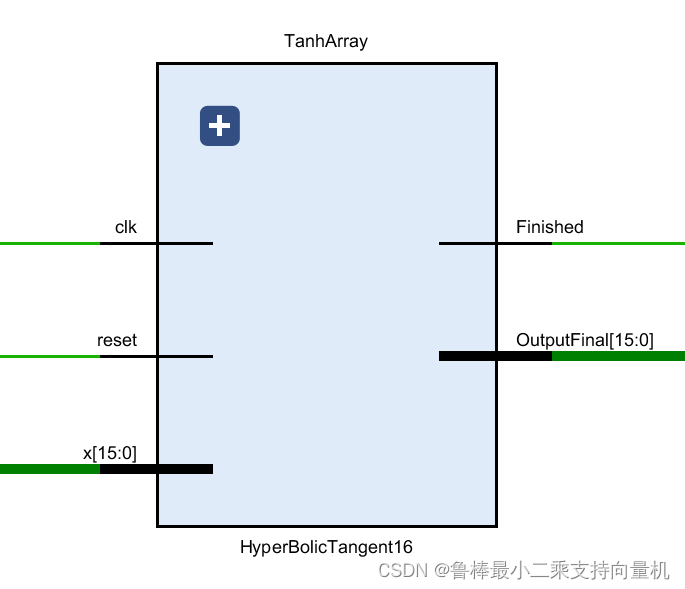
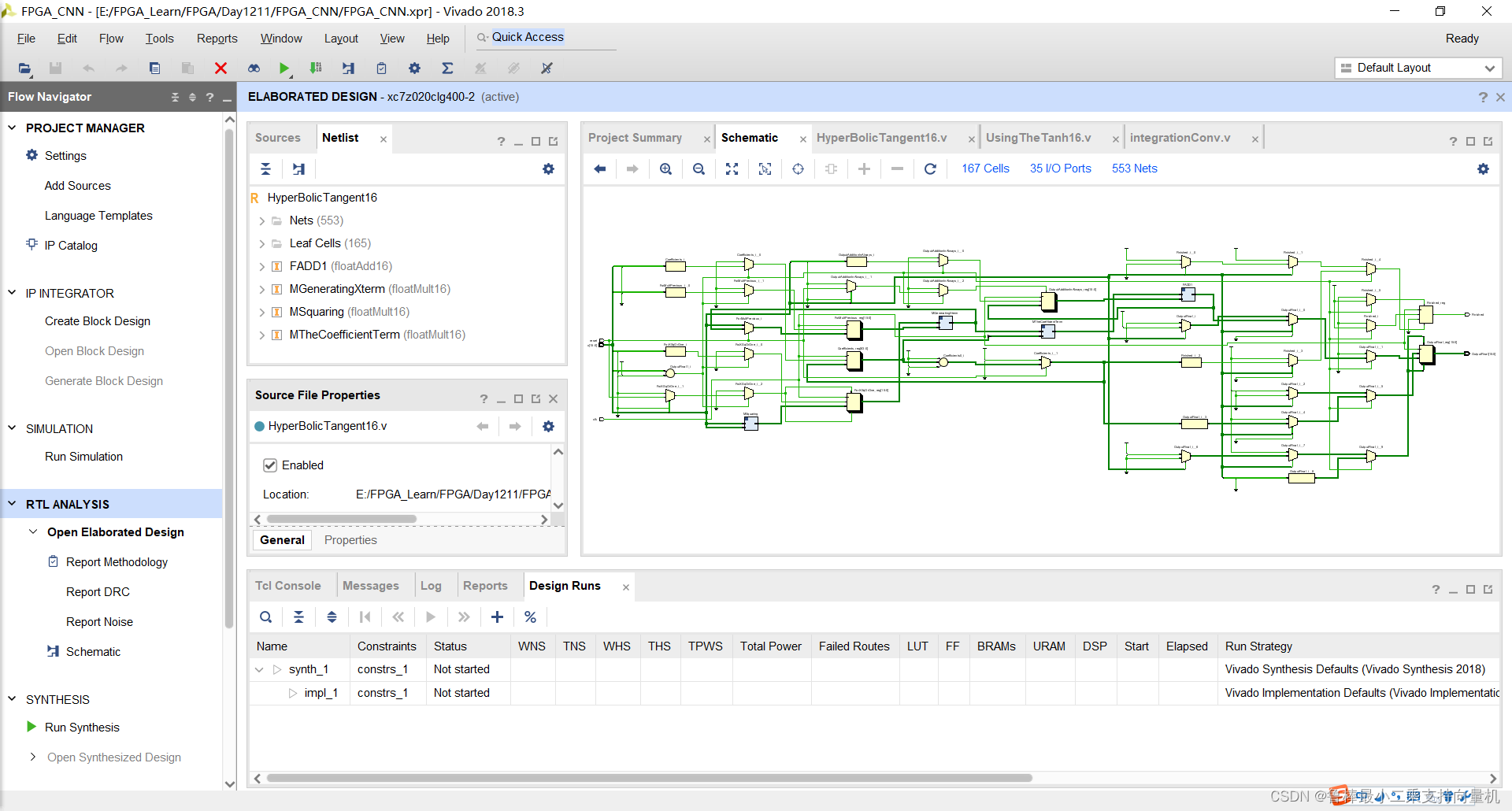
处理单元HyperBolicTangent,对每个输入执行Tanh操作,原理图如图所示,输入为位宽16的数,输出位宽也是16。该单元将Tanh运算分为3个乘法操作和1个加法操作:
- 首先,得到x项的增量项,即x^2
- 然后,将当前x项与下一项相乘
- 然后,将每个相应的最终x项与其系数相乘
- 最后,将每个结果项与前一项相加
1.2 UsingTheTanh
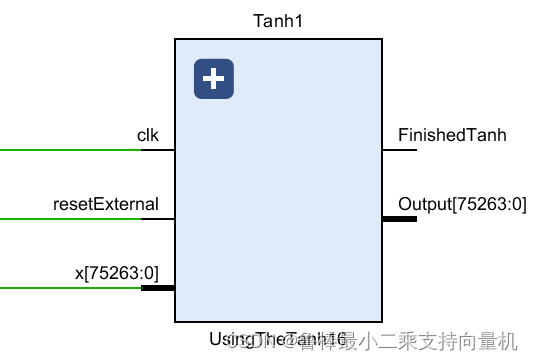
UsingTheTanh是Tanh层,由HyperBolicTangent单元组成,原理图如图所示。Tanh层的输入数据位宽为75264,即为卷积层的输出数据
2 代码实现
一起学习用Verilog在FPGA上实现CNN----(二)卷积层设计已经完成卷积层的设计,下面我们继续激活层的代码实现
2.1 HyperBolicTangent16
2.1.1 设计输入
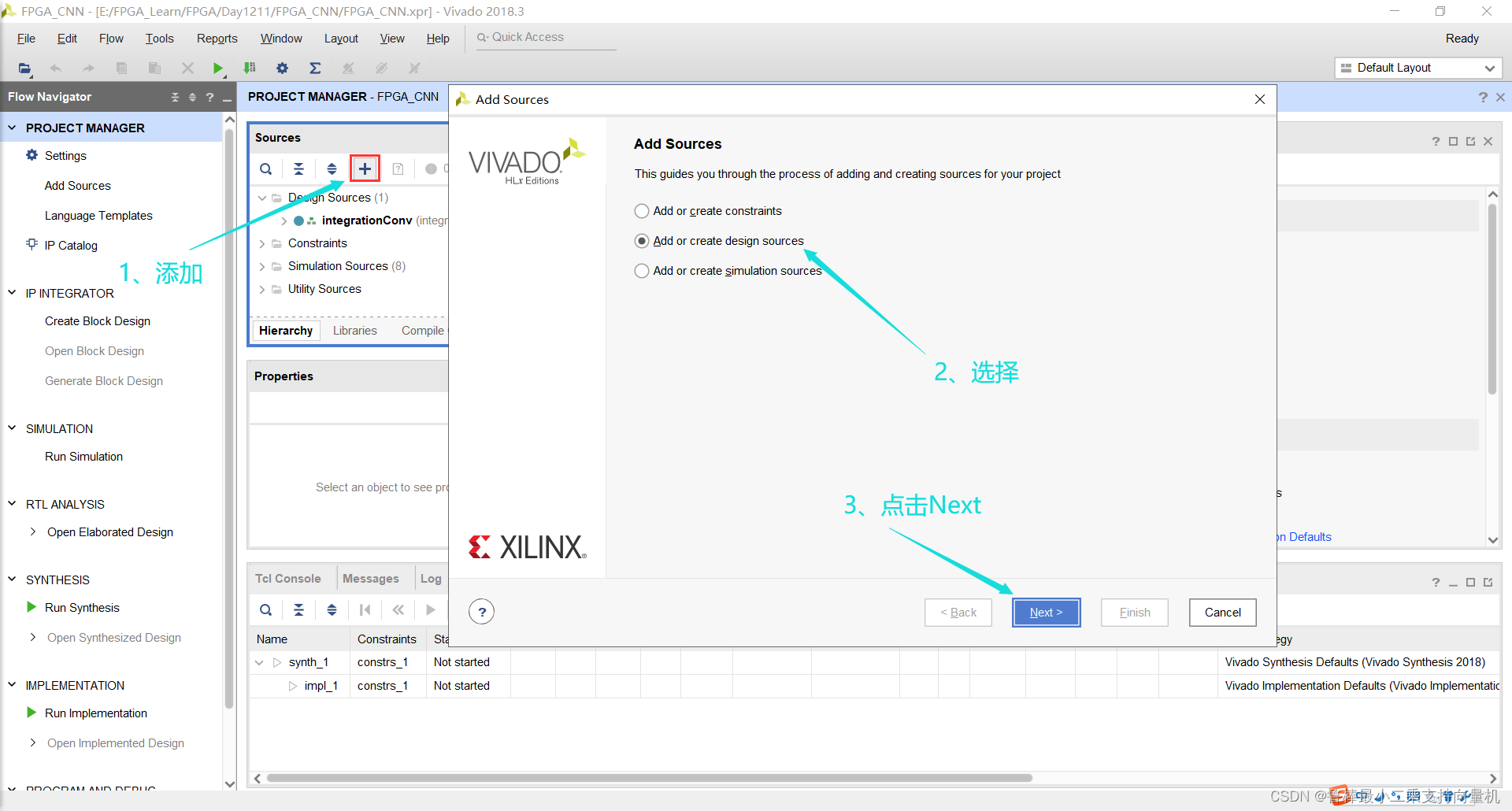
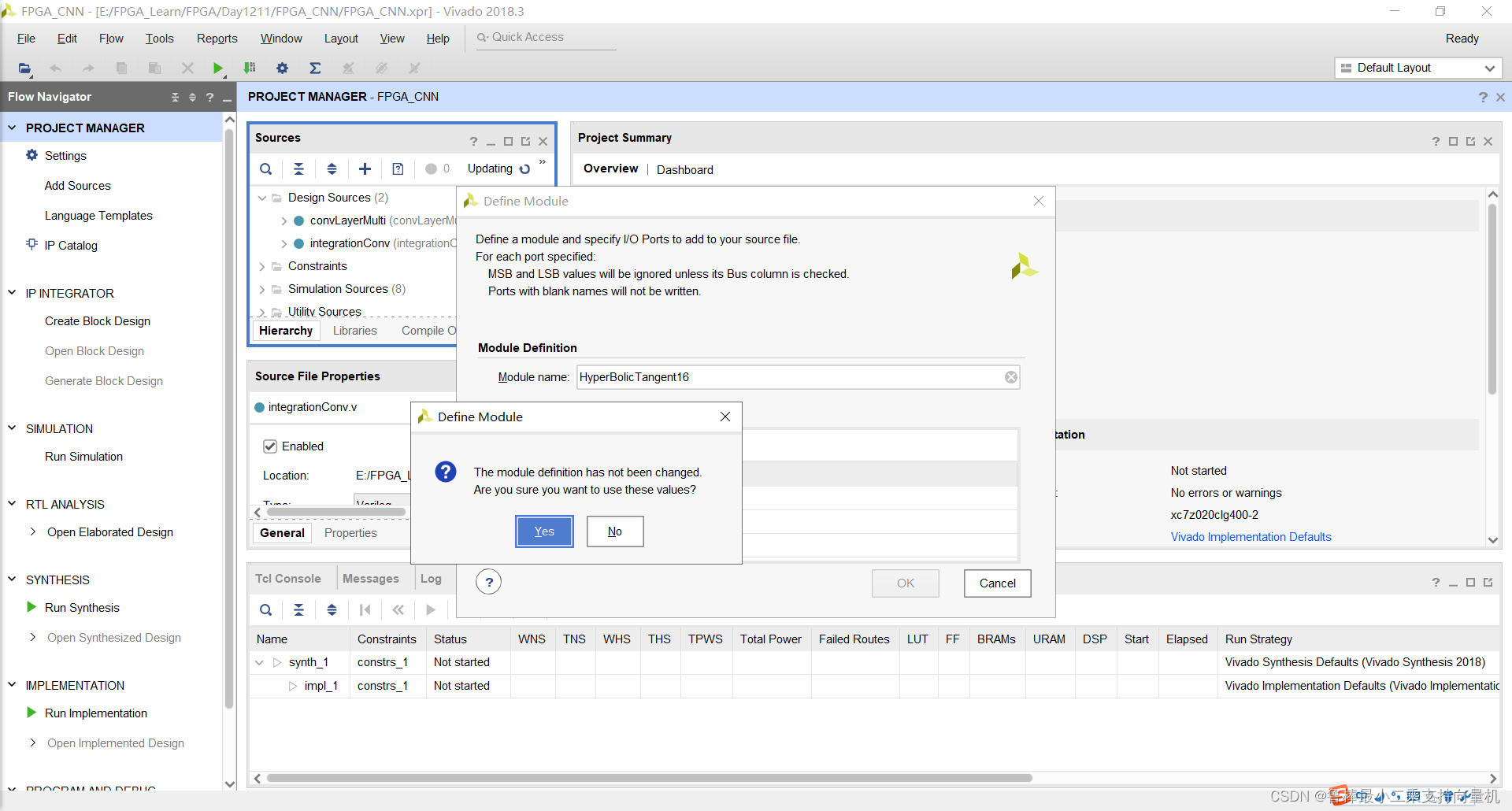
创建HyperBolicTangent16文件,操作如图:
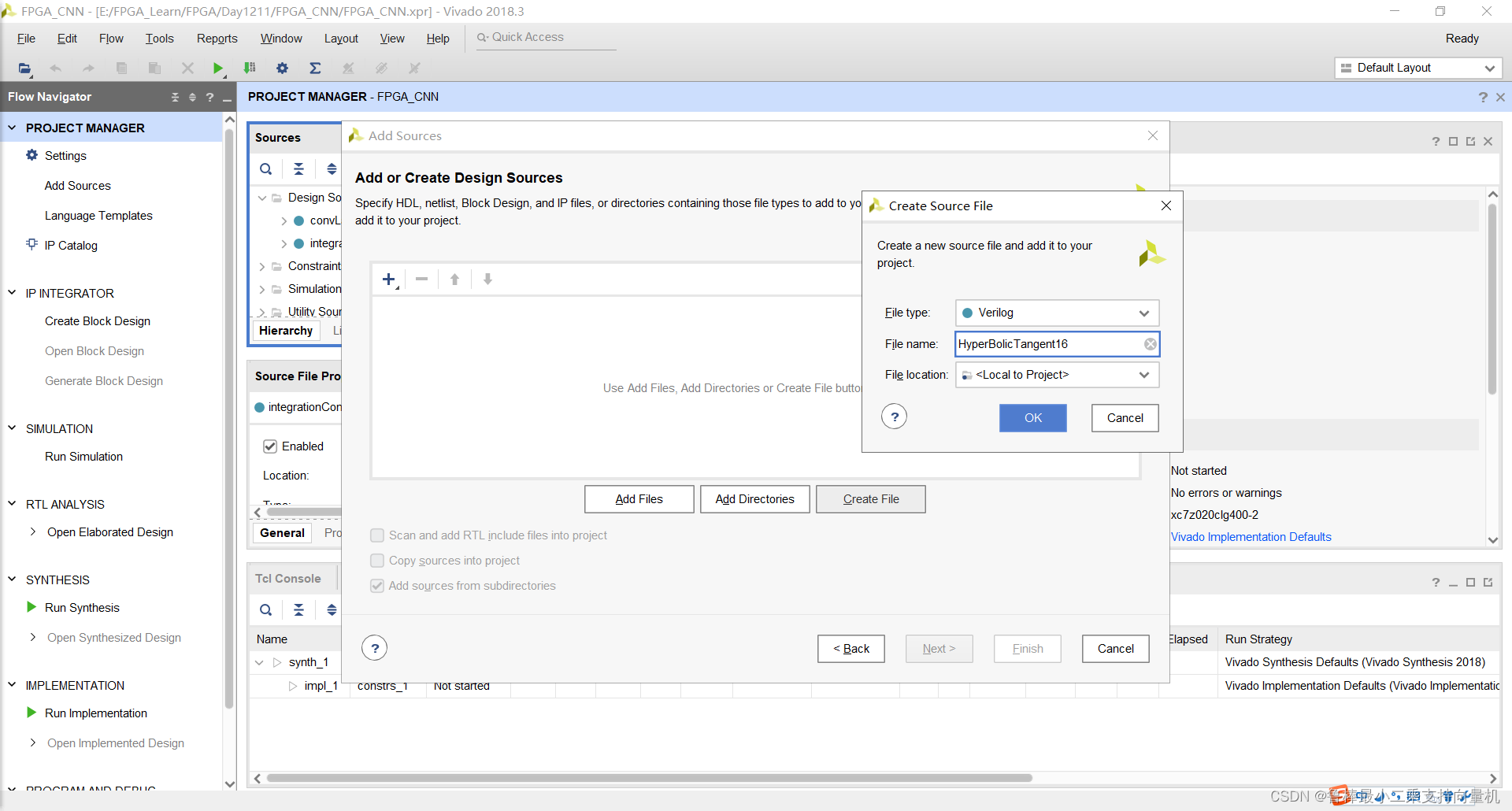
输入文件名:
确认创建:
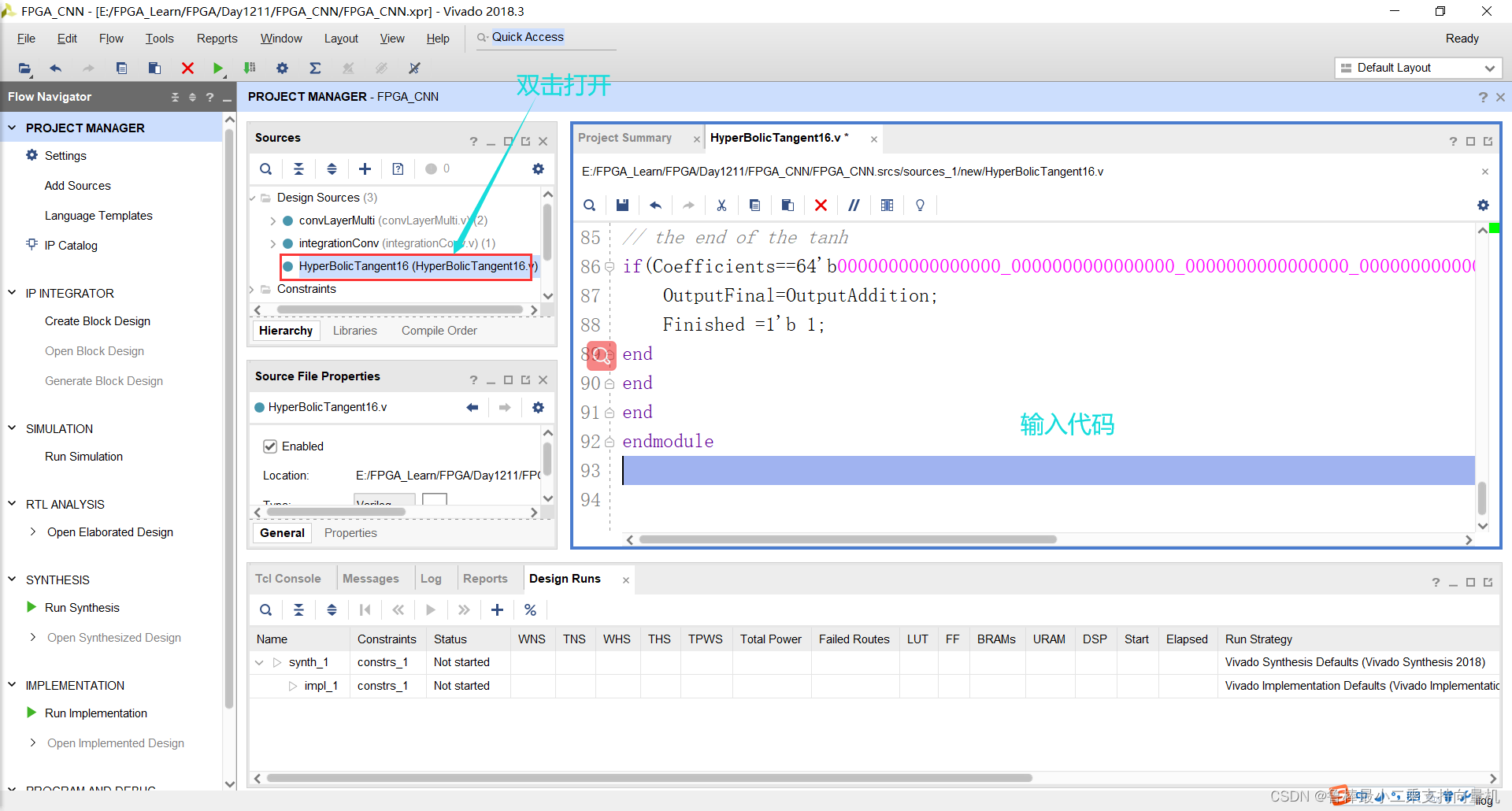
双击打开,输入如下代码:
module HyperBolicTangent16 (x,reset,clk,OutputFinal,Finished);
parameter DATA_WIDTH=16;
localparam taylor_iter=4;//I chose 4 Taylor Coefficients to undergo my tanh operation
input signed [DATA_WIDTH-1:0] x;input clk;
input reset;
output reg Finished;
output reg[DATA_WIDTH-1:0]  OutputFinal;
reg [DATA_WIDTH*taylor_iter-1:0] Coefficients ; //-17/315 2/15 -1/3 1
wire [DATA_WIDTH-1:0] Xsquared; //To always generate a squared version of the input to increment the power by 2 always.
reg [DATA_WIDTH-1:0] ForXSqOrOne; //For Multiplying The power of X(1 or X^2)
reg [DATA_WIDTH-1:0] ForMultPrevious; //output of the first multiplication which is either with 1 or x(X or Output1)
wire [DATA_WIDTH-1:0] OutputOne; //the output of Mulitplying the X term with its corresponding power coeff.
wire [DATA_WIDTH-1:0] OutOfCoeffMult; //the output of Mulitplying the X term with its corresponding power coeff.
reg  [DATA_WIDTH-1:0] OutputAdditionInAlways;
wire [DATA_WIDTH-1:0] OutputAddition; //the output of the Addition each cycle floatMult16 MSquaring (x,x,Xsquared);//Generating x^2   得到x项的增量项,即x^2
floatMult16 MGeneratingXterm (ForXSqOrOne,ForMultPrevious,OutputOne); //Generating the X term [x,x^3,x^5,...]  将当前x项与下一项相乘
floatMult16 MTheCoefficientTerm (OutputOne,Coefficients[DATA_WIDTH-1:0],OutOfCoeffMult); //Multiplying the X term by its corresponding coeff. 将每个相应的最终x项与其系数相乘
floatAdd16 FADD1 (OutOfCoeffMult,OutputAdditionInAlways,OutputAddition); //Adding the new term to the previous one     ex: x-1/3*(x^3) 将每个结果项与前一项相加
reg [DATA_WIDTH-1:0] AbsFloat; //To generate an absolute value of the input[For Checking the convergence]always @ (posedge clk) begin
AbsFloat=x;//Here i hold the input then i make it positive whatever its sign to be able to compare to implement the rule |x|>pi/2   which is the convergence rule
AbsFloat[15]=0;
if(AbsFloat>16'sb0011111001001000)begin //The Finished bit is for letting the bigger module know that the tanh is finishedif (x[15]==0)begin OutputFinal= 16'b0011110000000000;Finished =1'b 1;//here i assign it an immediate value of Positive Floating oneend if (x[15]==1)begin OutputFinal= 16'b1011110000000000;Finished =1'b 1;//here i assign it an immediate value of Negative Floating oneend
end
//here i handle the case of it equals +- pi/2    so i got the exact value and handle it also immediately
else if (AbsFloat==16'sb0011111001001000)begin if (x[15]==0)begin OutputFinal=16'b0011110000000000;Finished=1'b 1;endelse begin OutputFinal=16'b1011110000000000;Finished=1'b 1;endend
else begin //First instance of the tanh
if(reset==1'b1)begin  Coefficients=64'b1010101011101000_0011000001000100_1011010101010101_0011110000000000;//the 4 coefficients of taylor expansionForXSqOrOne=16'b0011110000000000; //initially 1OutputAdditionInAlways=16'b0000000000000000; //initially 0ForMultPrevious=x;
Finished=0;
end
else beginForXSqOrOne=Xsquared;ForMultPrevious=OutputOne; //get the output of the second multiplication to multiply with xCoefficients=Coefficients>>DATA_WIDTH; //shift 32 bit to divide the out_m1 with the new number to compute the factorialOutputAdditionInAlways=OutputAddition;Finished=0;
end
// the end of the tanh
if(Coefficients==64'b0000000000000000_0000000000000000_0000000000000000_0000000000000000)begin OutputFinal=OutputAddition;Finished =1'b 1;
end
end
end
endmodule
如图所示:
2.1.2 分析与综合
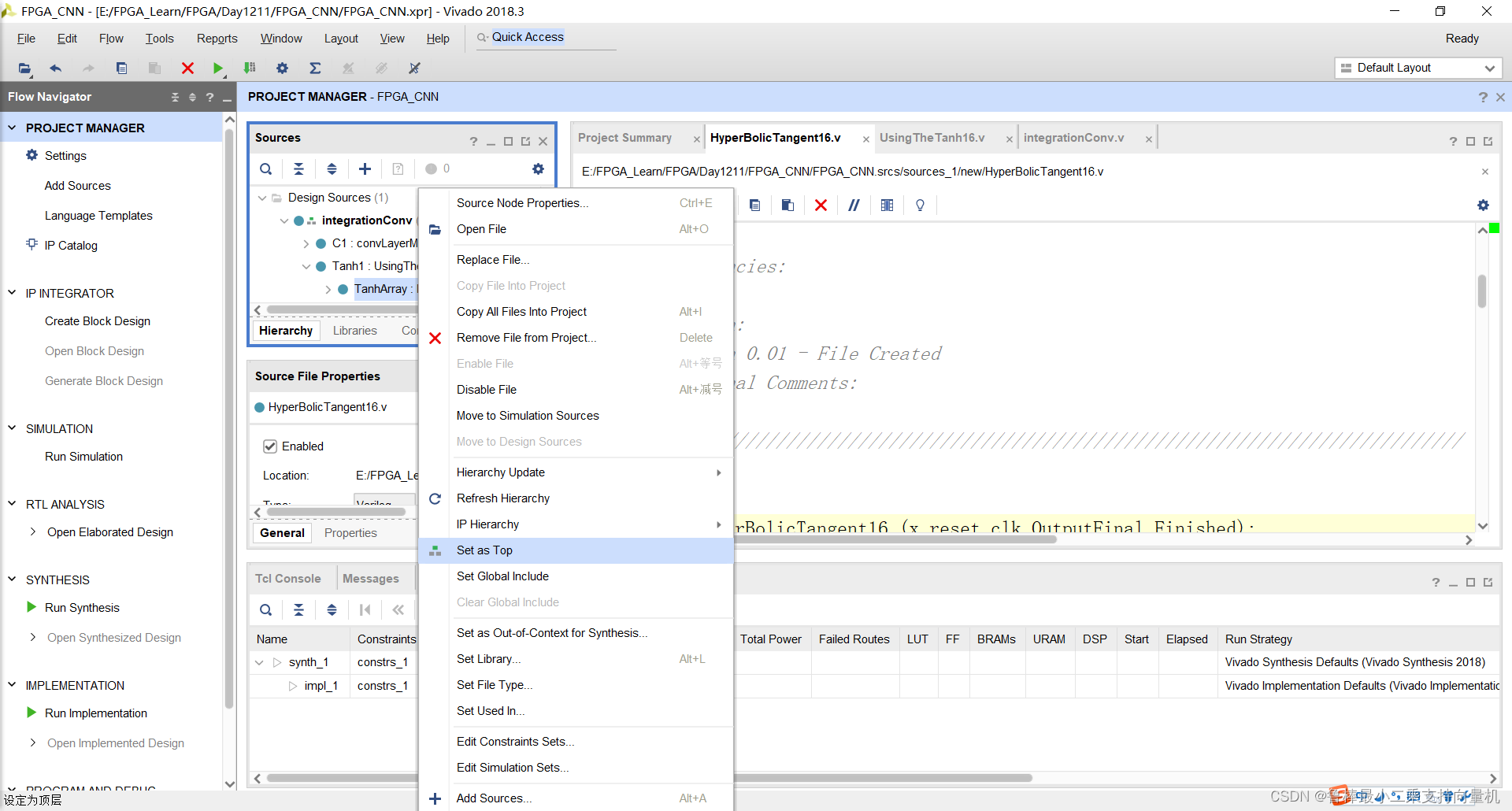
将HyperBolicTangent16设置为顶层:
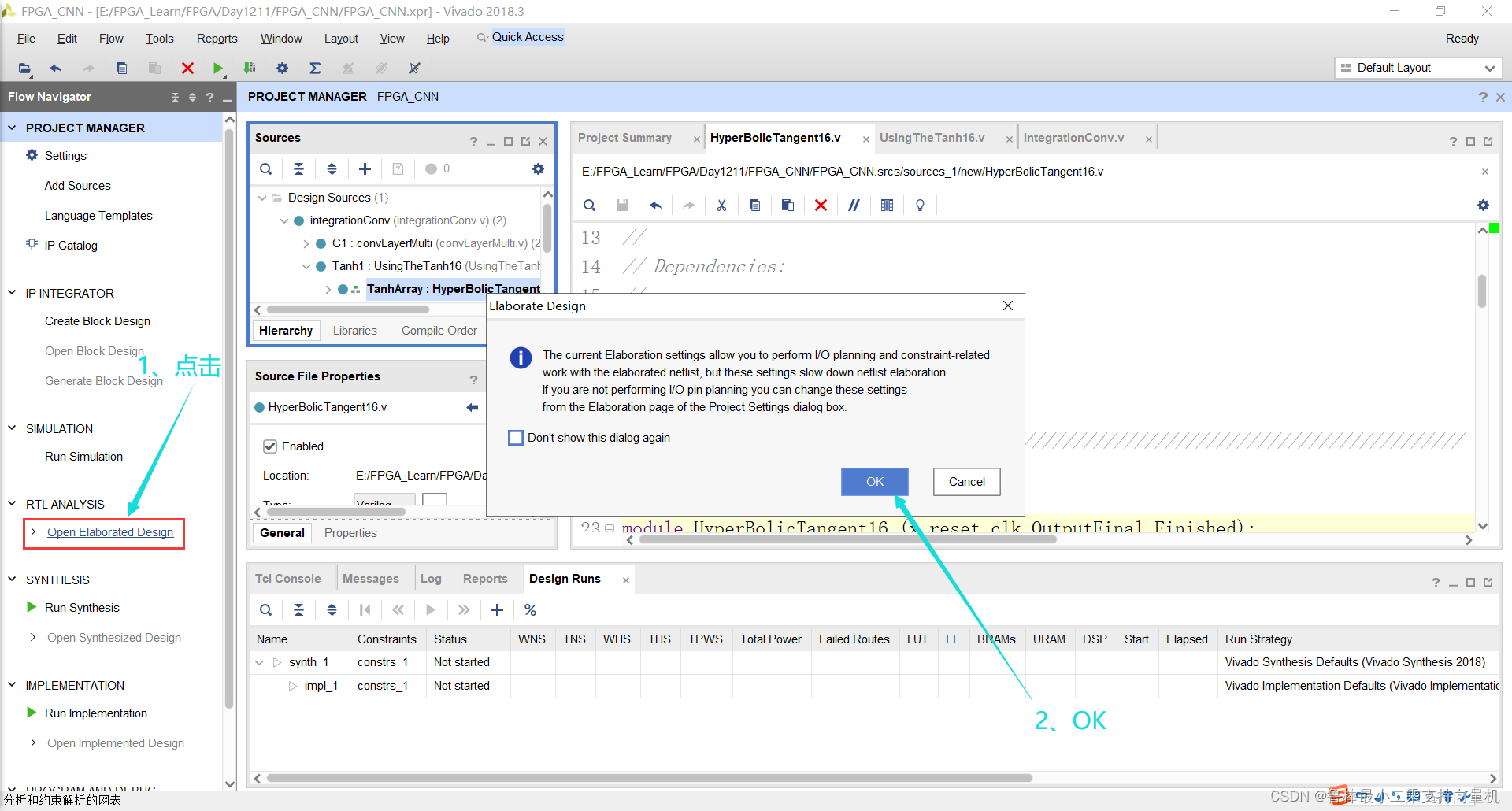
对设计进行分析,操作如图:
分析后的设计,Vivado自动生成原理图,如图:
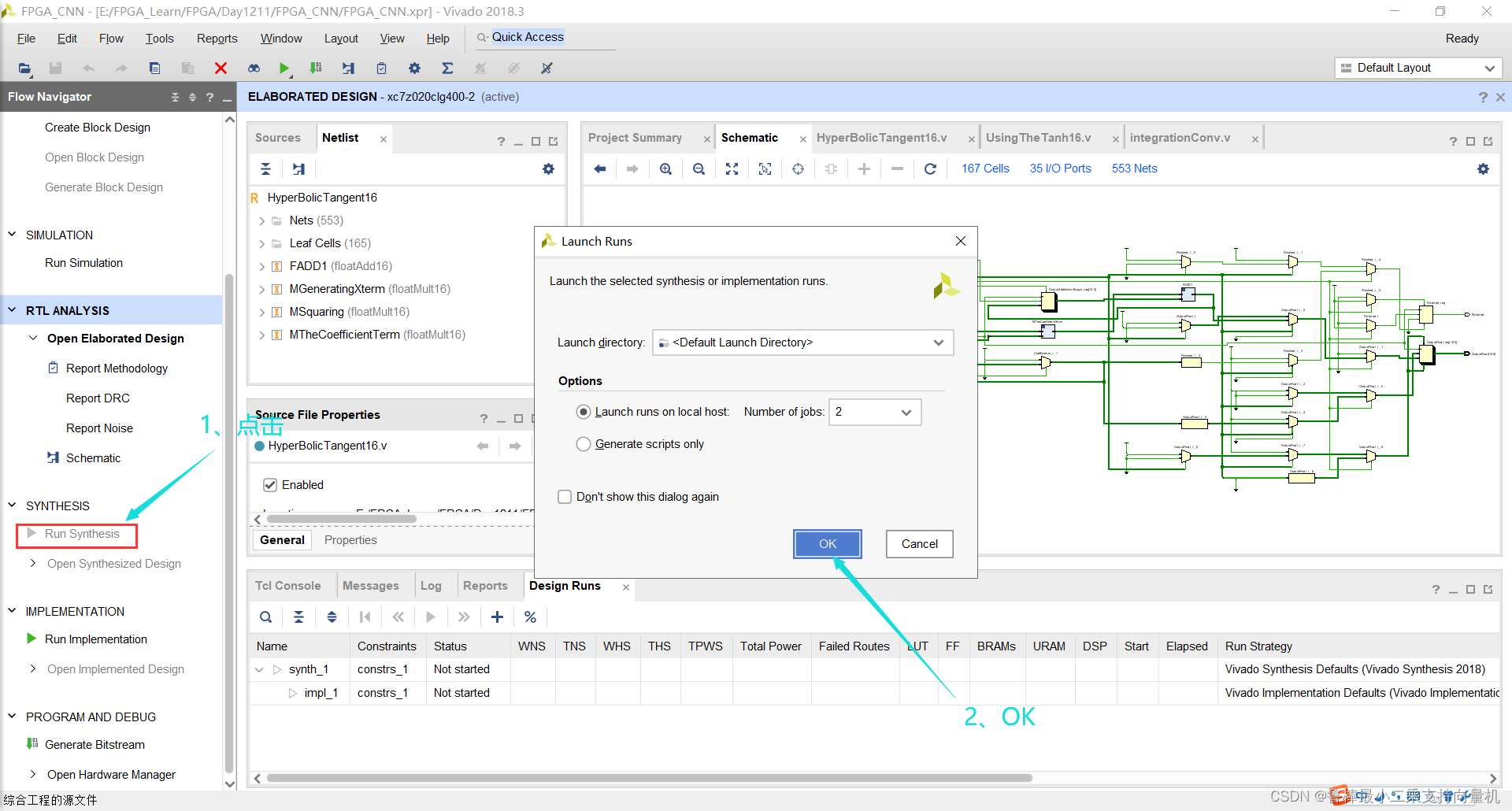
对设计进行综合,操作如图:
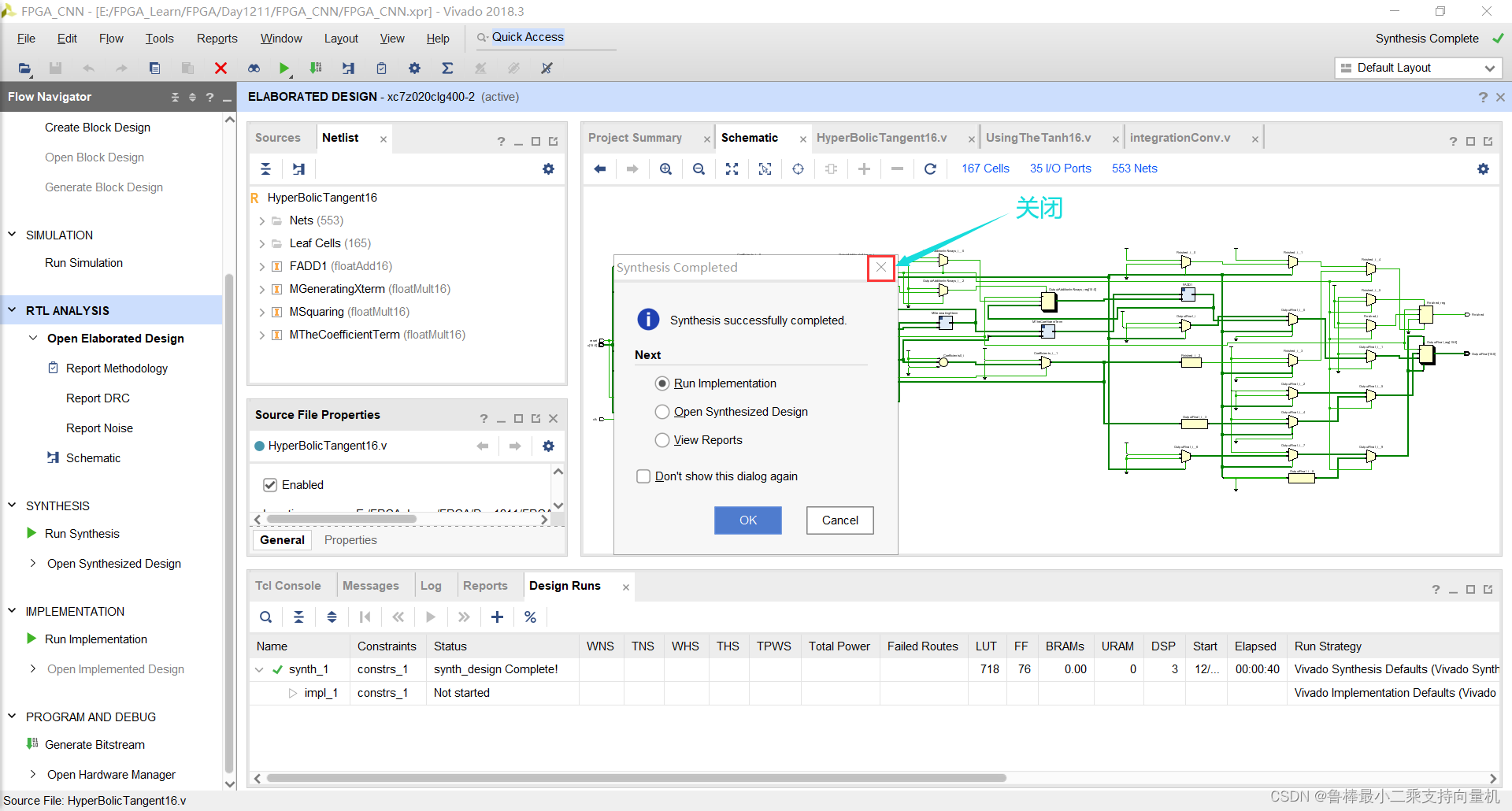
综合完成,关闭即可:
2.1.3 功能仿真
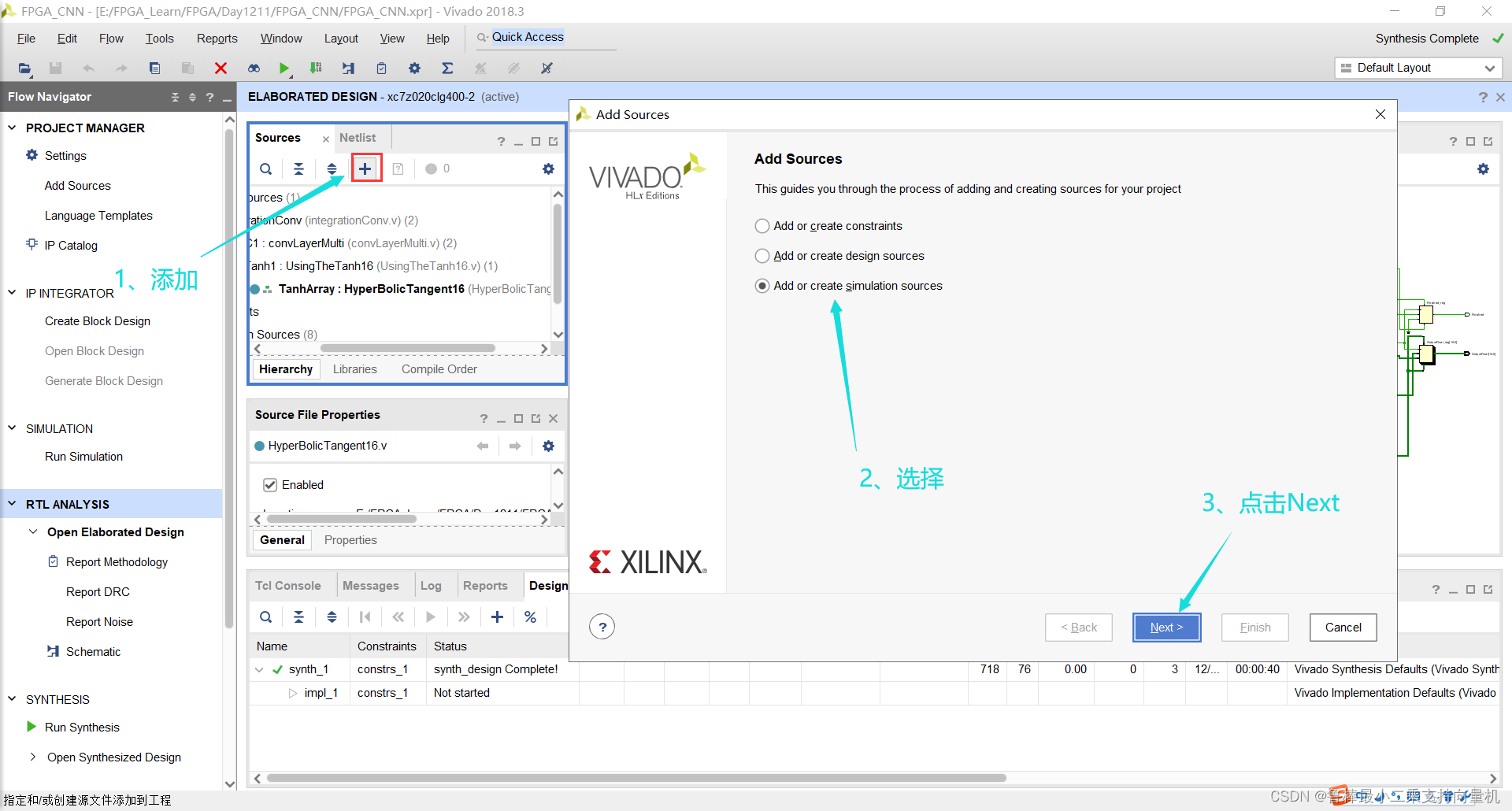
创建TestBench,操作如图所示:
输入激励文件名:
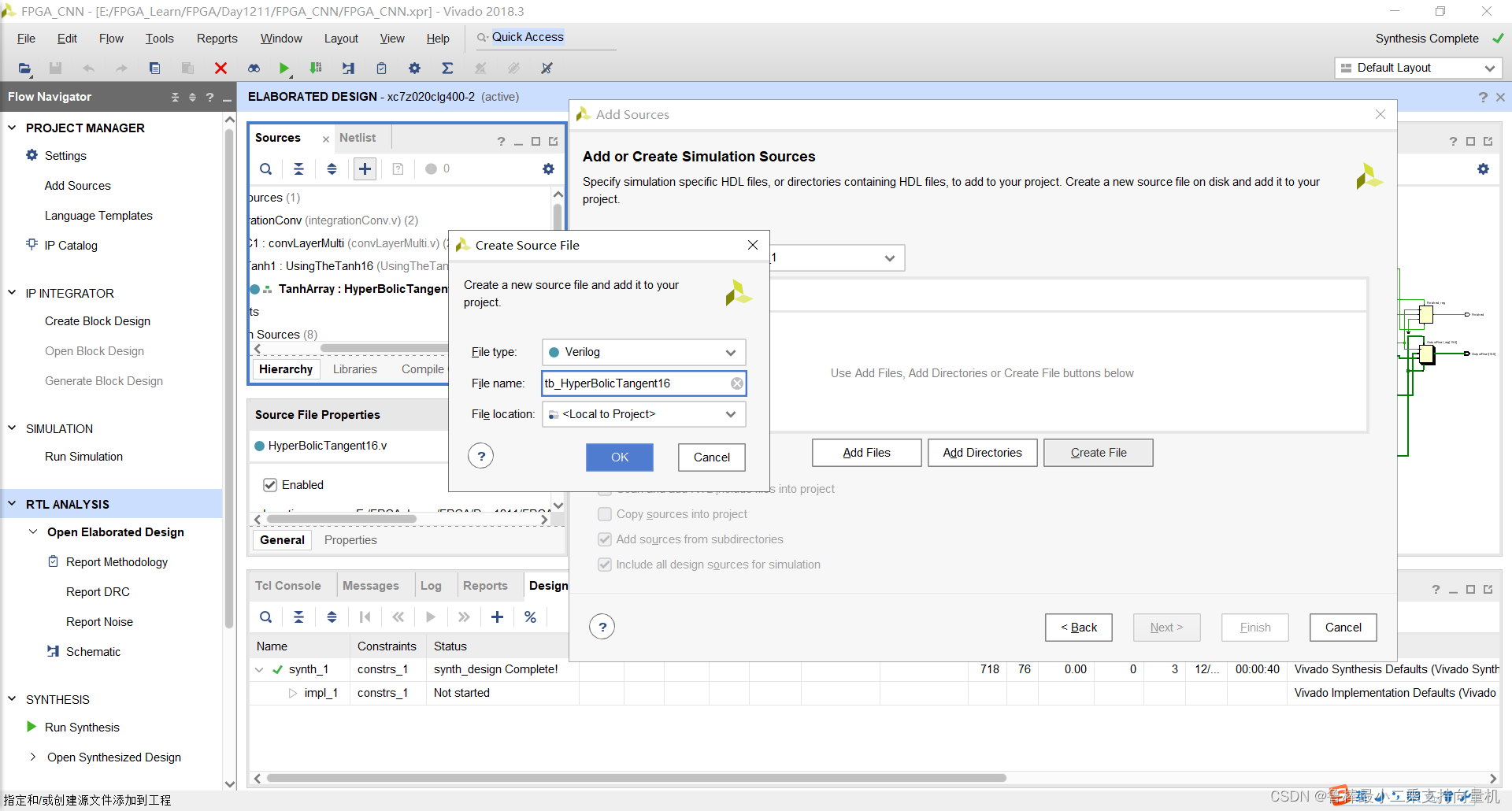
双击打开,输入激励代码:
`timescale 1ns / 1ps
module tb_HyperBolicTangent16();
reg clk, reset;
reg [15:0]x;
wire [15:0]OutputFinal;
wire Finished;localparam PERIOD = 100;always#(PERIOD/2) clk = ~clk;initial begin#0 //starting the tanh clk = 1'b1;reset = 1'b1;// trying a random input(0.600000023842)     where tanh(0.600000023842)=0.53704958x=16'b0011100011001101;#(PERIOD/2)reset = 0;	#400// waiting for 4 clock cycles then checking the output with approx.(0.53685)if(OutputFinal==32'b00111111000010010110111101111011 && Finished==1'b1)begin $display("Result is Right [Not in convergence region]");	  endelse begin $display("Result is Wrong");	 end	 //trying another input which will be in the convergence region(3)  the output will be converged to 1    and reseting the function againx=16'b0100001000000000;reset = 1'b1;#(PERIOD/2)reset=1'b0;#200// checking if the output is 1if(OutputFinal==32'b00111111100000000000000000000000)begin $display("Result is Right [ convergence region]");	  endelse begin $display("Result is Wrong ");	 end	$stop;
endHyperBolicTangent16 UUT
(.x(x),.clk(clk),.reset(reset),.OutputFinal(OutputFinal),.Finished(Finished)
);
endmodule
如图所示:
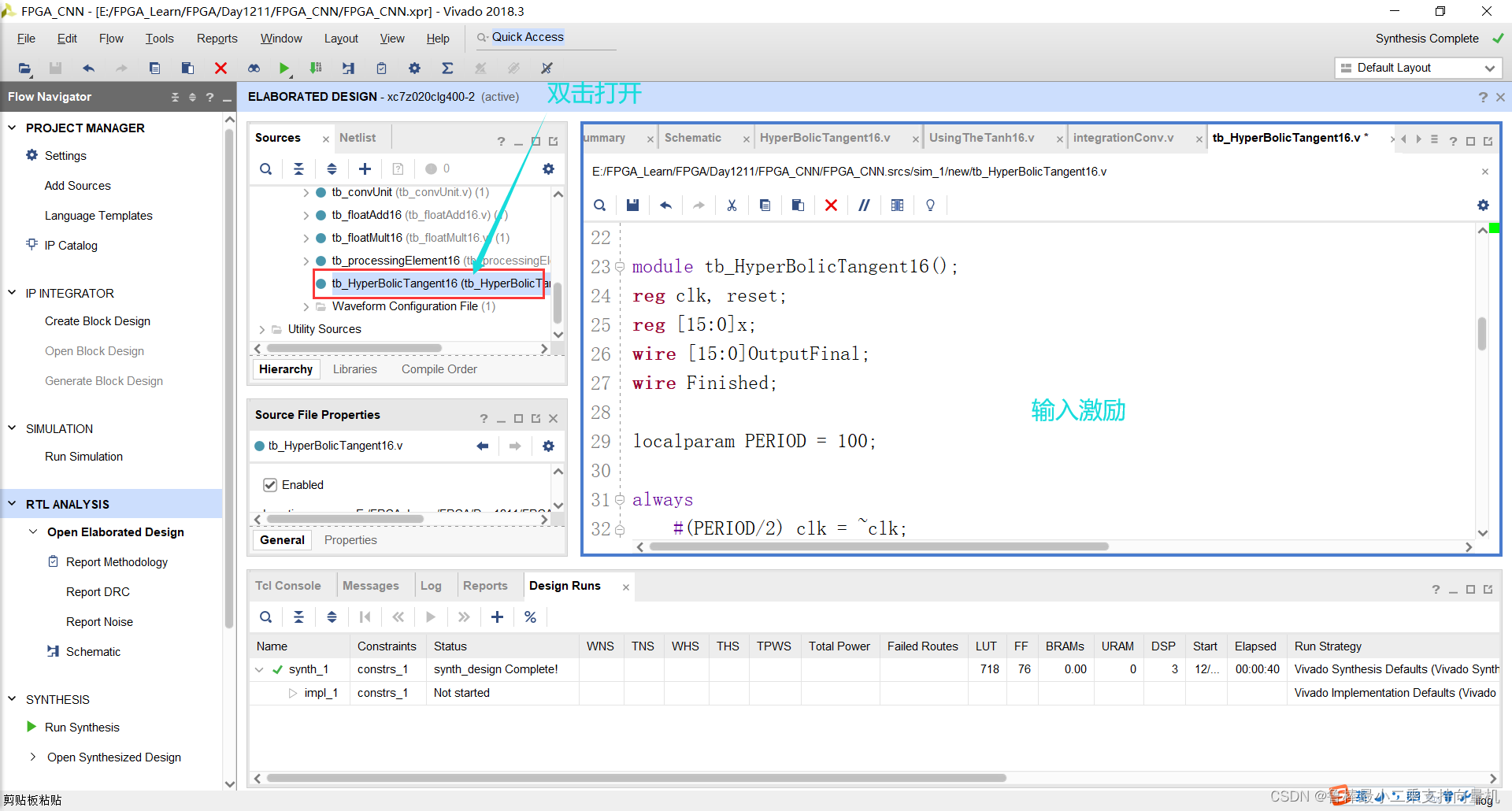
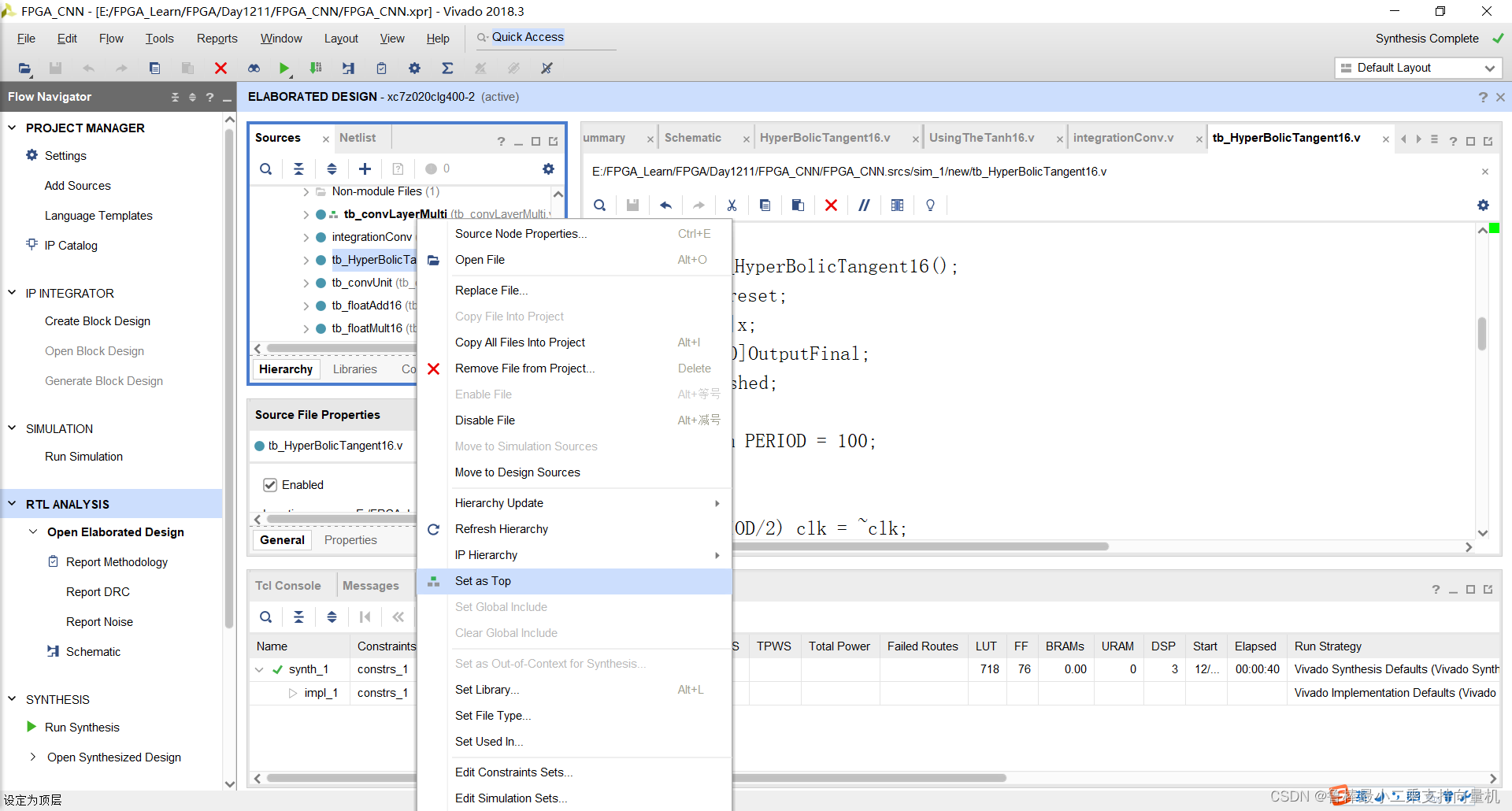
将tb_HyperBolicTangent16设置为顶层:
开始进行仿真,操作如下:
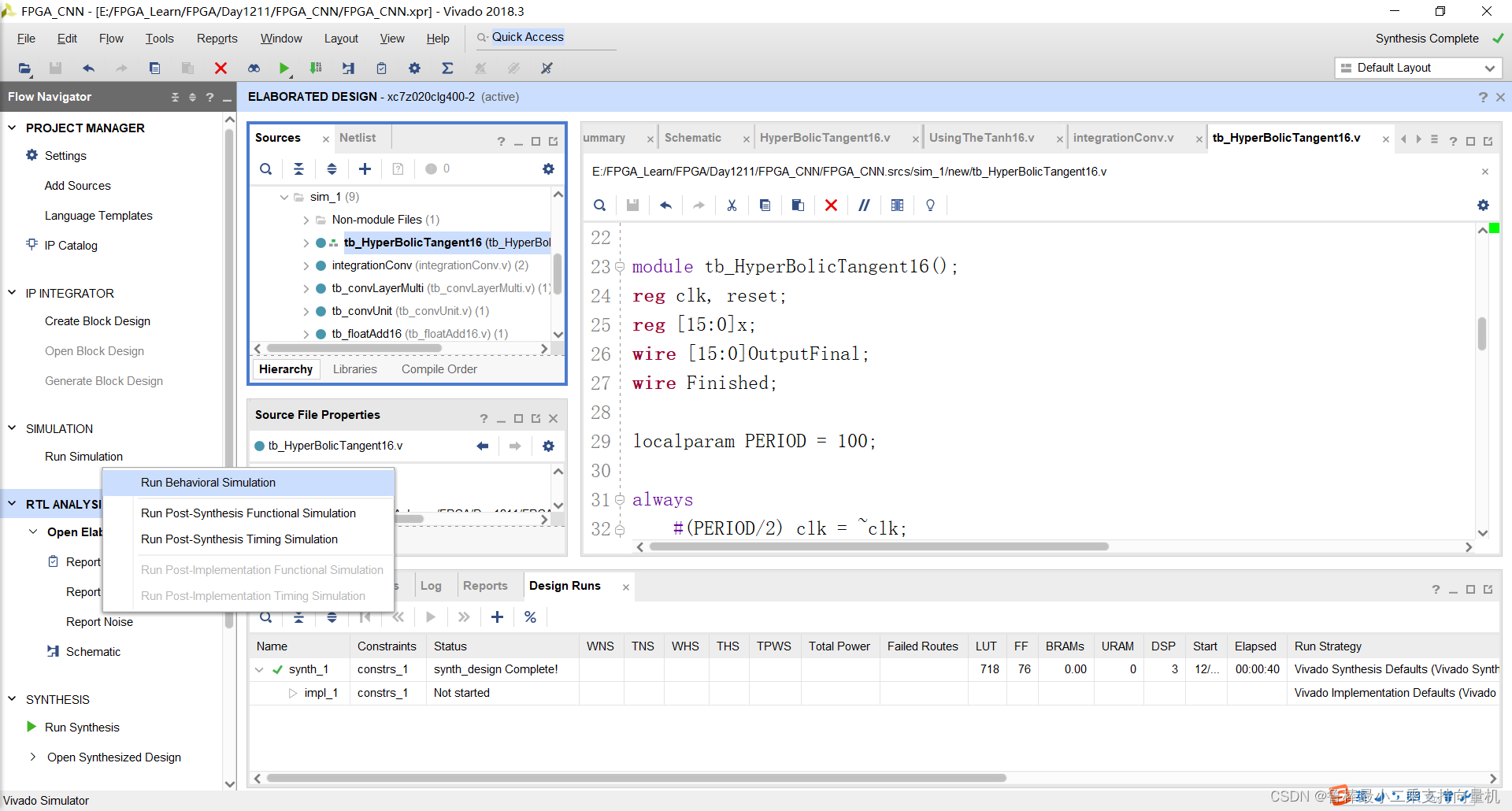
开始仿真,如图:
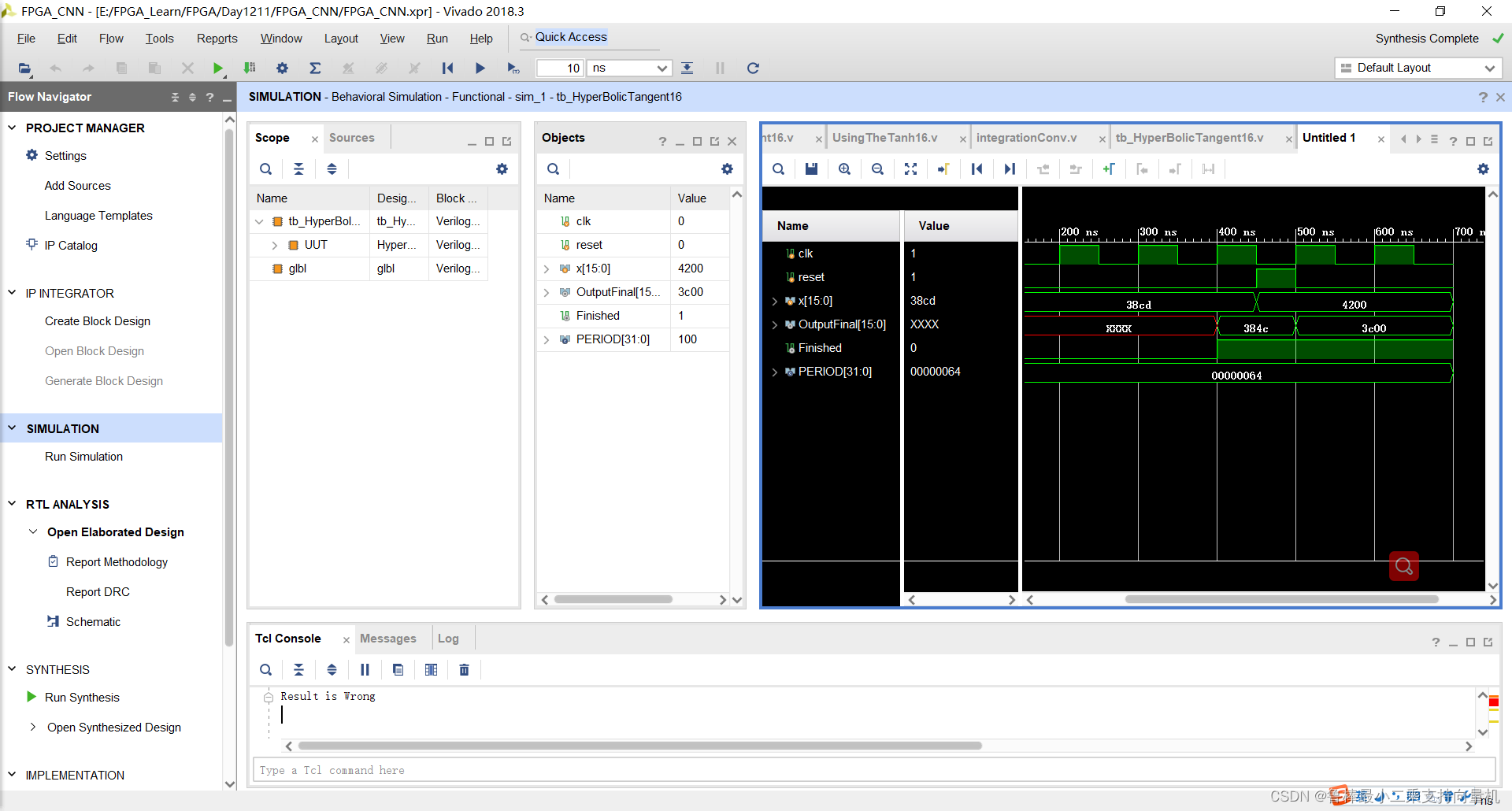
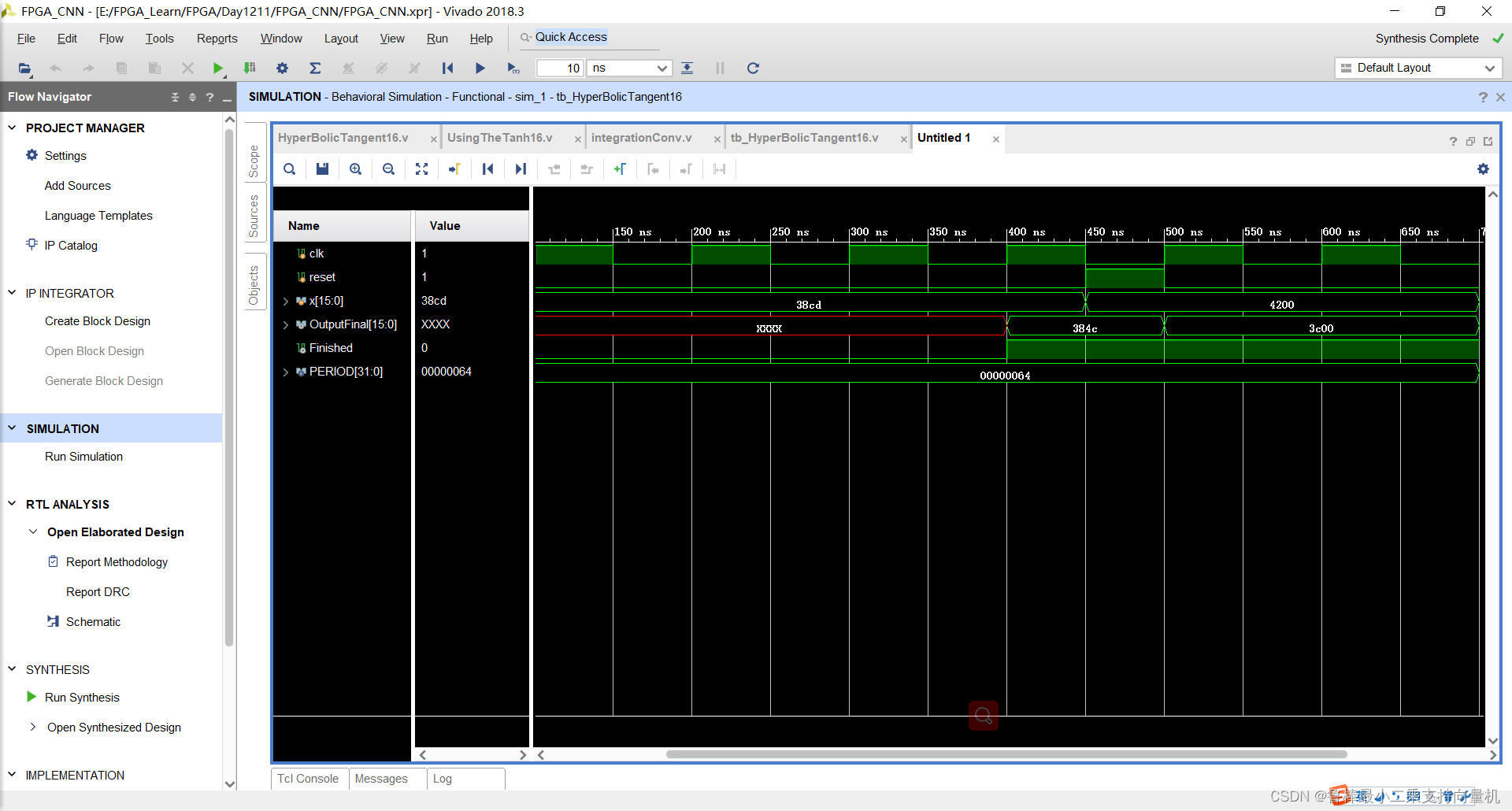
仿真波形,如图:
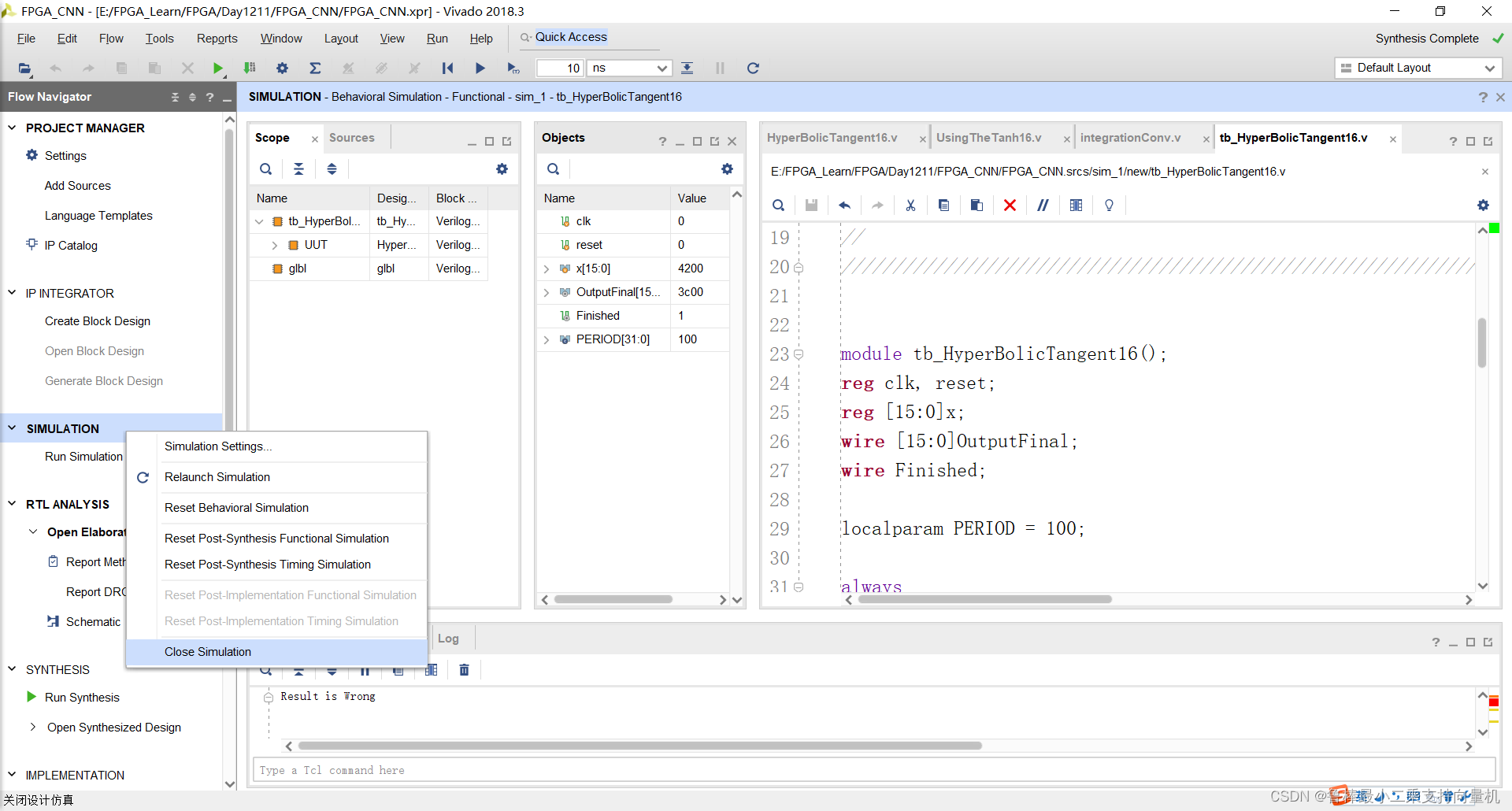
关闭仿真:
2.2 UsingTheTanh16
2.2.1 设计输入
创建UsingTheTanh16文件,如图:
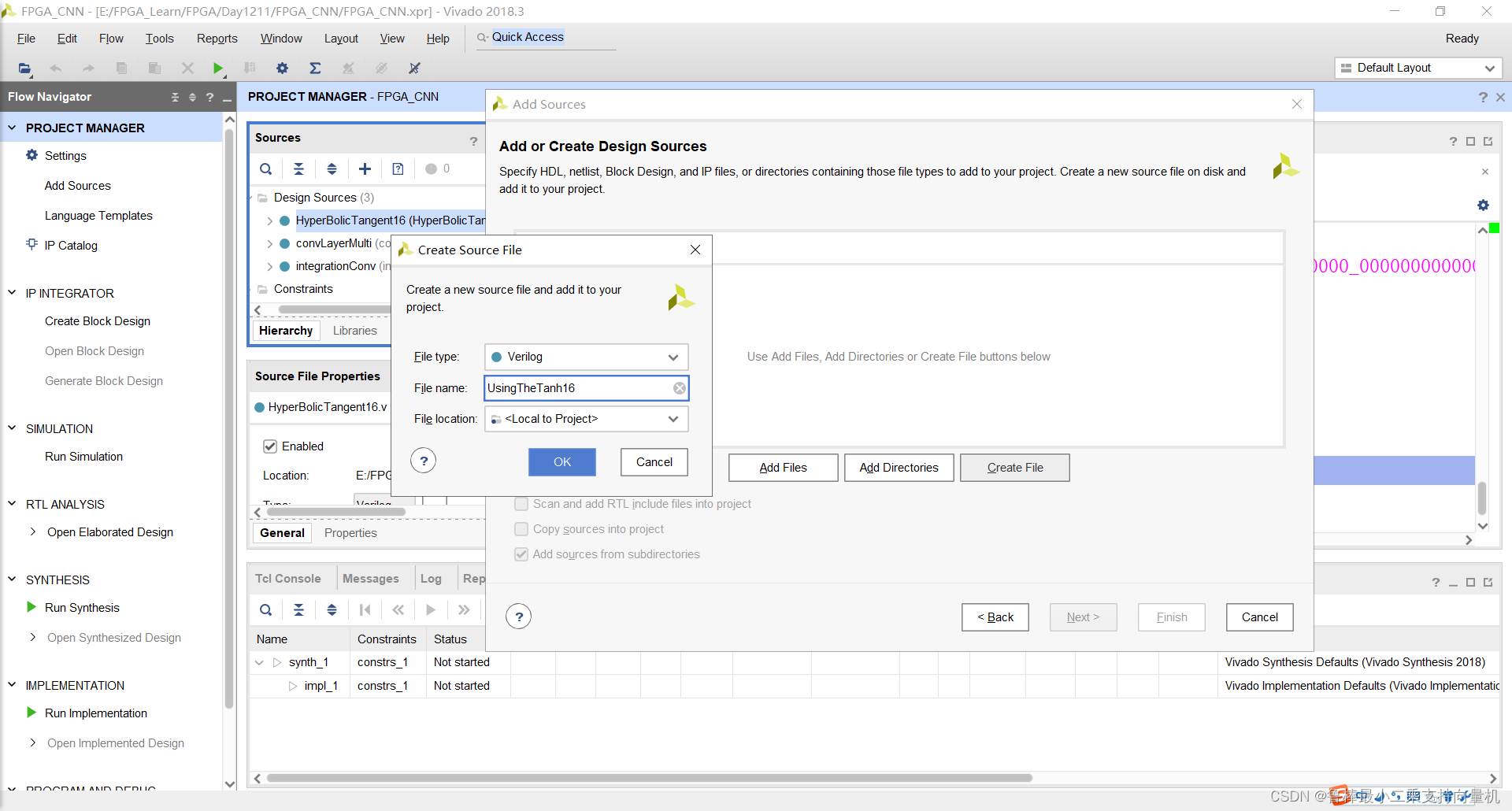
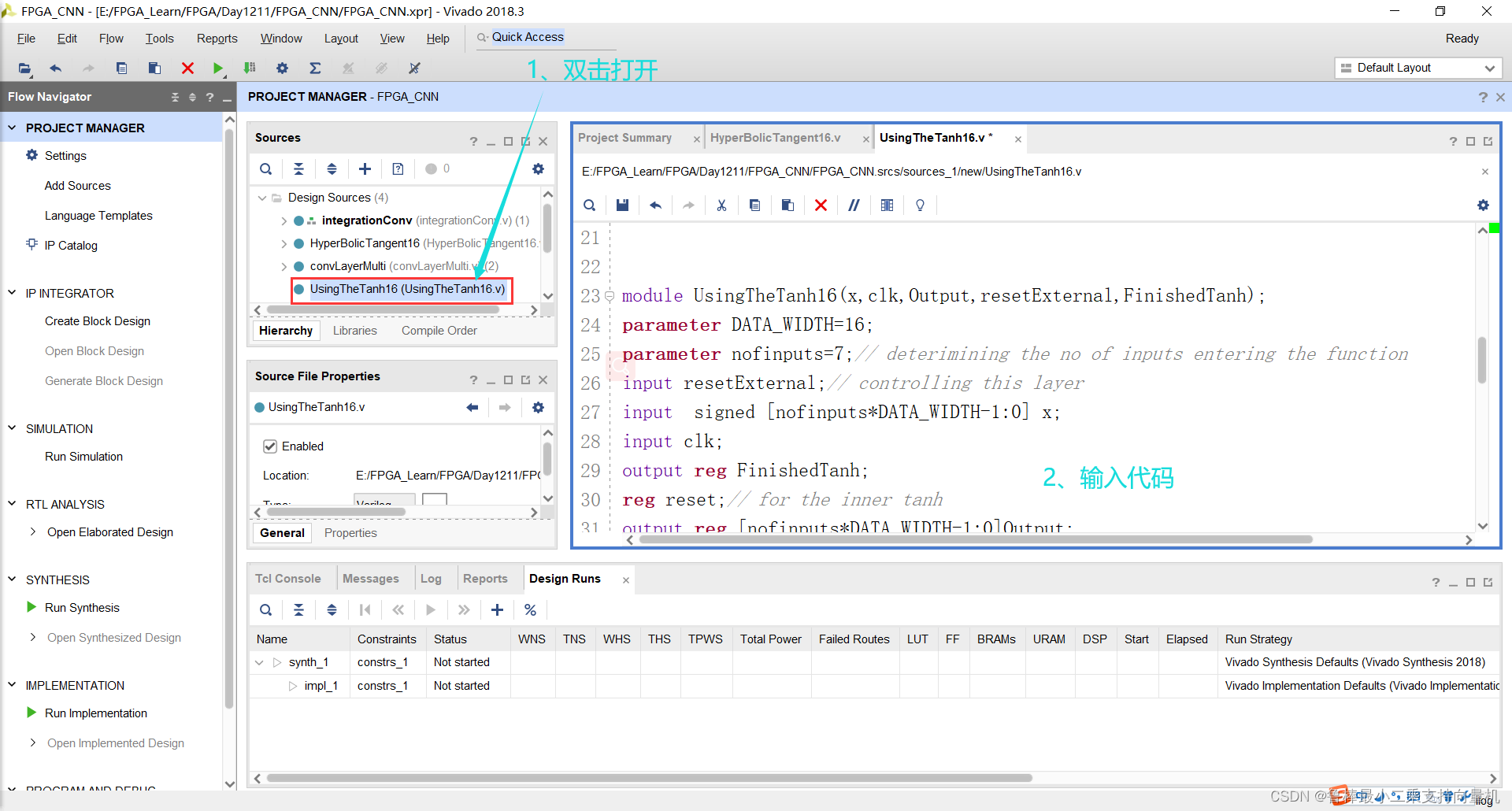
双击打开,输入代码:
module UsingTheTanh16(x,clk,Output,resetExternal,FinishedTanh);
parameter DATA_WIDTH=16;
parameter nofinputs=7;// deterimining the no of inputs entering the function
input resetExternal;// controlling this layer
input  signed [nofinputs*DATA_WIDTH-1:0] x;
input clk;
output reg FinishedTanh;
reg reset;// for the inner tanh
output reg [nofinputs*DATA_WIDTH-1:0]Output;
wire [DATA_WIDTH-1:0]OutputTemp;
reg [7:0]counter=0;
wire Finished;
reg [7:0]i;
// the inner tanh taking inputs in 32 bits and then increment using the i operator
HyperBolicTangent16 TanhArray (x[DATA_WIDTH*i+:DATA_WIDTH],reset,clk,OutputTemp,Finished);always@(posedge clk)
begin counter=counter+1;
// if the external reset =1 then make everything to 0
if(resetExternal==1) begin reset=1;i=0;FinishedTanh=0; end
//checking if the tanh is not finished so continue your operation and low down the reset to continueelse if(FinishedTanh==0) begin if(reset==1)begin reset=0; end // if it is finished then store the output of the tanh and increment the input forwardelse if (Finished==1)begin Output[DATA_WIDTH*i+:DATA_WIDTH]=OutputTemp;reset=1;i=i+1;end
// check if all the inputs are finished then the layer is OK
if(i==nofinputs)begin FinishedTanh=1;end
end end
endmodule
如图所示:
2.2.2 分析与综合
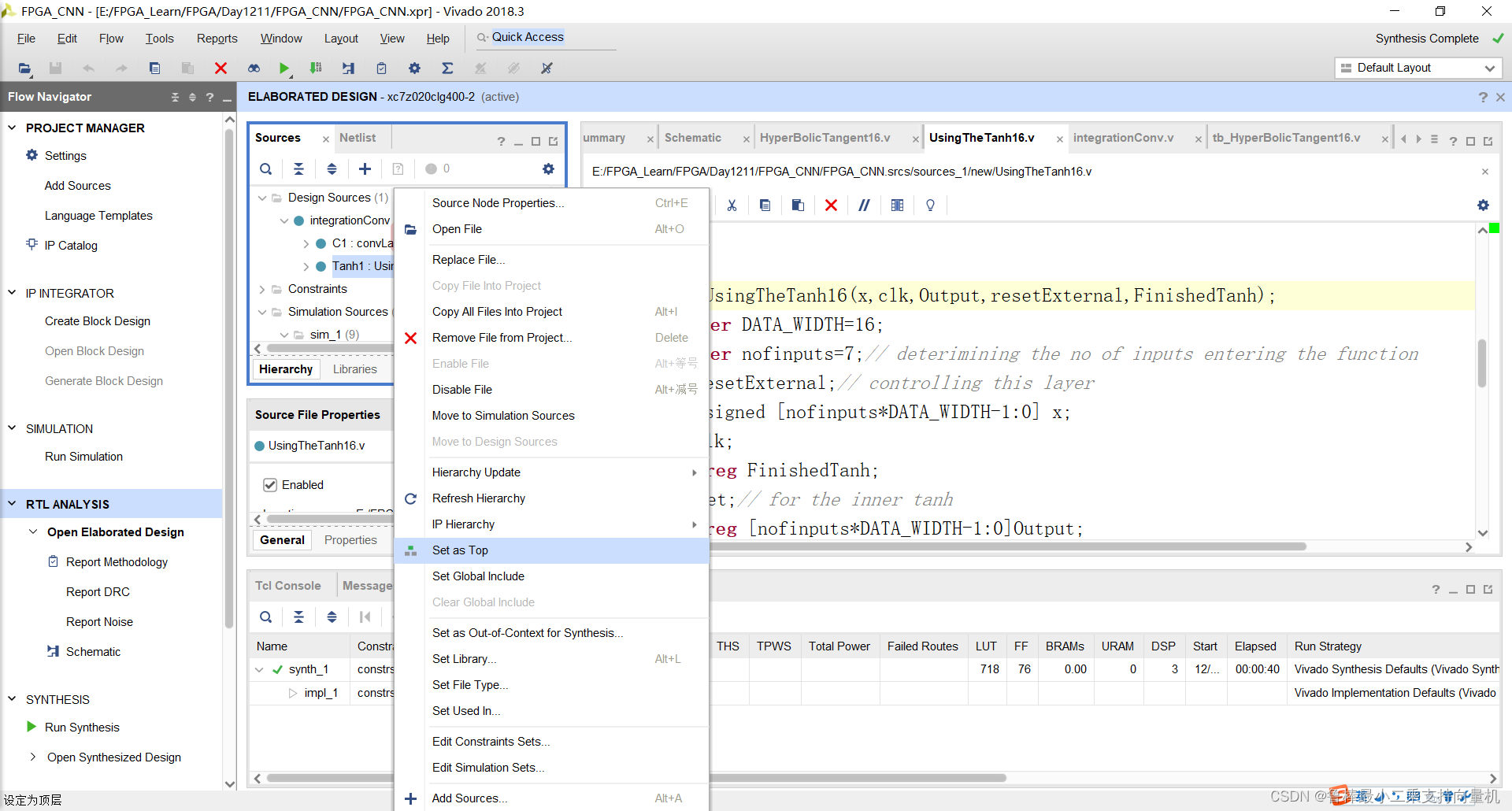
将UsingTheTanh16设置为顶层:
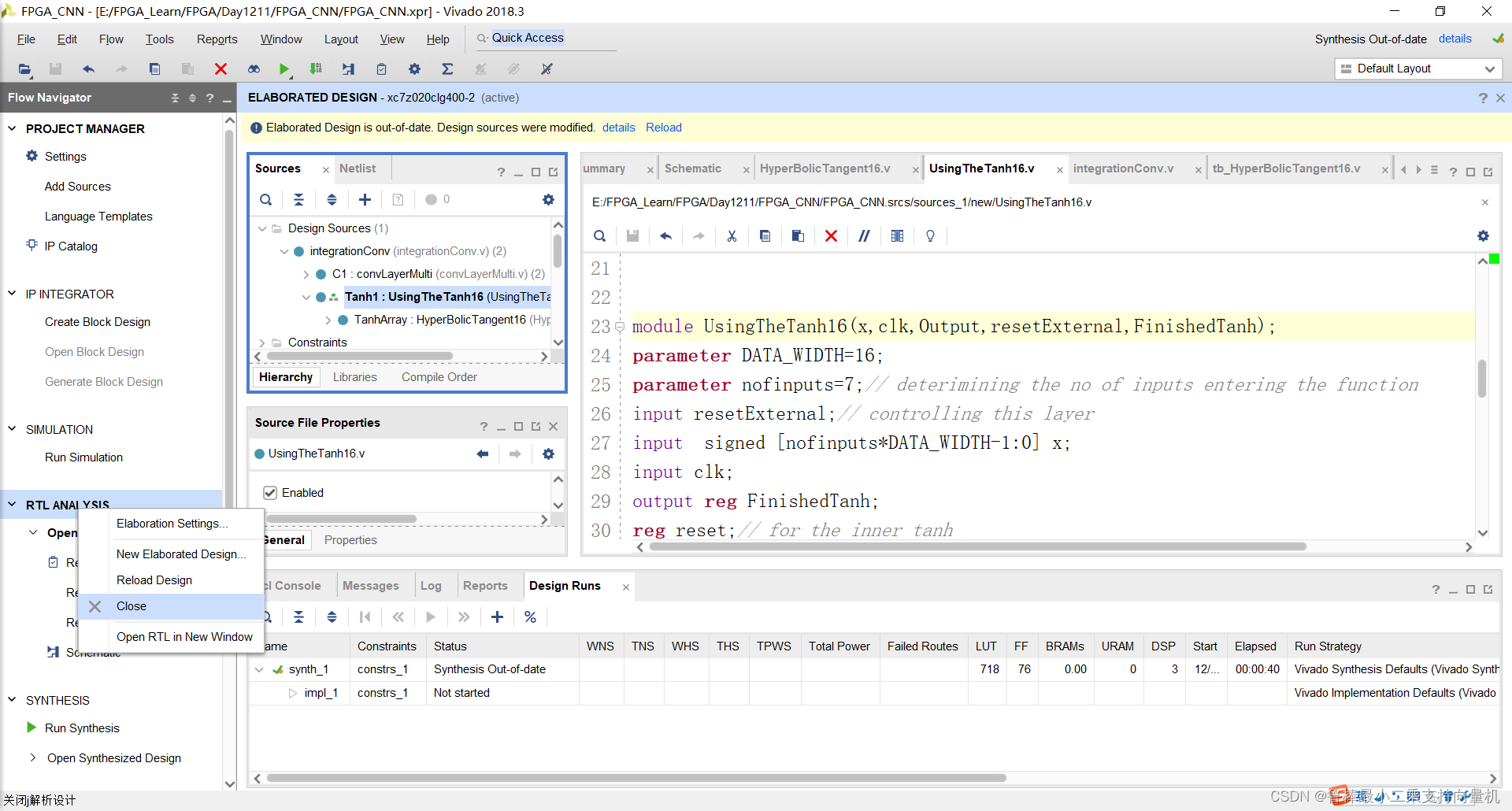
关闭上次的分析文件:
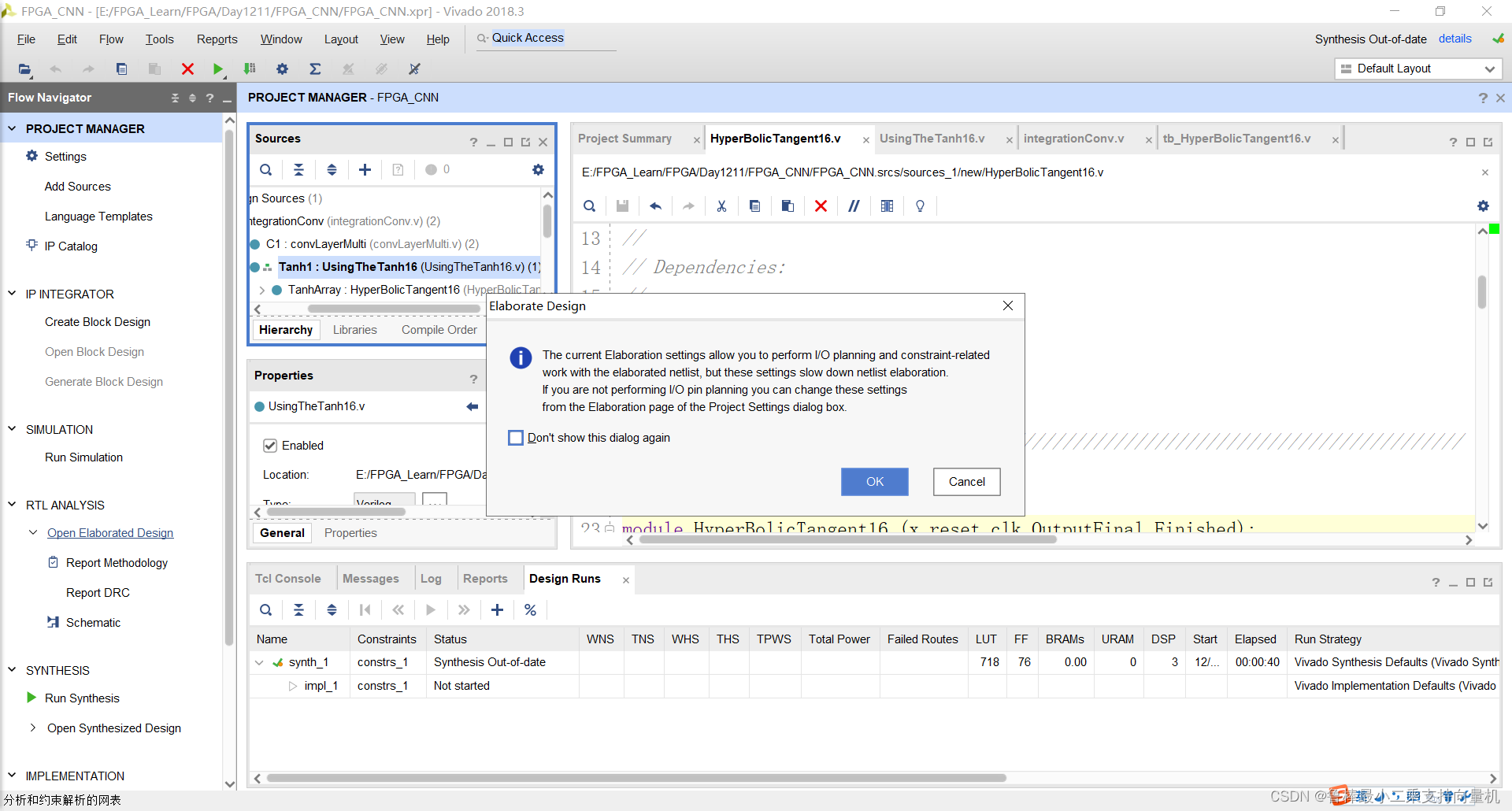
对设计进行分析,操作如图:
分析后的设计,Vivado自动生成原理图,如图:
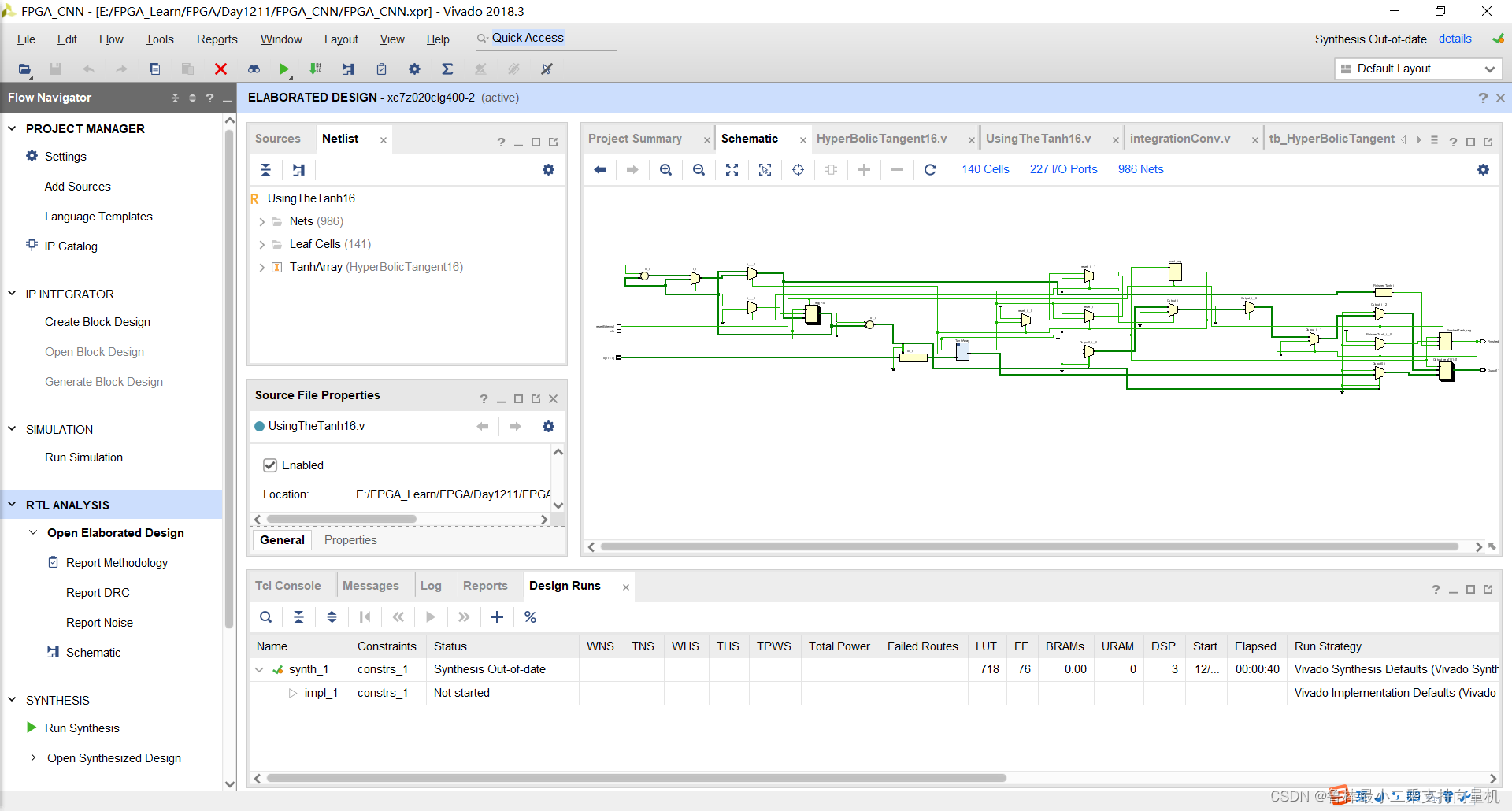
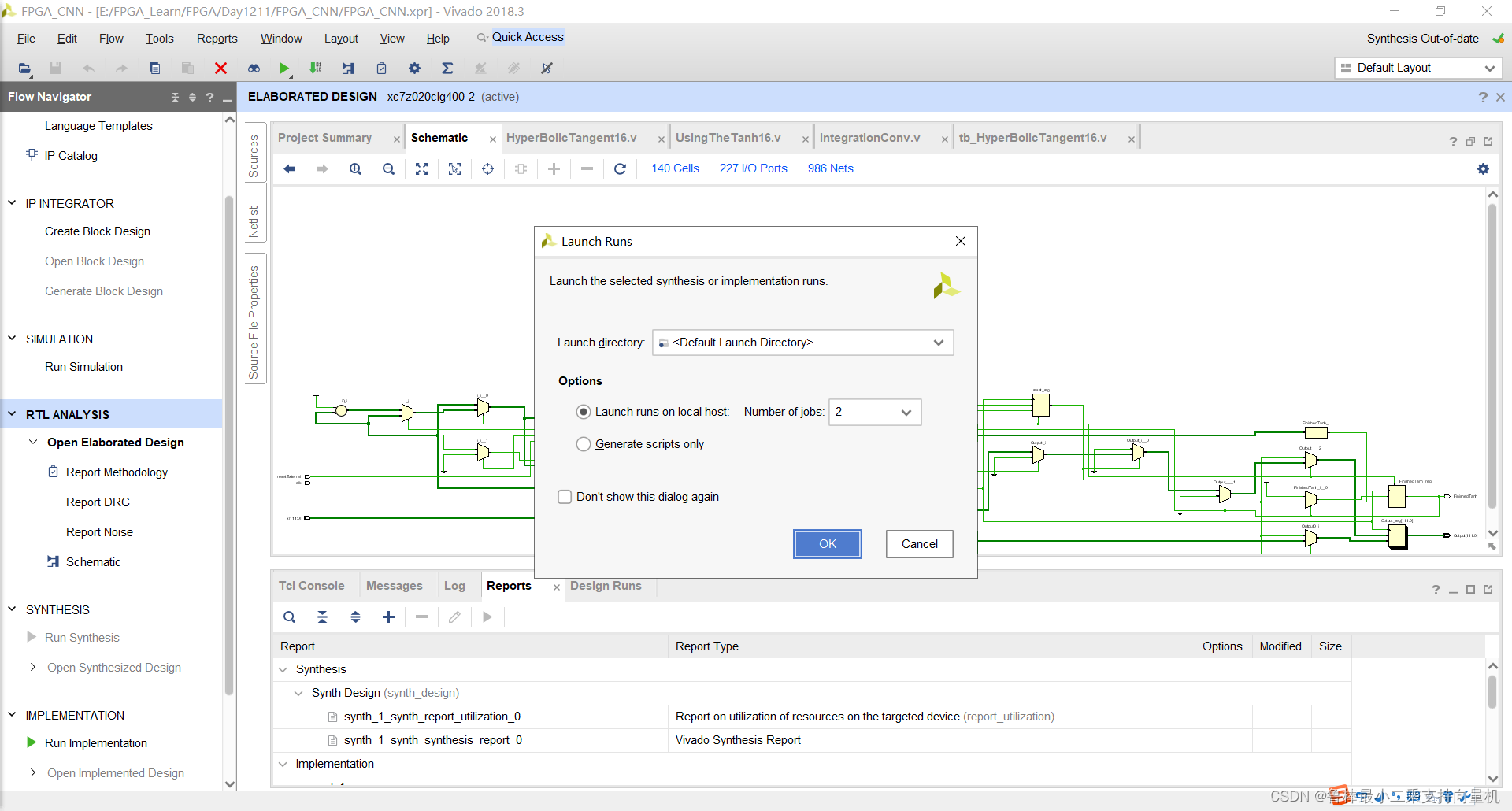
对设计进行综合,操作如图:
2.2.3 功能仿真
创建TestBench,操作如图所示:
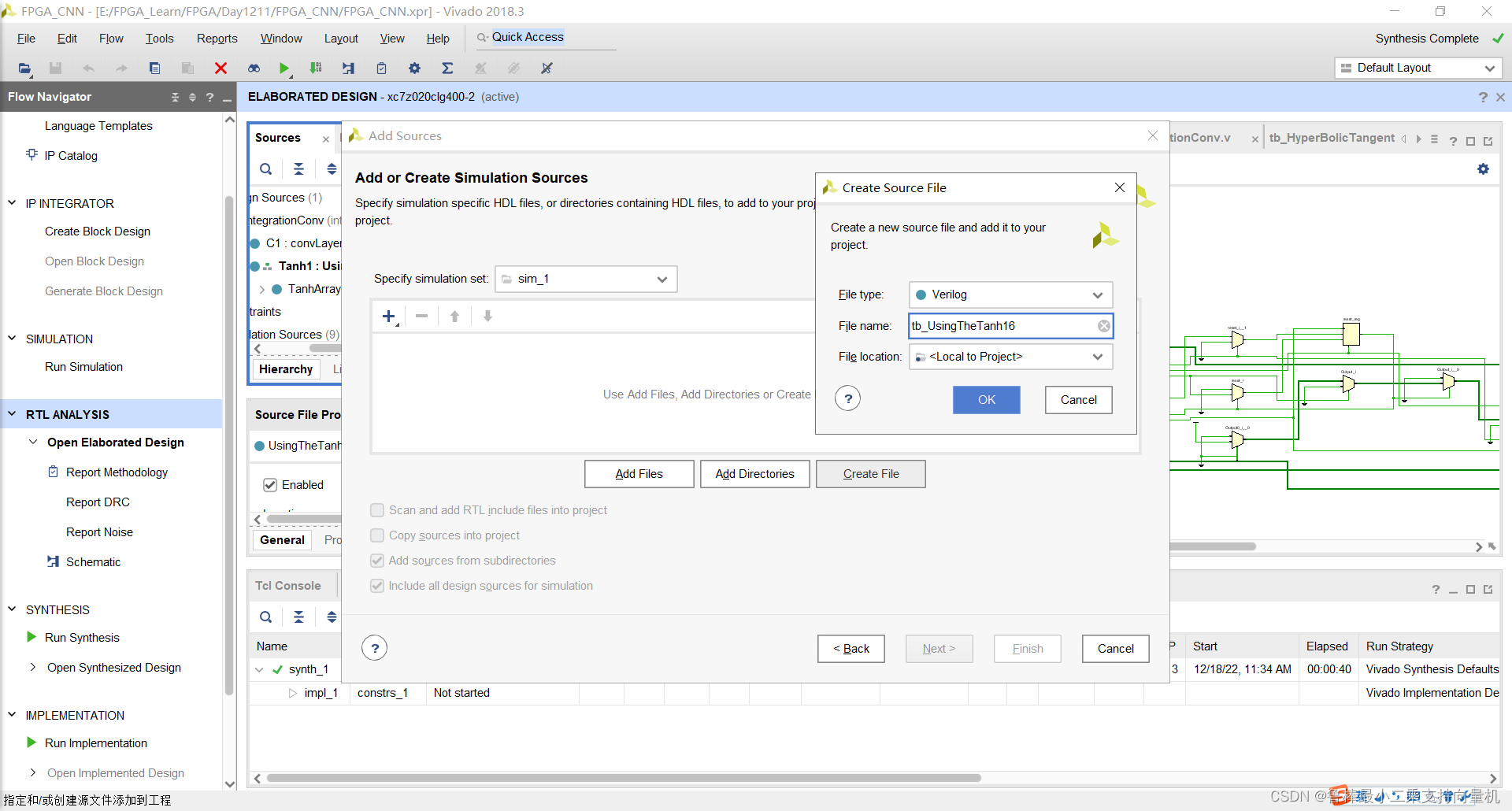
双击打开,输入激励代码:
module tb_UsingTheTanh16();
reg clk, resetExternal;
reg [63:0]x;
wire [63:0]Output;
wire FinishedTanh;localparam PERIOD = 100;always#(PERIOD/2) clk = ~clk;initial begin#0 //starting the tanh clk = 1'b1;resetExternal = 1'b1;// trying a random input(0.6,3)     where tanh(0.600000023842)=0.53704958, tanh(3)~=1x=64'b00111111000110011001100110011010_01000000010000000000000000000000;#(PERIOD/2)resetExternal = 1'b0;	#800// waiting for The final output which will be (0.57,1)if(Output==64'b00111111000010010110111101111011_00111111100000000000000000000000 && FinishedTanh==1'b1)begin $display("Result is right (for the full array of inputs)");	  endelse begin $display("Result is Wrong");	 end	 $stop;
endUsingTheTanh16 UUT
(.x(x),.clk(clk),.Output(Output),.resetExternal(resetExternal),	.FinishedTanh(FinishedTanh)
);endmodule
如图所示:
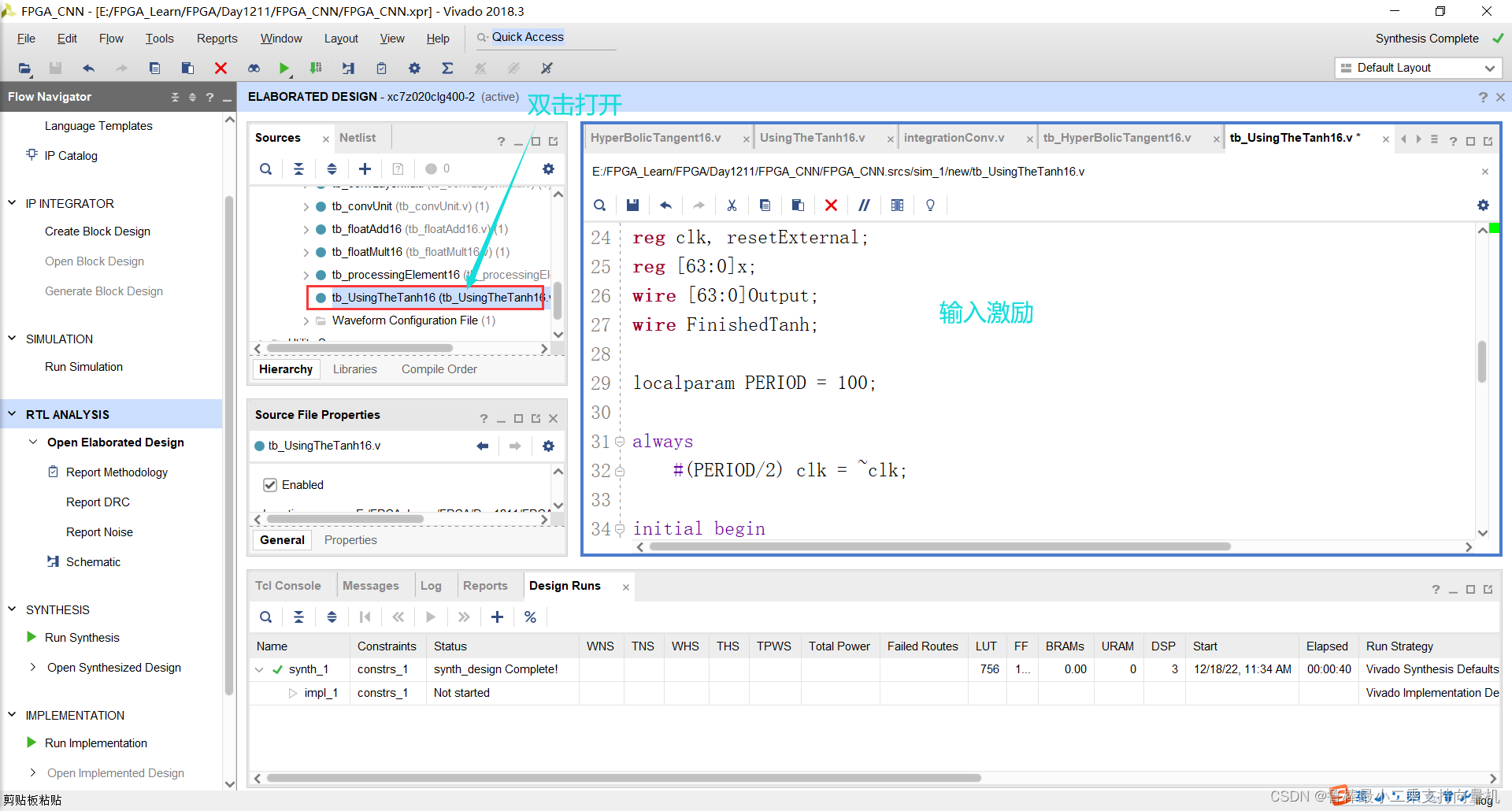
将tb_UsingTheTanh16文件设置为顶层:
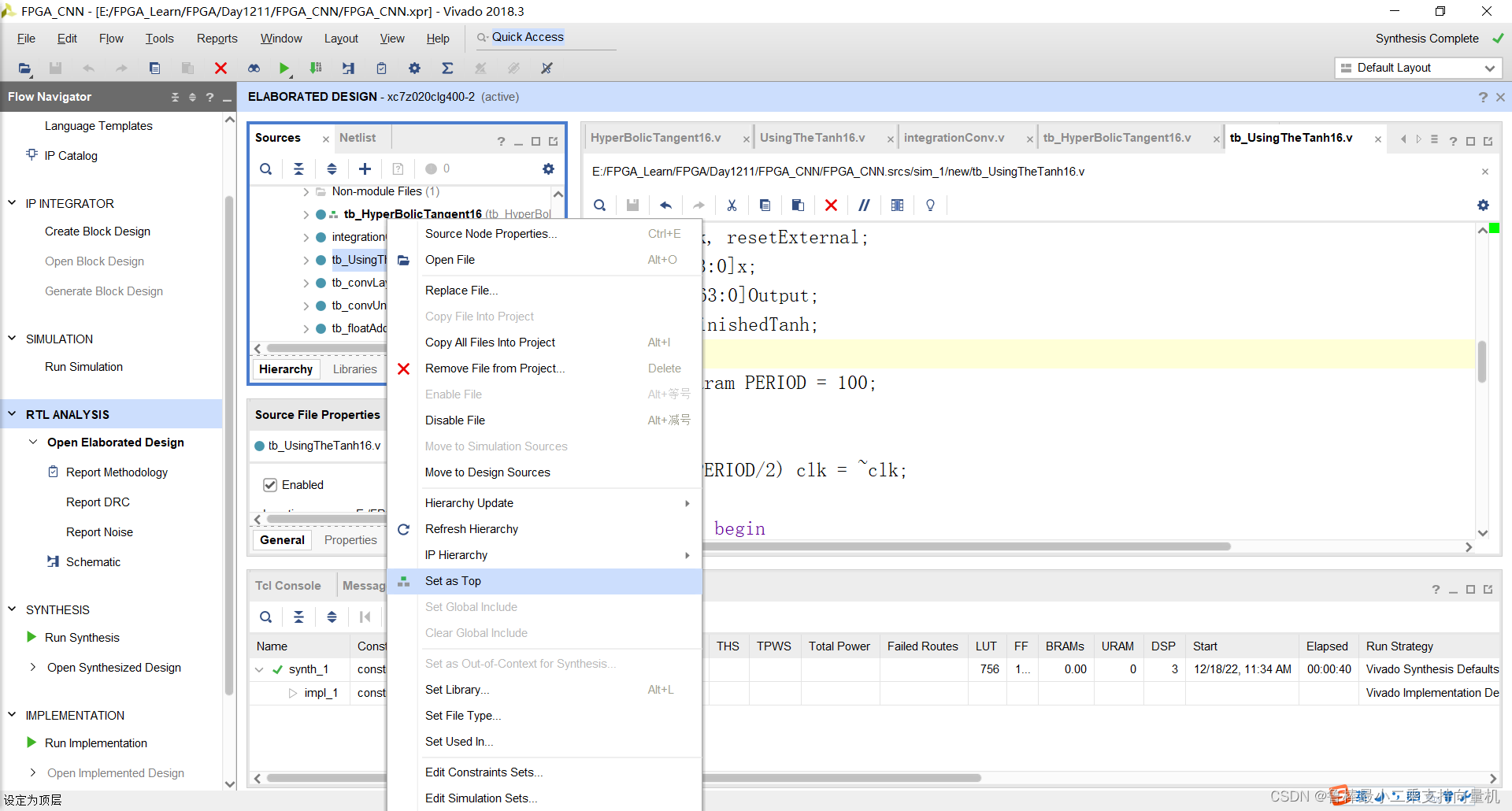
开始进行仿真,操作如下:
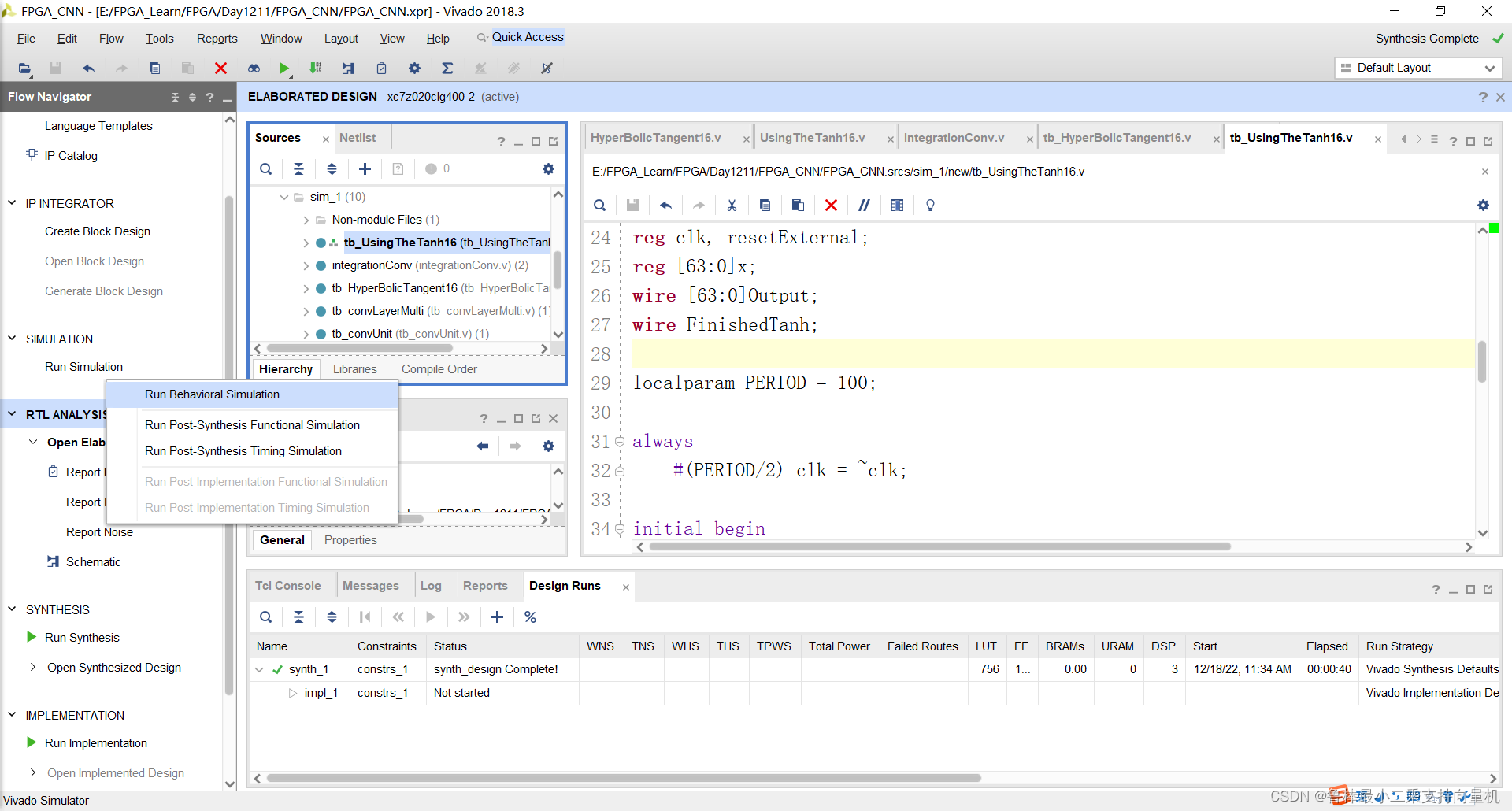
开始仿真,如图:
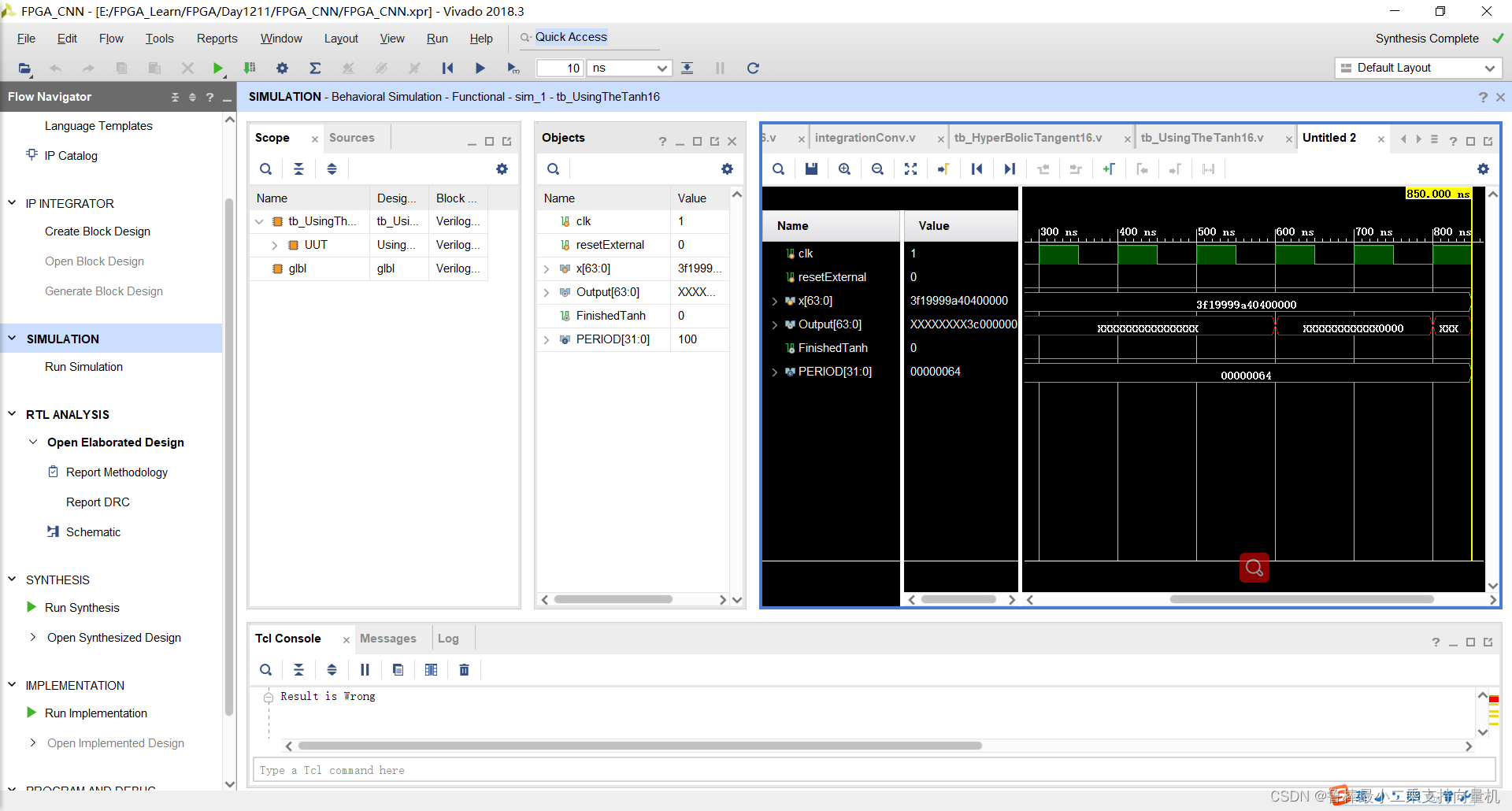
仿真波形,如图:
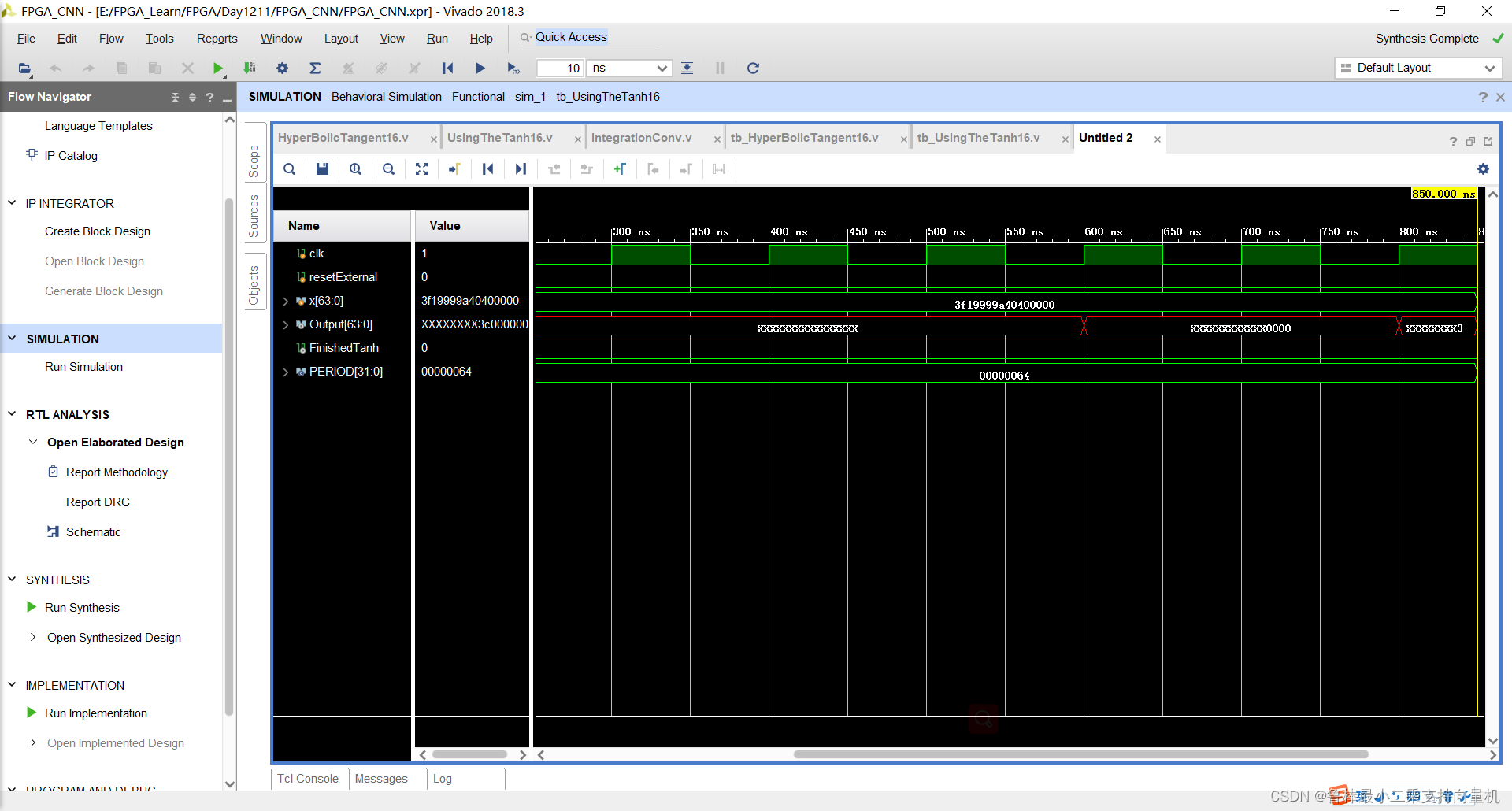
2.3 IntegrationConv
2.3.1 设计输入
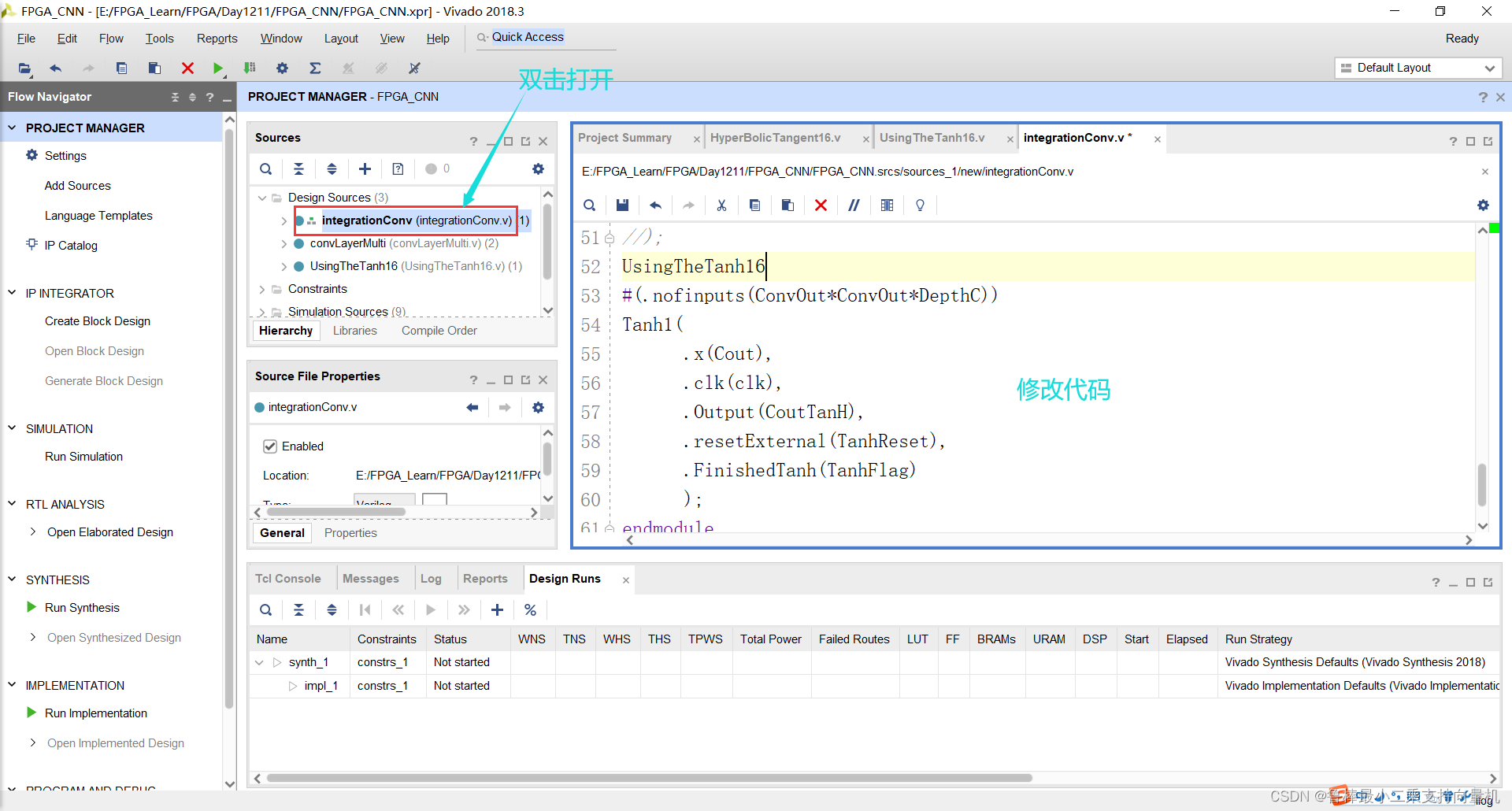
双击打开integrationConv文件,修改代码为:
module integrationConv (clk,reset,CNNinput,Conv,ConvOutput);parameter DATA_WIDTH = 16;
parameter ImgInW = 32;
parameter ImgInH = 32;
parameter ConvOut = 28;
parameter Kernel = 5;
parameter DepthC = 6;input clk, reset;
input [ImgInW*ImgInH*DATA_WIDTH-1:0] CNNinput;
input [Kernel*Kernel*DepthC*DATA_WIDTH-1:0] Conv;
output [ConvOut*ConvOut*DepthC*DATA_WIDTH-1:0] ConvOutput;reg TanhReset;
wire TanhFlag;wire [ConvOut*ConvOut*DepthC*DATA_WIDTH-1:0] Cout;
wire [ConvOut*ConvOut*DepthC*DATA_WIDTH-1:0] CoutTanH;convLayerMulti C1
(.clk(clk),.reset(reset),.image(CNNinput),.filters(Conv),.outputConv(ConvOutput)
);
UsingTheTanh16
#(.nofinputs(ConvOut*ConvOut*DepthC))
Tanh1(.x(Cout),.clk(clk),.Output(CoutTanH),.resetExternal(TanhReset),.FinishedTanh(TanhFlag));
endmodule
如图所示:
2.3.2 分析与综合
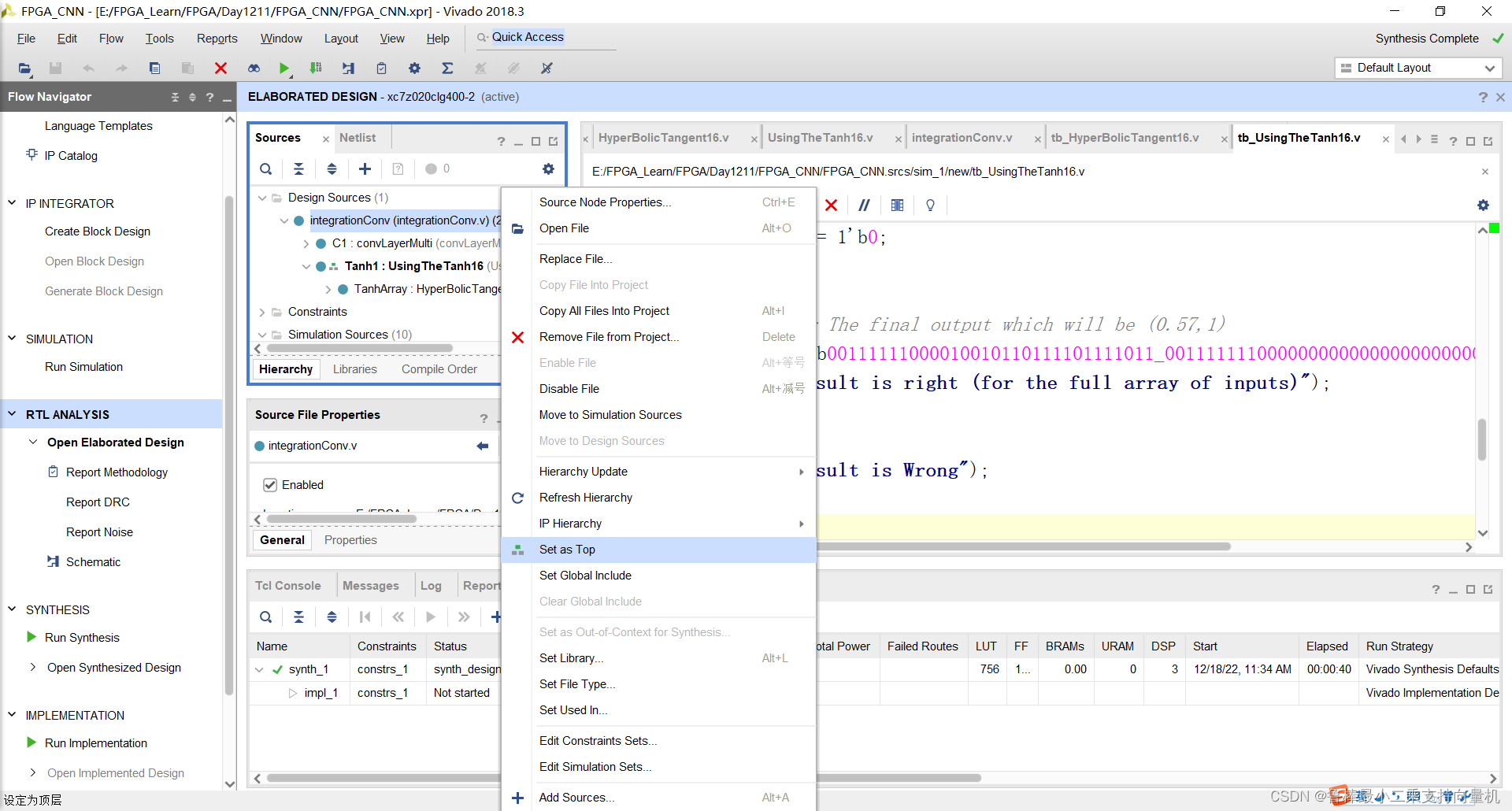
将integrationConv设置为顶层:
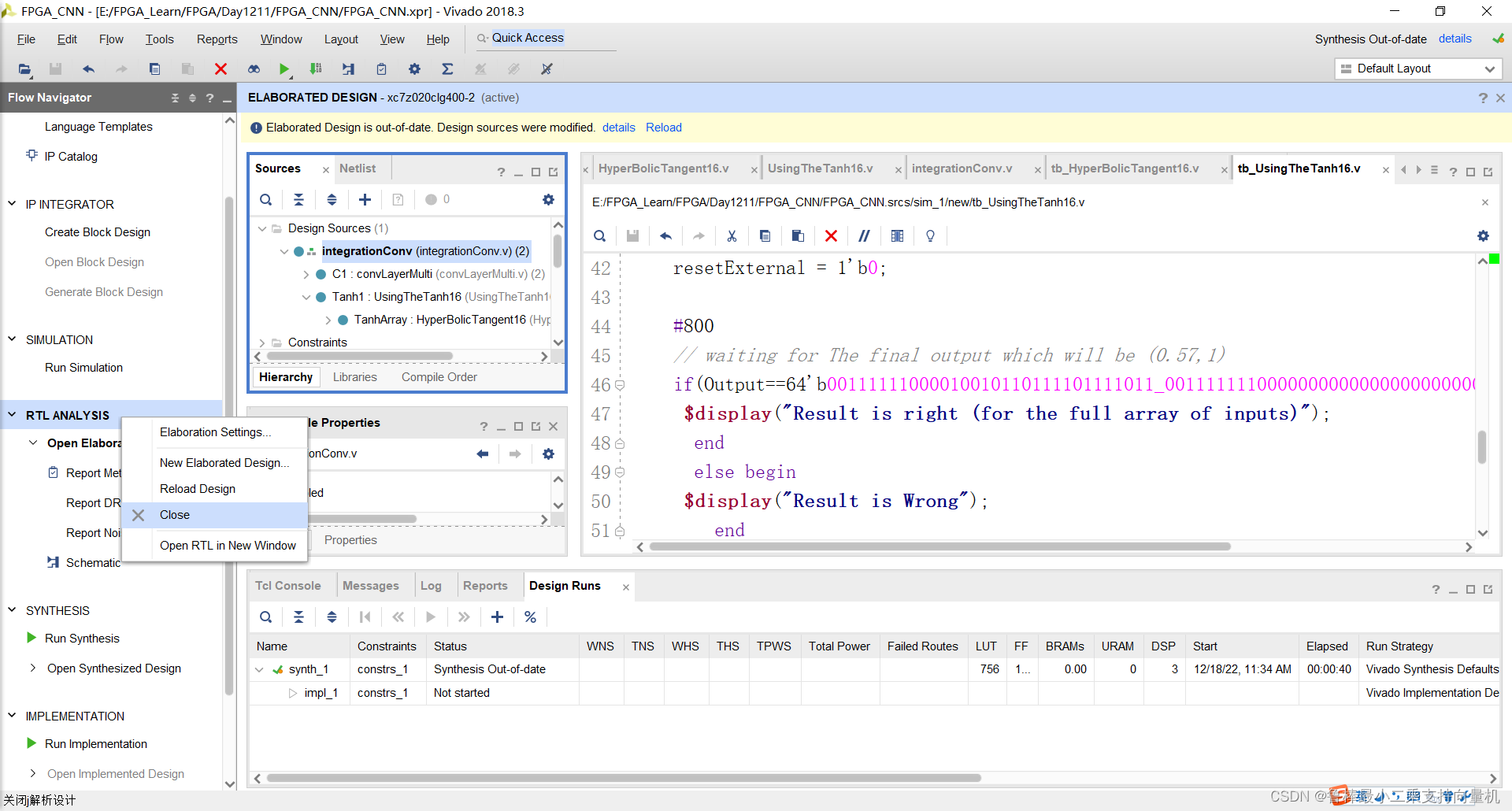
关闭上次的分析文件:
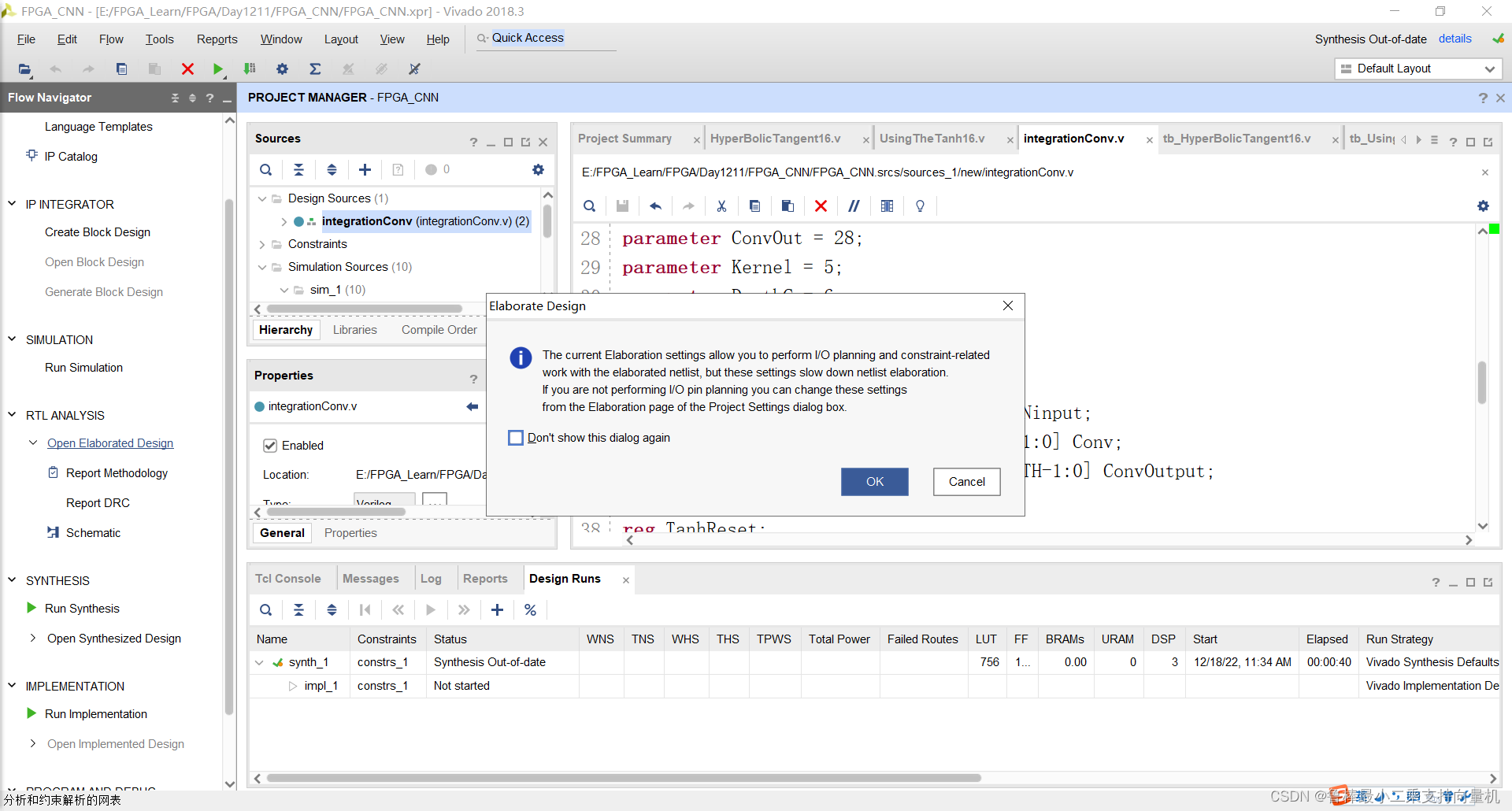
对设计进行分析,操作如图:
分析后的设计,Vivado自动生成原理图,如图:
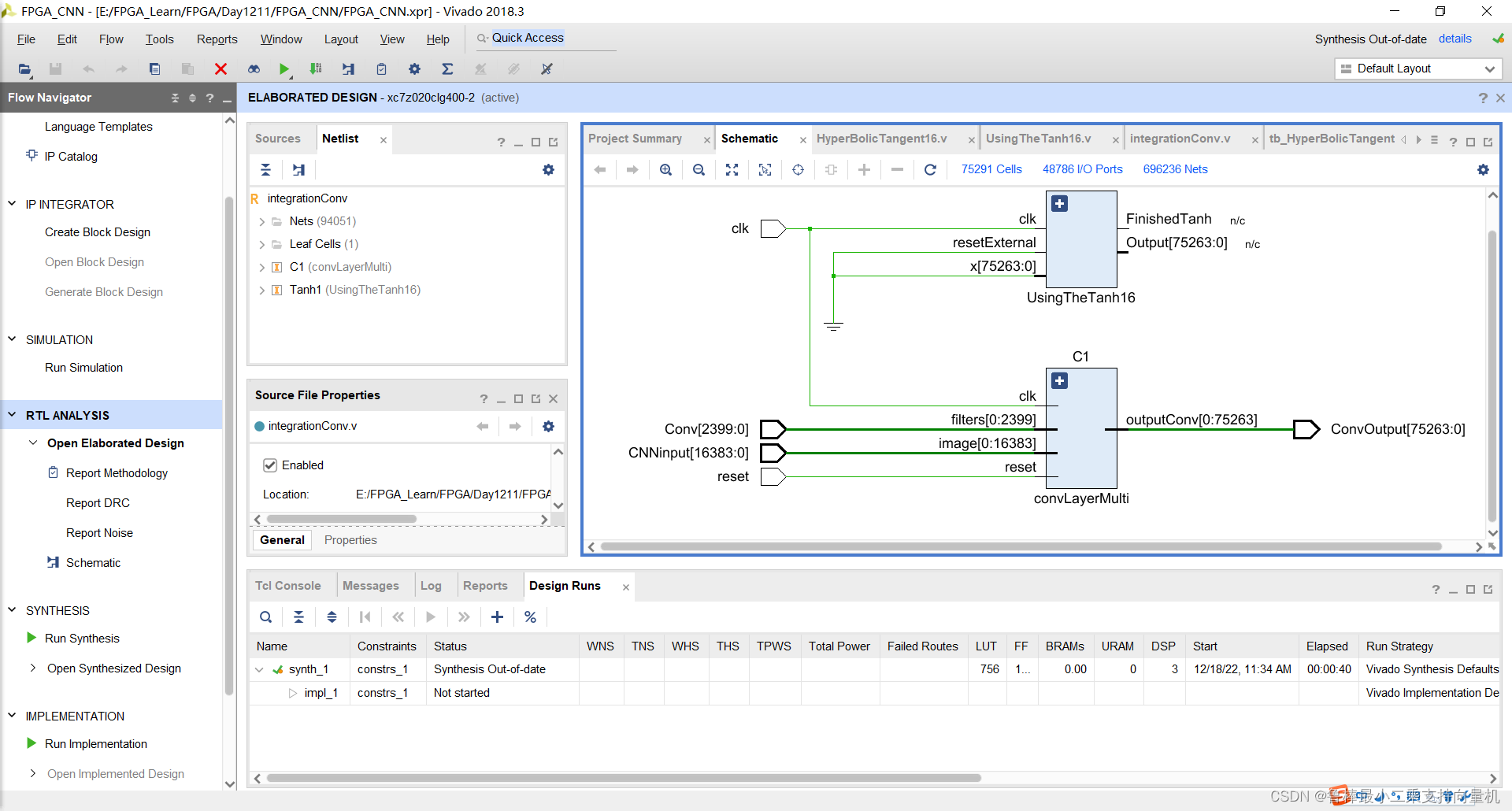
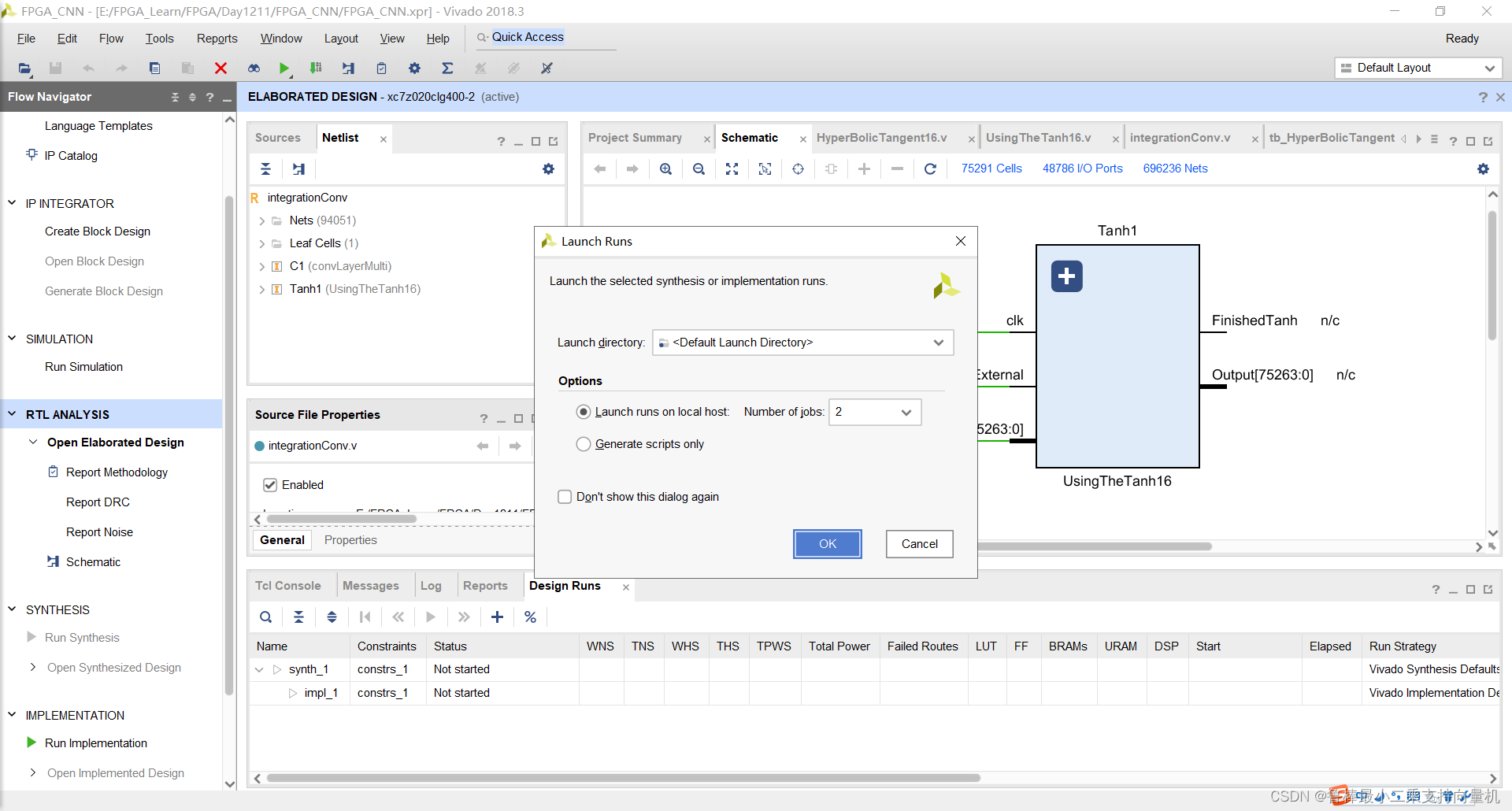
对设计进行综合,操作如图:
纪念一下,2022卡塔尔世界杯,阿根廷捧起大力神杯,梅西圆梦

希望本文对大家有帮助,上文若有不妥之处,欢迎指正
分享决定高度,学习拉开差距