

安装Sentinel控制台与初始化演示工程
目录
一、Sentinel
二、安装Sentinel控制台
(一)sentinel组件由2部分构成
(二)安装步骤
三、初始化演示工程
四、流控模式
(一)快速失败
(二)关联资源
(三)链路
(四)预热(Warm Up)
(五)排队等待
一、Sentinel
官网:GitHub - alibaba/Sentinel: A powerful flow control component enabling reliability, resilience and monitoring for microservices. (面向云原生微服务的高可用流控防护组件)
中文文档:https://github.com/alibaba/Sentinel/wiki/%E4%BB%8B%E7%BB%8D
 理解为Hystrix的加强版即可
下载地址:https://github.com/alibaba/Sentinel/releases
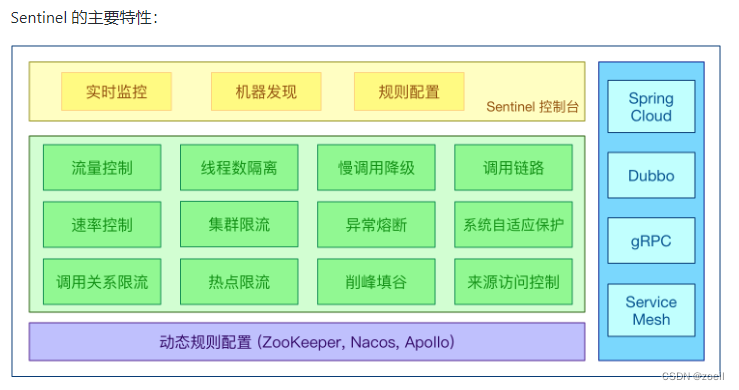
Spring Cloud Alibaba Reference Documentation (spring-cloud-alibaba-group.github.io)
解决服务使用中的各种问题:
服务雪崩、服务降级、服务熔断、服务限流
二、安装Sentinel控制台
(一)sentinel组件由2部分构成
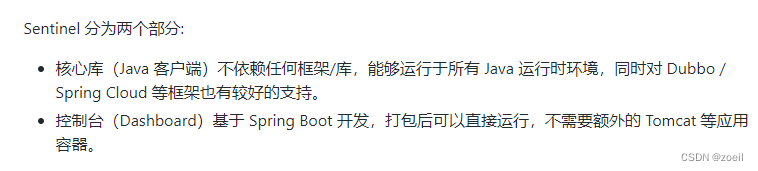
后台以及前台8080
(二)安装步骤
下载地址:https://github.com/alibaba/Sentinel/releases
下载到本地sentinel-dashboard-1.7.0.jar
前提:java8环境OK 8080端口不能被占用
以jar包方式运行
java -jar sentinel-dashboard-1.7.0.jar
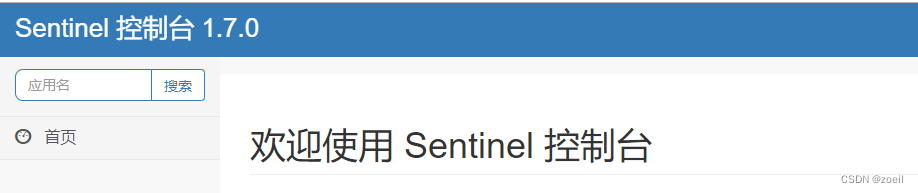
访问sentinel管理界面
登录账号密码均为sentinel
http://localhost:8080
三、初始化演示工程
nacos要先启动成功
新建module cloudalibaba-sentinel-service8401
POM
com.alibaba.cloud spring-cloud-starter-alibaba-nacos-discovery com.alibaba.csp sentinel-datasource-nacos com.alibaba.cloud spring-cloud-starter-alibaba-sentinel org.springframework.cloud spring-cloud-starter-openfeign org.springframework.boot spring-boot-starter-web org.springframework.boot spring-boot-starter-actuator org.springframework.boot spring-boot-devtools runtime true cn.hutool hutool-all 4.6.3 org.projectlombok lombok true org.springframework.boot spring-boot-starter-test test YML
server:port: 8401spring:application:name: cloudalibaba-sentinel-servicecloud:nacos:discovery:#Nacos服务注册中心地址server-addr: localhost:8848sentinel:transport:#配置Sentinel dashboard地址dashboard: localhost:8080#默认8719端口,假如被占用会自动从8719开始依次+1扫描,直至找到未被占用的端口port: 8719management:endpoints:web:exposure:include: '*'主启动
@EnableDiscoveryClient
@SpringBootApplication
public class MainApp8401
{public static void main(String[] args) {SpringApplication.run(MainApp8401.class, args);}
}
业务类FlowLimitController
@RestController
public class FlowLimitController
{@GetMapping("/testA")public String testA(){return "------testA";}@GetMapping("/testB")public String testB(){return "------testB";}
}
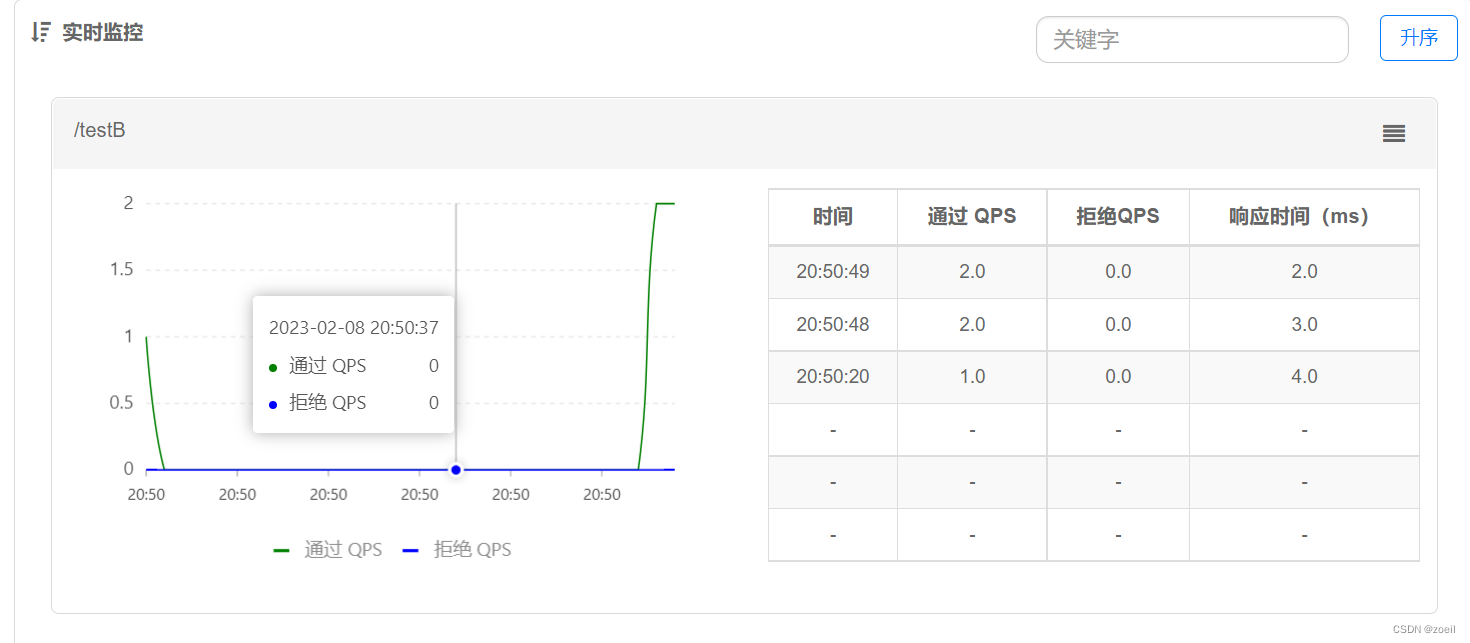
启动Sentinel8080后启动该微服务
因为Sentinel采用的是懒加载方式,所以我们需要先访问微服务的方法,Sentinel控制台才会出现监控
四、流控模式
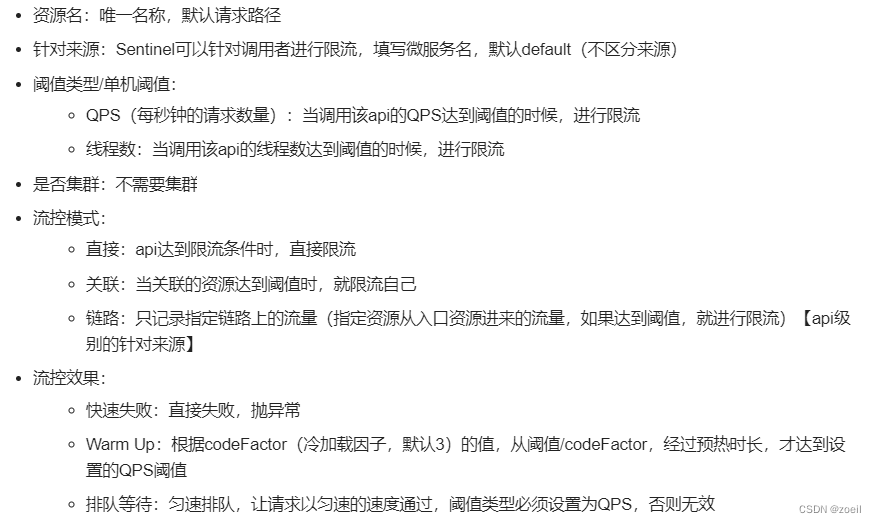
基本介绍
(一)快速失败
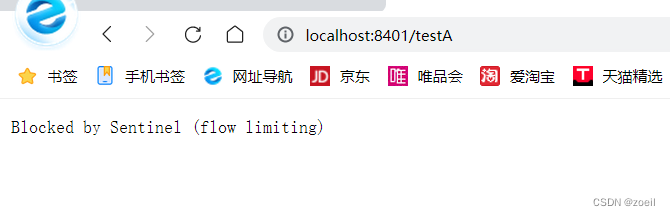
快速失败(QPS)
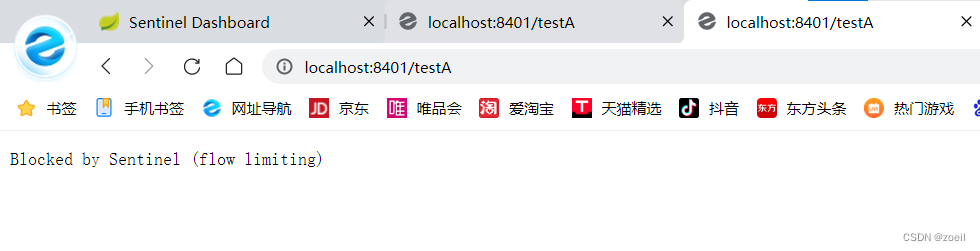
快速失败(线程)
这里使线程睡眠模仿业务
@GetMapping("/testA")public String testA(){try {TimeUnit.MILLISECONDS.sleep(1000);} catch (Exception e) {System.out.println(e);}return "------testA";}开两个页面访问,当一个页面业务未解决完毕,别的线程被限流
(二)关联资源
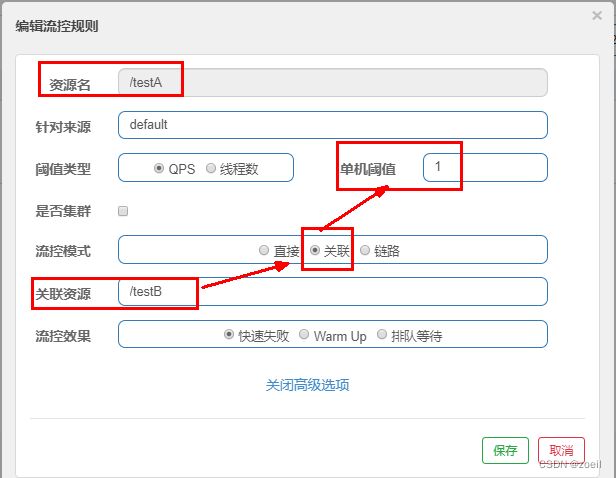
当关联的资源达到阈值时,就限流自己。比如,当与订单接口关联的资源支付接口达到阀值后,就限流订单接口自己
设置效果
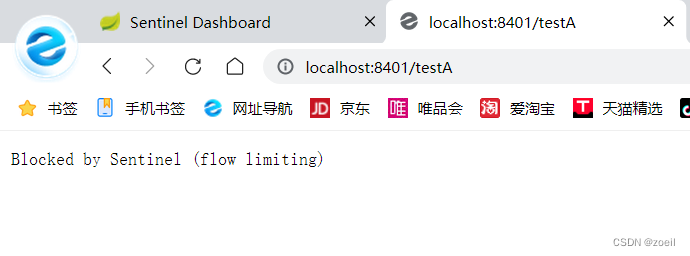
当关联资源/testB的qps阀值超过1时,就限流/testA的Rest访问地址,当关联资源到阈值后限制配置好的资源名
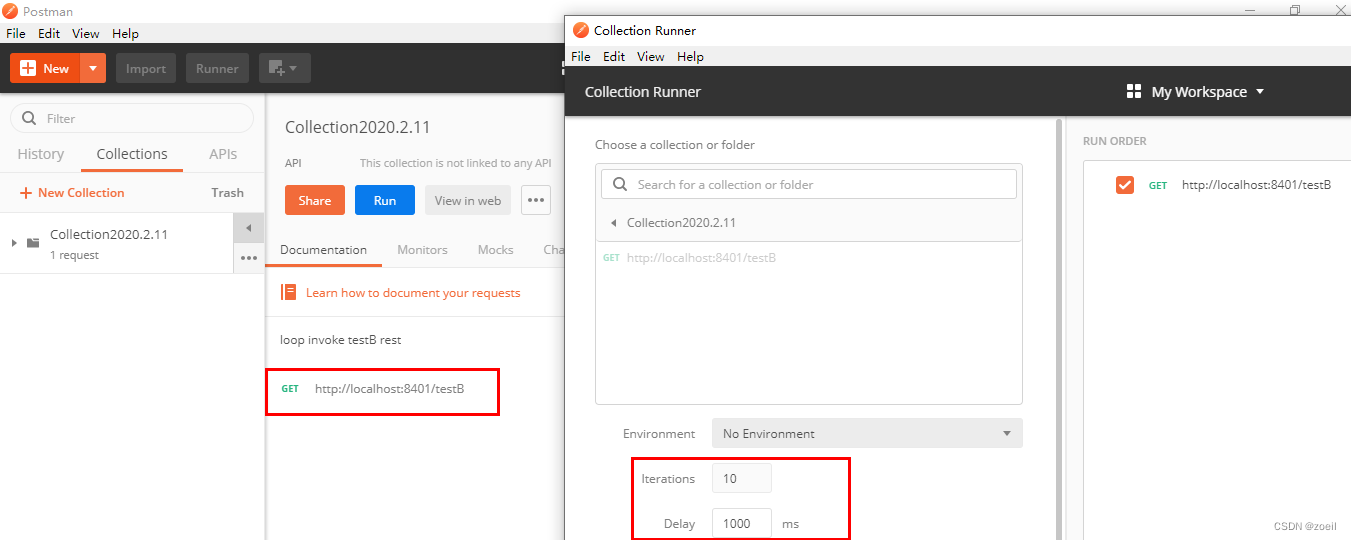
使用postman模拟并发密集访问testB
先测试访问testB成功,这里要点击一下save保存请求内容
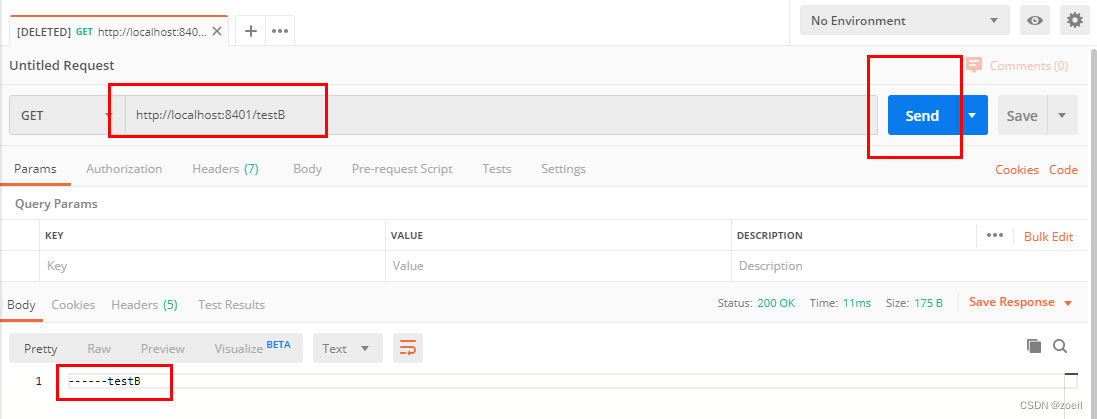
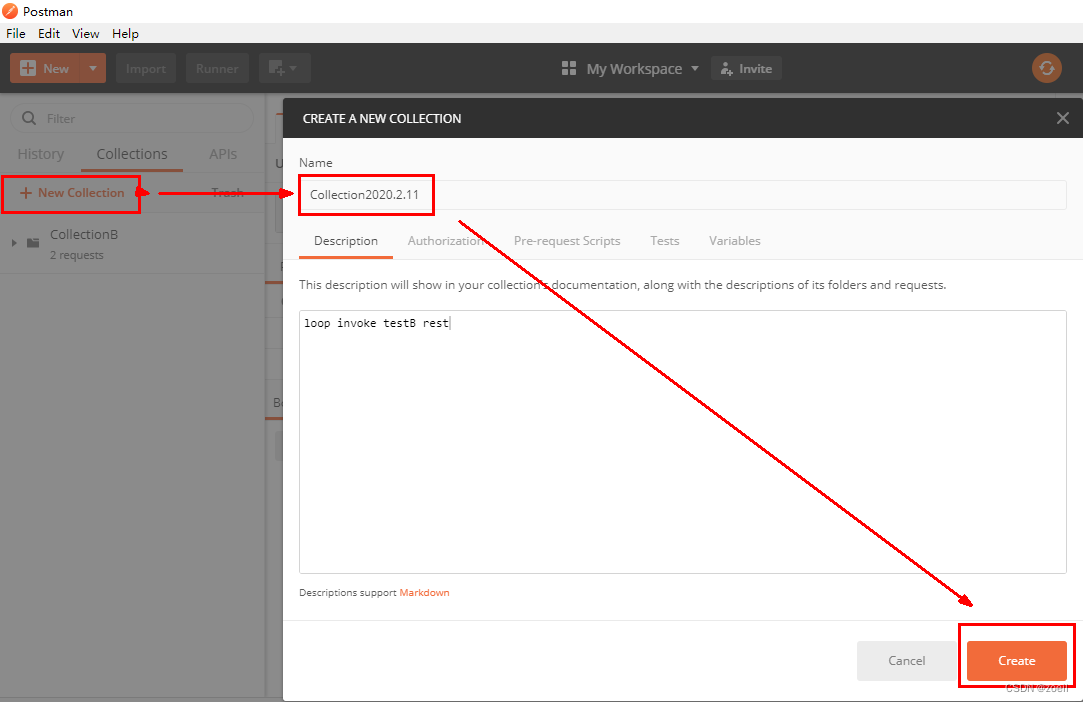
postman里新建多线程集合组
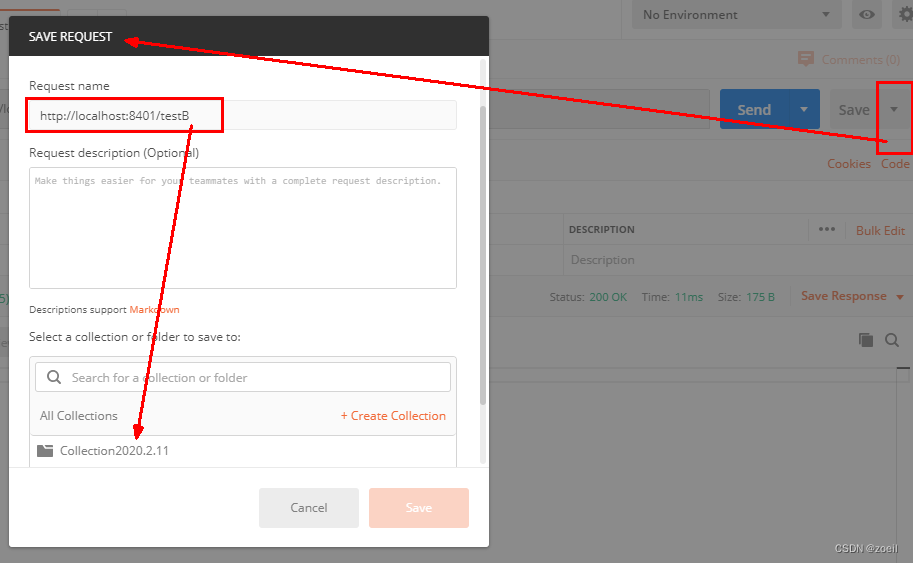
将访问地址添加进新新线程组
Run
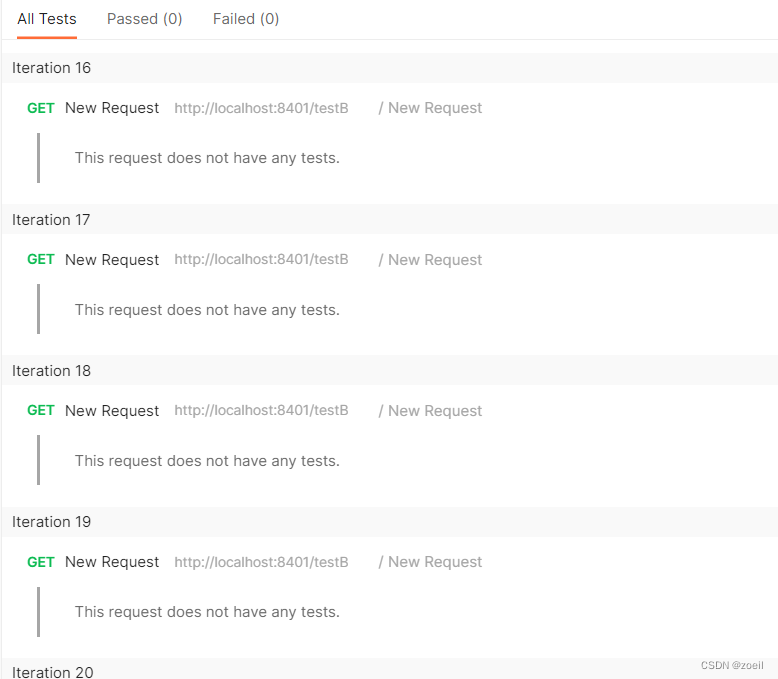
A被限流了
(三)链路
链路:阈值统计时,只统计从指定资源进入当前资源的请求,是对请求来源的限流
sentinel流控规则_机智的爆爆哥的博客-CSDN博客
Sentinel 链路流控模式失效 · Issue #1213 · alibaba/Sentinel (github.com)
(四)预热(Warm Up)
官网:流量控制 · alibaba/Sentinel Wiki (github.com)
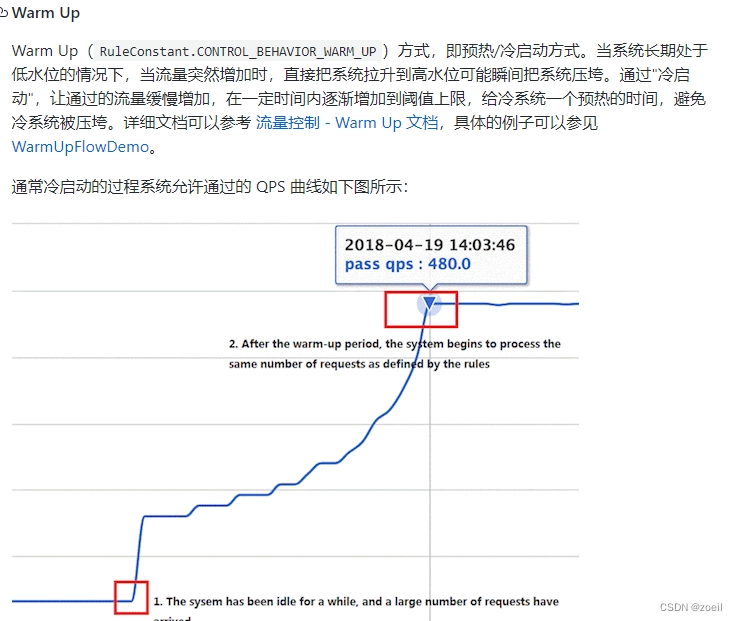
解释:默认coldFactor为3,即请求 QPS 从 threshold / 3 开始,经预热时长逐渐升至设定的 QPS 阈值。
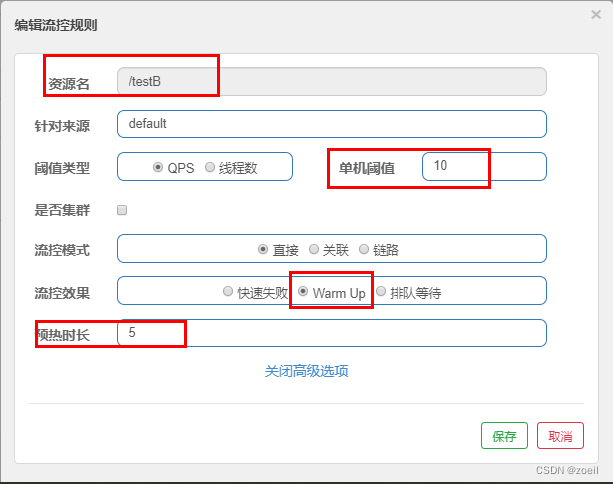
案例,阀值为10+预热时长设置5秒。
系统初始化的阀值为10 / 3 约等于3,即阀值刚开始为3;然后过了5秒后阀值才慢慢升高恢复到10
应用场景
秒杀系统在开启的瞬间,会有很多流量上来,很有可能把系统打死,预热方式就是把为了保护系统,可慢慢的把流量放进来,慢慢的把阀值增长到设置的阀值。
(五)排队等待
匀速排队,阈值必须设置为QPS
官网
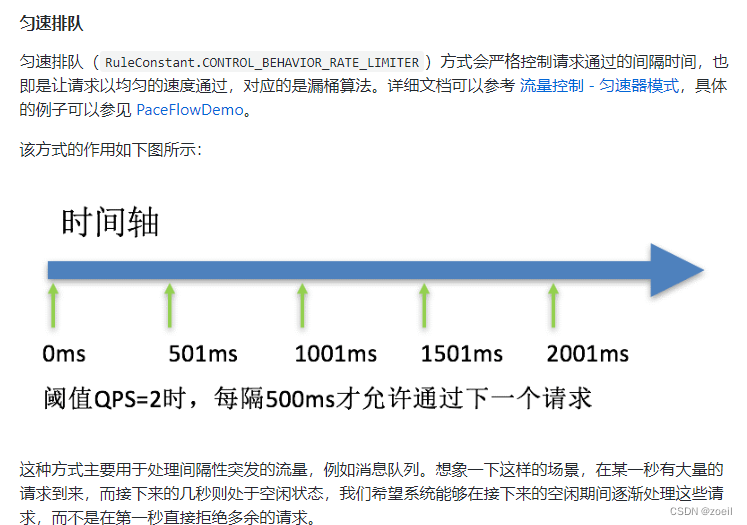
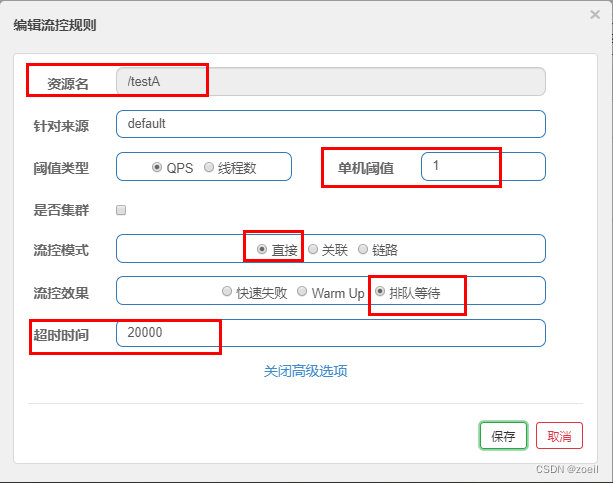
设置含义:/testA每秒1次请求,超过的话就排队等待,等待的超时时间为20000毫秒。
测试
上一篇:力扣SQL刷题4
下一篇:easyx的基本使用(万字解析)