

树莓派3B-pytorch环境的配置
主要流程
【树莓派入门】从零开始在树莓派上运行YOLOV5项目实战教程_yolov5 树莓派_❀周周~的博客-CSDN博客
换源
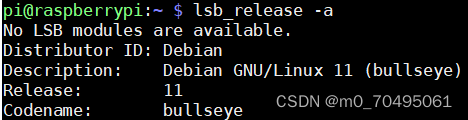
换源,一定要看清楚自己的版本!!!这里我的是bullseye
树莓派换源教程_萌新源的博客-CSDN博客
sudo nano /etc/apt/sources.list
# 默认注释了源码镜像以提高 apt update 速度,如有需要可自行取消注释
deb https://mirrors.tuna.tsinghua.edu.cn/debian/ bullseye main contrib non-free
# deb-src https://mirrors.tuna.tsinghua.edu.cn/debian/ bullseye main contrib non-free
deb https://mirrors.tuna.tsinghua.edu.cn/debian/ bullseye-updates main contrib non-free
# deb-src https://mirrors.tuna.tsinghua.edu.cn/debian/ bullseye-updates main contrib non-free
deb https://mirrors.tuna.tsinghua.edu.cn/debian/ bullseye-backports main contrib non-free
# deb-src https://mirrors.tuna.tsinghua.edu.cn/debian/ bullseye-backports main contrib non-free
deb https://mirrors.tuna.tsinghua.edu.cn/debian-security bullseye-security main contrib non-free
# deb-src https://mirrors.tuna.tsinghua.edu.cn/debian-security bullseye-security main contrib non-free
deb http://ftp.de.debian.org/debian stretch main
deb http://ftp.cn.debian.org/debian stretch main
sudo nano /etc/apt/sources.list.d/raspi.list
deb http://mirrors.tuna.tsinghua.edu.cn/raspberrypi/ bullseye main
给树莓派3b安装64位操作系统,参考以下文章
保姆级教程,树莓派最新64位系统部署yolov5_yolov5部署到树莓派_机器不学习,我学习的博客-CSDN博客s
创建虚拟环境
树莓派安装python以及新建虚拟环境_树莓派python环境搭建_Go__home的博客-CSDN博客
过程中遇到的一些问题
问题一
在开始sudo apt-get update出现如下问题

输入以下命令解决
sudo rm /var/lib/apt/lists/lock
问题二
在配置环境步骤,安装依赖和opencv的时候,遇到了如下问题
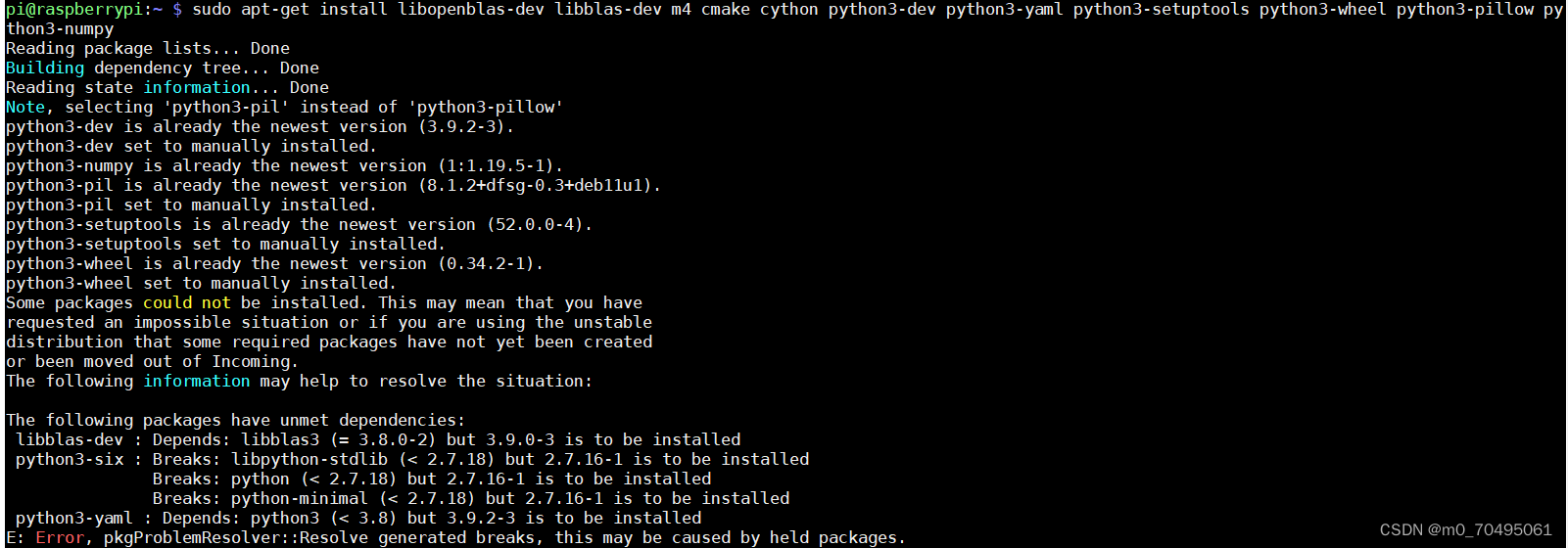
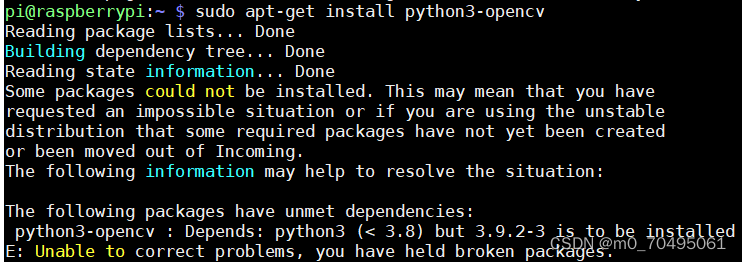
问题解决参考以下文章
E: Error, pkgProblemResolver::Resolve generated breaks, this may be caused by held packages_corelone2的博客-CSDN博客_held packages
问题三
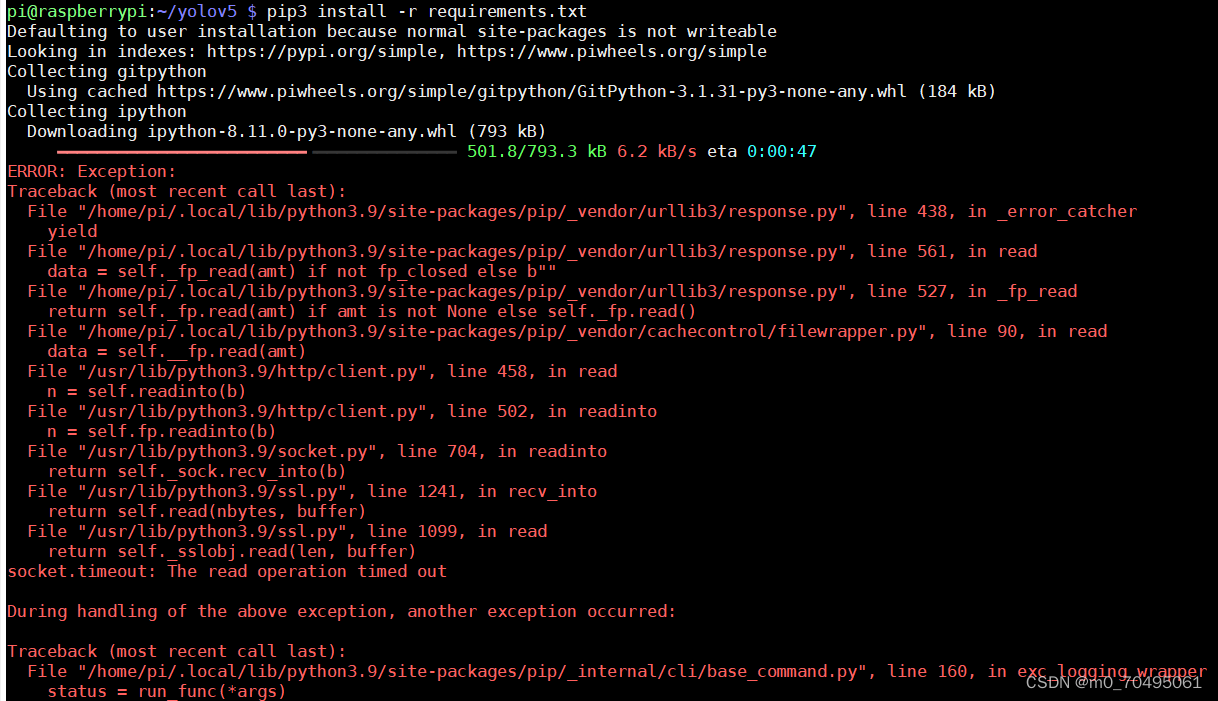
在使用pip安装的时候,如果报如下错误,可以使用换源安装,在后面加上:
-i http://pypi.douban.com/simple --trusted-host pypi.douban.com
问题四
这个环境我弄了好多天,好不容易到最后了,执行这个命令的时候
pip3 install -r requirements.txt
出现以下错误
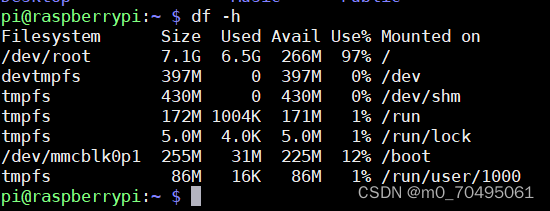
ERROR: Could not install packages due to an OSError: [Errno 28] No space left on device
然后查了一下发现内存不够了,又去扩容,没反应,然后想起来自己的sd卡是8GB的,就去换了一个16GB卡
问题五
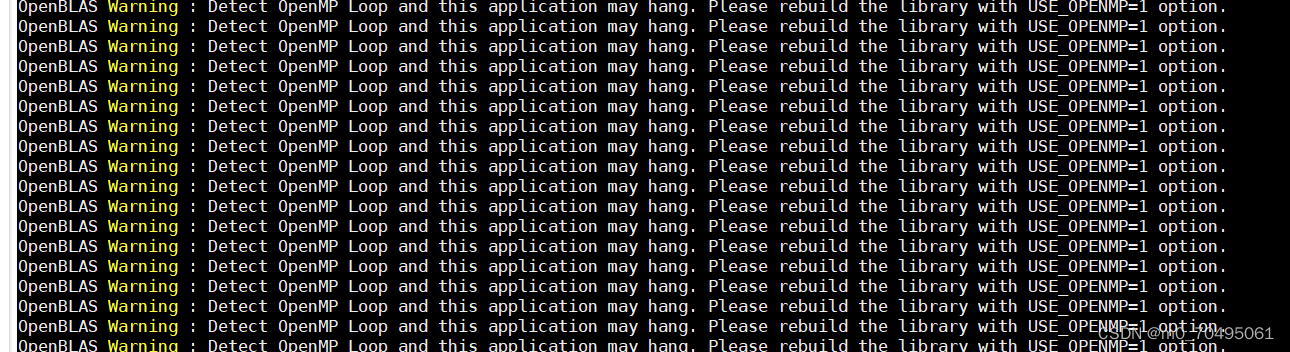
由于我们是进行Pytorch原生模型在linux上的部署,所以需要在命令行输入
export OMP_NUM_THREADS=1
下一篇:初二年级男生厌学家长应该怎么应对